GhostWriter by MyHandler

GhostWriter by MyHandler

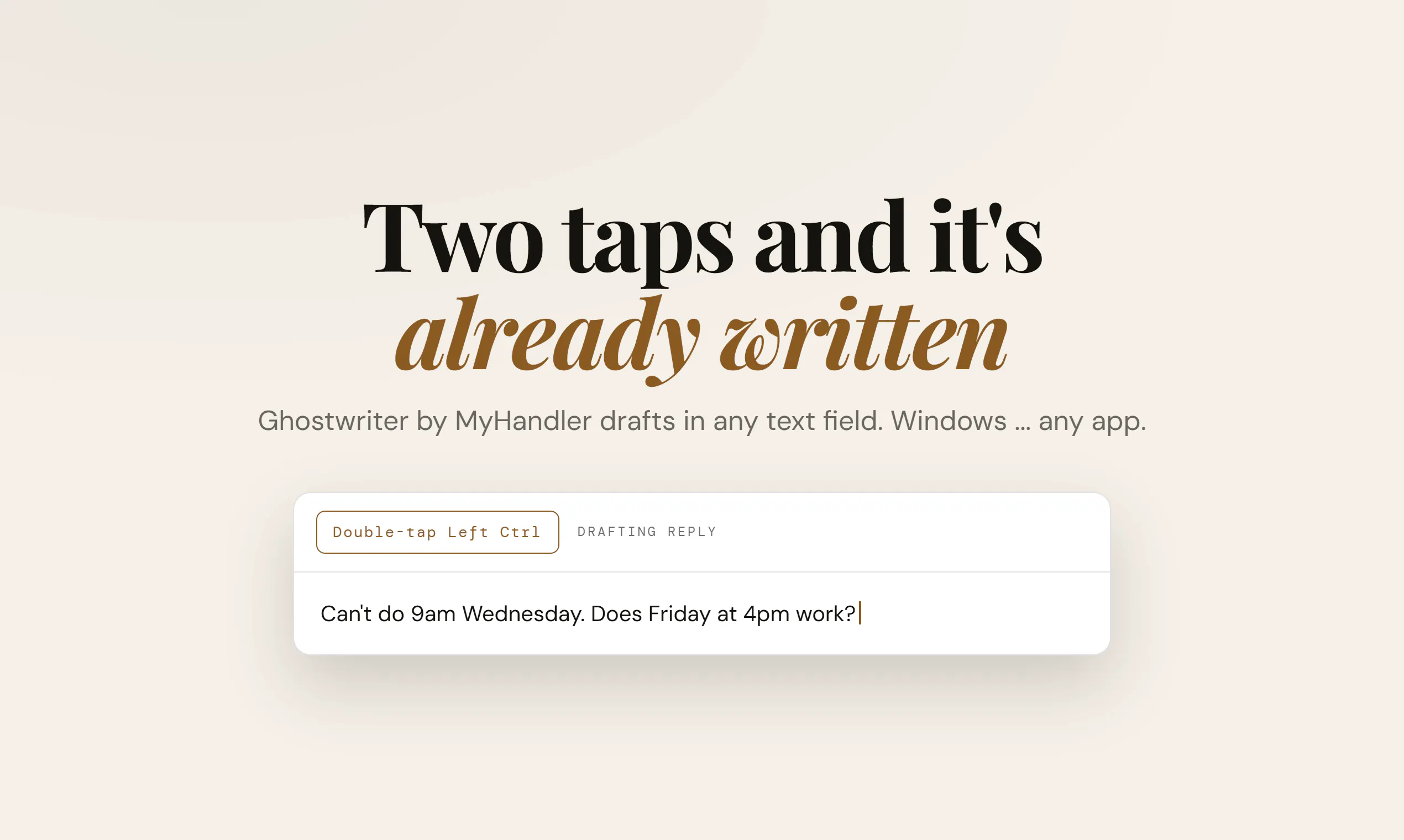
Two taps and it's already written

Artificial IntelligenceProductivityWriting
▲ 96 votes18 commentsLaunched Sep 13, 2026
Visit Website
Weekly #87
GhostWriter by MyHandler screenshot 1

Every other AI writes what you tell it. Ghostwriter writes what you already know. Double-tap Left Ctrl in any text field, in any app, and the reply is there — drawn from the thread on screen, your calendar, your files and your past meetings, indexed in an encrypted vault on your PC. It won't double-book you, and it matches how you write to that person, down to the sign-off. Then it stops: it types into the box and never sends. Windows.

AI Analysis

📝 Summary

GhostWriter is a local, privacy-first AI writing assistant for Windows that generates personalized responses drawn from on-screen context, calendar, files, and past meetings stored in an encrypted vault on the user's PC. Activated by double-tapping Left Ctrl in any text field in any app, it matches the user's writing style including sign-offs but stops before sending. It addresses pain points like generic AI lacking personal context, time spent on consistent messaging, and privacy risks of cloud tools. The value proposition is seamless, secure productivity that writes what you already know without data leaving your device.

📈 Market Timing

In 2025-2026, timing is favorable due to maturing on-device AI models runnable on consumer PCs, rising privacy regulations and user concerns over cloud data usage, and increasing demand for integrated productivity tools amid remote/hybrid work trends. Economic pressures favor efficiency gains without subscription fatigue from cloud services. This local-first approach aligns perfectly with the shift to private, context-aware AI. Excellent Timing.

✅ Feasibility

Technical challenges include cross-application integration for any text field, real-time secure indexing of personal data sources, local AI inference for style matching, and screen/thread analysis, which raise development complexity and costs. Local operation lowers compliance and data breach risks with no supply chain dependencies. Scalability is strong via digital distribution. Overall rated Medium due to integration hurdles across diverse Windows apps and maintaining AI accuracy without cloud resources.

🎯 Target Market

Primary segments: Windows-based knowledge workers including executives, sales professionals, managers, and admins aged 28-55 in industries like tech, finance, consulting, and customer service. Geographically focused on North America and Europe with global potential. TAM for AI productivity software exceeds $80B by 2026; SAM for personal writing AI ~$10B; SOM for local privacy-focused tools ~$1B. Core pains: crafting contextual replies quickly while maintaining personal tone and protecting sensitive data. High willingness to pay ($10-30/mo or one-time) for time-saving, privacy-safe tools similar to existing productivity suites.

⚔️ Competition

Medium. Direct competitors: 1. Grammarly (grammarly.com) - cloud AI writing with suggestions. 2. Magical (magical.ai) - AI autofill for emails/forms. 3. Superhuman (superhuman.com) - AI-powered email client. 4. Mem (getmem.com) - AI notes and writing from personal knowledge base. 5. Microsoft Copilot (copilot.microsoft.com) - integrated Windows AI but cloud-dependent. Advantages: fully local/encrypted vault for unmatched privacy, automatic broad context pulling (screen/calendar/files), works universally in any app, style mimicry without sending. Disadvantages: Windows-only, potential setup friction for vault, higher local hardware demands vs cloud competitors' ease.

Upgrade Pro to unlock full AI analysis