RawToHEIC
Convert RAW to HEIC inside Apple Photos
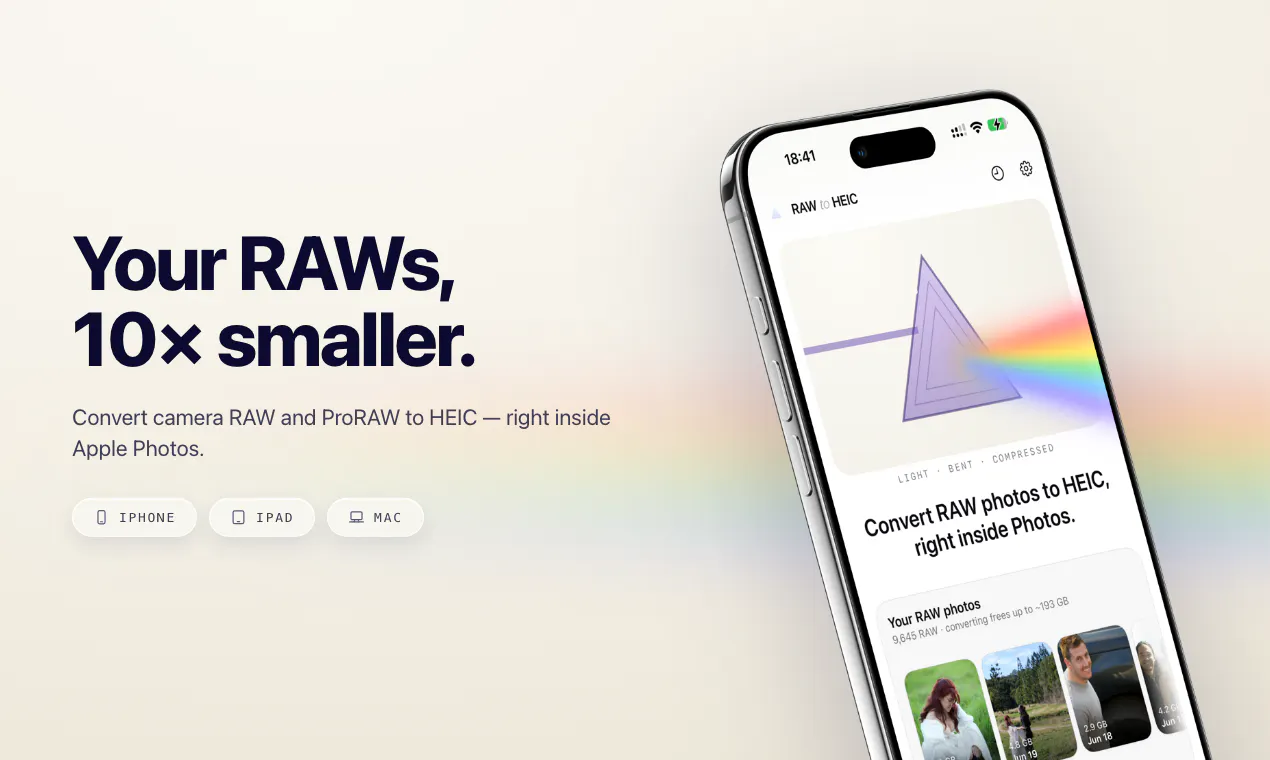
RawToHEIC converts camera RAW and ProRAW files to HEIC right from the Photos share sheet on iPhone, iPad, and Mac — up to 10× smaller, with edits, albums, and metadata intact. Entirely on-device: no uploads, no account, no analytics.
AI Analysis
RawToHEIC converts camera RAW and ProRAW files to HEIC directly from the Apple Photos share sheet on iPhone, iPad, and Mac. Files become up to 10x smaller while keeping edits, albums, and metadata fully intact. It runs entirely on-device with no uploads, accounts, or analytics for maximum privacy. It solves key pain points like massive RAW file storage consumption and cumbersome external conversion processes that risk data loss. The value proposition is seamless, privacy-first photo optimization within Apple's ecosystem, enabling efficient management and sharing without leaving the Photos app.
Favorable in 2025-2026 due to Apple's push for HEIC/HEIF efficiency, ProRAW adoption on new iPhones, and on-device AI features in Apple Intelligence. Rising user demand for storage optimization and privacy aligns with no-cloud processing. Economic trends favor affordable indie utilities amid growing photo libraries. Excellent Timing.
High. Leverages mature Apple Photos APIs for on-device conversion, resulting in low technical difficulty and minimal dev/operation costs with no servers needed. Low supply chain/compliance risks (standard App Store review). Strong scalability via digital distribution. No team details provided but fits typical indie developer profile. High.
Primary users: iOS/Mac photographers (amateurs and pros) shooting in RAW/ProRAW. Demographics: tech-savvy adults 25-55, concentrated in US, Europe, Australia with high Apple penetration. Estimated market: Photography tools TAM large; SAM/SOM for Apple photo utilities in millions of users. Pain points: device storage limits and workflow friction. Strong willingness to pay for convenient privacy tools.
Low. Direct competitors: Adobe Lightroom (lightroom.adobe.com), Darkroom (darkroom.co), PhotoConvert apps on App Store, Pixelmator (pixelmator.com). Advantages: native Photos share sheet integration, full metadata/edit preservation, strict on-device privacy. Disadvantages: narrower scope than full-suite editors; limited to conversion. Strong differentiation via seamless, zero-data-leak workflow.
Upgrade Pro to unlock full AI analysis
Similar Products

NomNak
Find restaurants through people you trust
▲ 131 votes

Loot
Collect your favorite things in real life
▲ 115 votes

Dualora
Record in both 16:9 and 9:16 at the same time
▲ 108 votes
RadianceKit
Turn photos into 3D Gaussian Splats on your Mac
▲ 90 votes

AureaCam
Real-time scoring to master the rule of thirds
▲ 81 votes

Enlarger
Image upscaling w/o the AI look. Offline, one-time purchase.
▲ 0 votes