
Any Command
Turn your phone into a second screen and trackpad for PC
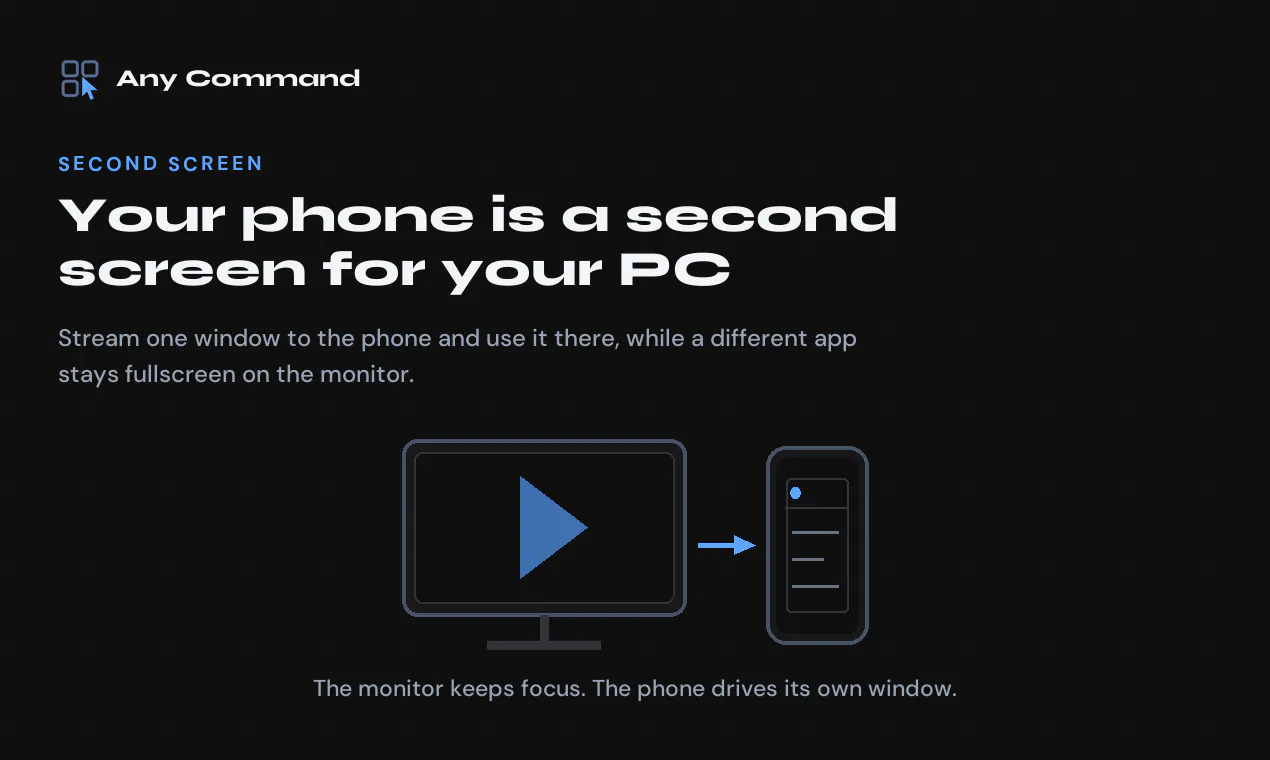
Any Command turns an Android phone into a second screen, trackpad, keyboard and gamepad for Windows. Stream one window to the phone and use it there while a film stays fullscreen on the monitor. Runs on your own network, or over Bluetooth with no PC install. Free tier, no account, and the PC app is a plain Windows install.
AI Analysis
Any Command transforms an Android phone into a second screen, trackpad, keyboard, and gamepad for Windows PCs. Core features include streaming one specific window to the phone while keeping fullscreen content on the main monitor, local network or Bluetooth connectivity, free tier with no account required, and simple Windows app install. It solves key pain points like insufficient screen real estate for multitasking, the need for extra hardware like monitors or controllers, and complicated setups for remote input. Unique selling points are its privacy-focused local operation, versatility across productivity and gaming, and low barrier to entry. Overall value proposition: Enhance productivity and convenience by repurposing existing devices without subscriptions or cloud dependency.
In 2025-2026, market timing is moderately favorable. Hybrid work trends and demand for affordable productivity enhancements continue, with mature WiFi/Bluetooth tech enabling seamless multi-device experiences. However, user demands are shifting toward integrated AI tools and cross-platform ecosystems (e.g., Windows-Android improvements by Microsoft), and economic pressures favor free/low-cost utilities. Established remote desktop solutions reduce novelty. Moderate Timing.
Overall feasibility is High. Technical difficulty is manageable using standard network streaming and Bluetooth protocols, though low-latency optimization requires effort. Development and operation costs are moderate for a software-only product. No significant supply chain or compliance risks. Strong scalability via digital distribution and freemium model. Potential challenges include cross-device compatibility testing. High rating due to leveraging existing device hardware with no new physical products needed.
Main target segments: Tech-savvy Windows users owning Android phones, including remote workers, students, content creators, and gamers aged 18-45, primarily in North America, Europe, and East Asia. Industries: Productivity, IT, education, and digital content. Estimated TAM for second-screen/productivity tools exceeds $10B, SAM for mobile-PC integration around $1B, SOM for this Android-Windows niche approx. $50-100M. Core pain points: Limited multitasking screens and desire for wireless controls without extra purchases. Potential willingness to pay: Medium-high for premium features beyond free tier, as it replaces hardware costs.
Medium. Direct competitors: 1. Spacedesk (spacedesk.net), 2. Duet Display (duetdisplay.com), 3. Splashtop Wired XDisplay (splashtop.com), 4. Unified Remote (unifiedremote.com), 5. Deskreen (deskreen.com). Advantages vs competitors: Free tier with no account, Bluetooth mode without PC install, combined second screen + gamepad, focused window streaming for fullscreen multitasking. Disadvantages: Limited to Android/Windows (vs broader platform support), potentially less refined performance/latency than paid rivals, lower brand awareness as a newer entrant.
Upgrade Pro to unlock full AI analysis
Similar Products

Adapt
The company brain that gets work done
▲ 124 votes

Orus
Claude for investing in perpetuals
▲ 121 votes

Kosshi
Simple, fast outliner for Mac and iPhone.
▲ 90 votes

Thoughts for Mac
Capture notes from your menubar using text, images or voice
▲ 90 votes

WikiFix for Confluence
Find and fix issues in your knowledge base
▲ 86 votes

Refoid
Automate App Store refund responses and track every outcome
▲ 68 votes