
appdesigns
Design amazing appstore screenshots for free
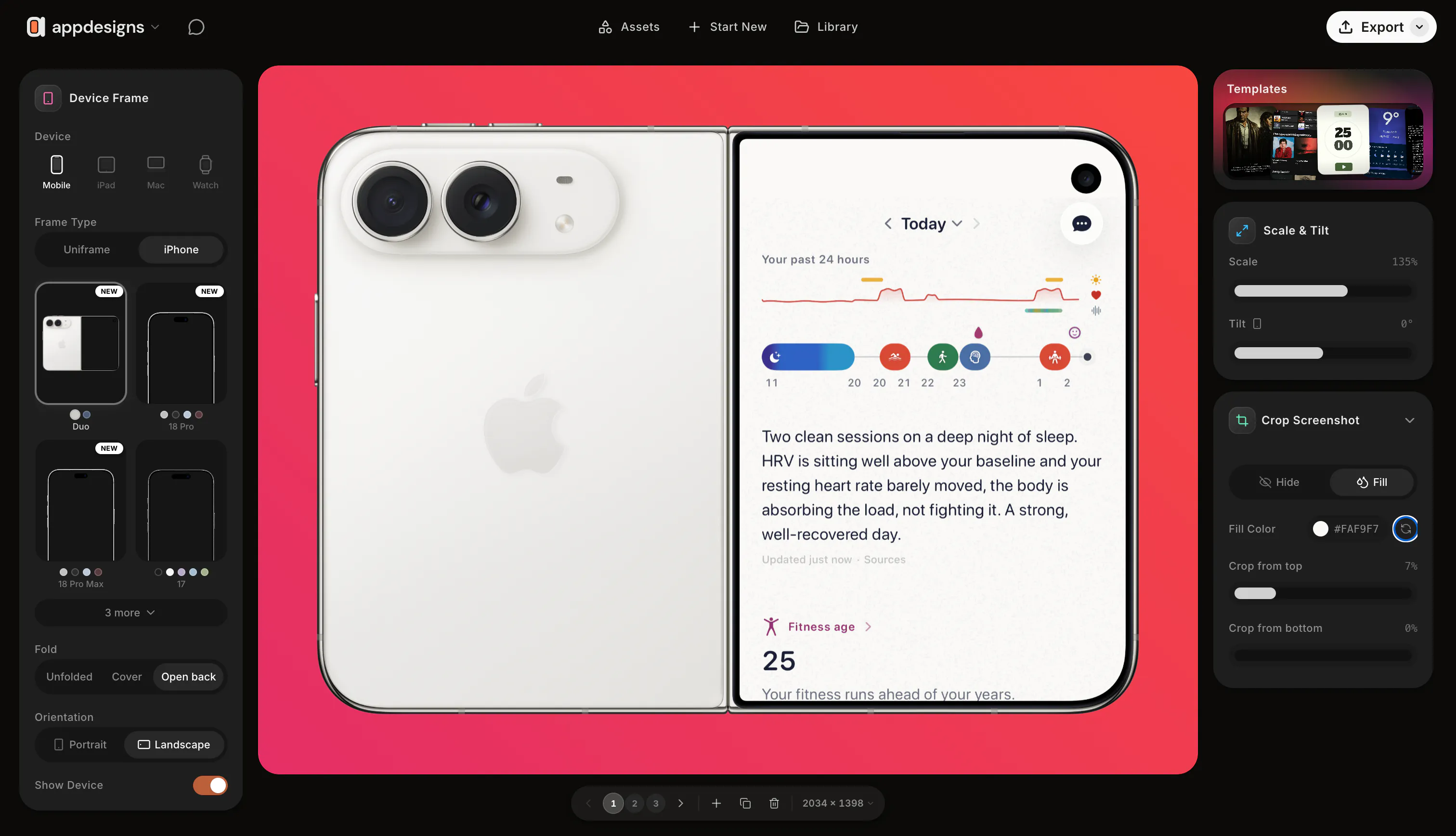
appdesigns is a free, in-browser editor for App Store and Google Play screenshots. Drop in your screens, frame them in the latest iPhone, iPad or Mac, add headlines, backgrounds and stickers, and export at the exact sizes App Store Connect asks for. Design the whole set side by side, tilt and scale devices, or start from a community template. Unlimited exports, no watermark, and no account needed to start.
AI Analysis
appdesigns is a free, in-browser editor for creating App Store and Google Play screenshots. Core features include uploading screens, framing them in latest iPhone/iPad/Mac devices, adding headlines/backgrounds/stickers, side-by-side editing, device tilt/scale, community templates, and exporting at exact required sizes. Unique selling points are unlimited exports, no watermarks, and no account needed. It solves the pain of time-consuming, technical design work for compliant and attractive app store visuals that developers and marketers often struggle with, delivering an efficient value proposition to enhance app marketing and visibility.
In 2025-2026, market timing is favorable due to continued growth in the mobile app ecosystem, where intense competition demands high-quality promotional screenshots to stand out. Technology for browser-based design tools is fully mature, user demand among indie developers for free and simple tools is rising amid economic pressures favoring accessible solutions. No adverse policy or economic factors significantly hinder it. This represents Excellent Timing as app submission and marketing activities remain constant and evolving.
Technical difficulty is moderate, leveraging established web technologies for graphic editing and exports. Development and operation costs are low-to-medium for a web app with no mentioned heavy infrastructure needs. Minimal supply chain or compliance risks (standard web privacy applies). Strong scalability potential as a cloud-hosted tool with low marginal cost per user. Team fit is high for design-tool developers. Overall rating: High, supported by the product's existing availability and simple access model.
Main target segments: mobile app developers, indie hackers, SaaS teams, and marketers (ages 25-45, tech-savvy). Industries: software development and digital marketing. Geographic distribution: global with concentration in North America, Europe, and Asia. Market size is large, tied to millions of active apps on stores requiring ongoing promotional assets (TAM broad in developer tools). Core pain points: tedious creation of store-compliant, professional screenshots without design expertise. Potential willingness to pay exists for advanced features despite the free core offering.
Competition level: Medium. Direct competitors: 1. Placeit (placeit.net), 2. Smartmockups (smartmockups.com), 3. Mockupworld (mockupworld.co), 4. Canva Mockups, 5. AppScreenshot tools like those from 500px or similar generators. Advantages vs competitors: fully free, no account/watermark, precise App Store sizing, side-by-side workflow and community templates. Disadvantages: potentially fewer premium device options or automation compared to paid platforms; may lack AI-assisted design features emerging in newer tools.
Upgrade Pro to unlock full AI analysis
Similar Products

Deliveryman.ai
Cold email infrastructure on autopilot without Gsuite
▲ 155 votes

Opaline
PostHog for team Claude Code and Codex sessions.
▲ 141 votes

React UI Kit V7
All the chat components you need. None of the complexity
▲ 115 votes

Replay QA Security Scan
Automated Penetration Testing for AI-Built Apps
▲ 102 votes

Audryo
Customer email your agent can operate.
▲ 68 votes

Refoid
Automate App Store refund responses and track every outcome
▲ 68 votes