
Attyn
Bringing intelligence to your cursor
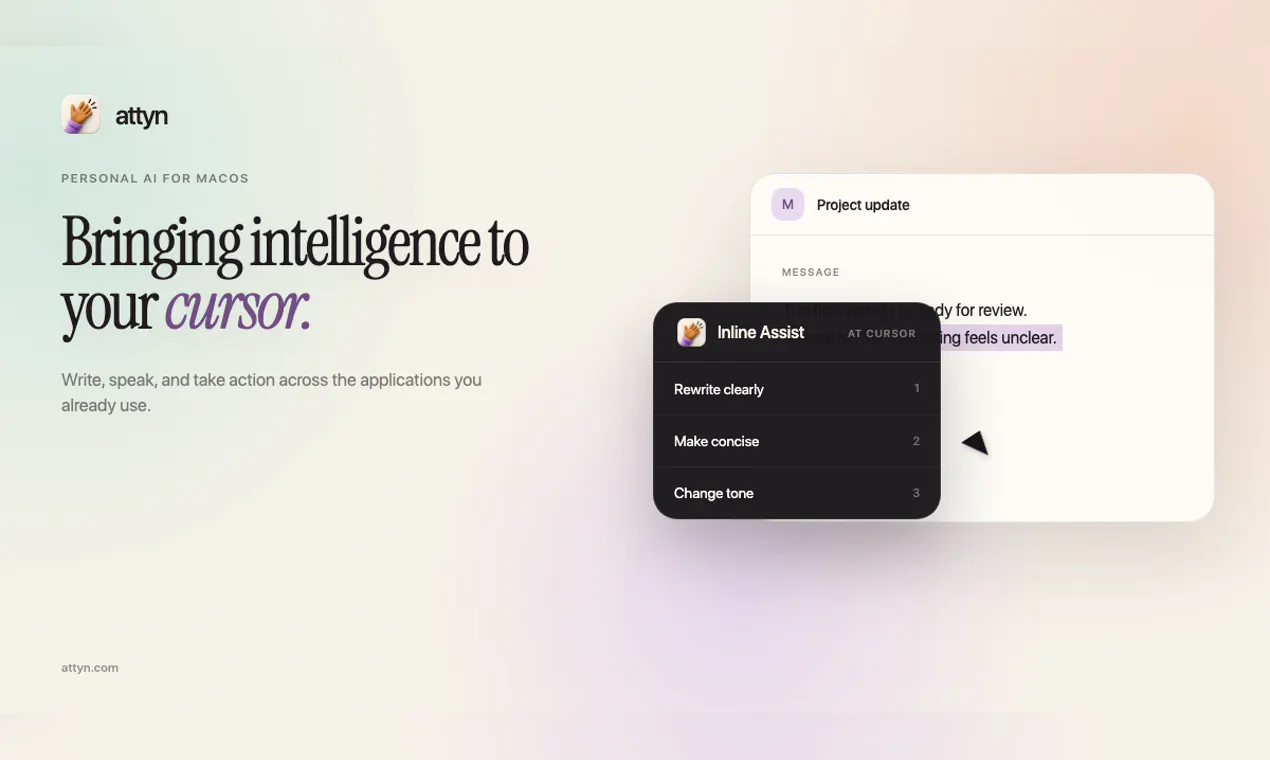
Attyn brings intelligence to the cursor inside the apps you already use. Rewrite selected text with Inline Assist, speak finished words with Realtime Dictation, ask about what is on screen with Screen Assist, and turn questions into visual explanations with Blackboard. Use Attyn Credits, bring a provider key, or run a supported local model. Attyn is bootstrapped and independent. Available for macOS today, with Windows on the way. Every new account starts with 500 launch credits.
AI Analysis
Attyn integrates AI directly into the cursor within existing macOS apps. Core features include Inline Assist for rewriting selected text, Realtime Dictation for voice input, Screen Assist for querying on-screen content, and Blackboard for turning questions into visual explanations. It supports Attyn Credits, user-provided API keys, or local models. USP is seamless AI assistance without leaving current apps or workflows. It solves pain points like context switching for AI tasks, inefficient manual editing, and limited on-screen understanding. Value proposition: boosts productivity with flexible, privacy-friendly AI for bootstrapped independent users; new accounts get 500 launch credits, Windows version upcoming.
In 2025-2026, AI model maturity (multimodal, local LLMs), rising demand for native desktop productivity tools, shift toward privacy-focused on-device AI, and user preference for natural interfaces like cursor control align well. Post-AI hype, efficiency tools see strong adoption amid economic pressures for productivity gains. This positions Attyn favorably. Excellent Timing.
Already launched on macOS demonstrating viability. Technical challenges in OS-level cursor integration, real-time STT, and vision-based screen analysis exist but are addressed via existing models. Bootstrapped operation keeps costs moderate by allowing user keys/local models. Low supply chain/compliance risks for software tool. Strong scalability via flexible AI backends. Overall: High.
Main segments: tech-savvy Mac knowledge workers (developers, writers, designers, researchers), ages 25-45, primarily North America and Europe. TAM for AI productivity software is large and expanding rapidly; specific SAM/SOM not detailed but targets substantial Mac user base seeking AI enhancements. Core pain points: fragmented AI workflows, slow text handling, and lack of contextual screen assistance. High willingness to pay for time-saving integrated tools via credits or keys.
Medium. Direct competitors: 1. Raycast (raycast.com), 2. Superwhisper (superwhisper.com), 3. Cursor (cursor.com), 4. ChatGPT Desktop App (openai.com). Advantages vs competitors: deeper cursor-level integration across any app, combined screen understanding + visual Blackboard, flexible local/API/credit options. Disadvantages: newer bootstrapped product with Mac-only availability currently, potential credit costs vs some unlimited plans.
Upgrade Pro to unlock full AI analysis
Similar Products

Cohere Parse 5
Turn complex docs, tables & images into AI-ready data
▲ 158 votes

Opaline
PostHog for team Claude Code and Codex sessions.
▲ 141 votes

Adapt
The company brain that gets work done
▲ 124 votes

Kosshi
Simple, fast outliner for Mac and iPhone.
▲ 90 votes

Thoughts for Mac
Capture notes from your menubar using text, images or voice
▲ 90 votes

Refoid
Automate App Store refund responses and track every outcome
▲ 68 votes