
Aurora
Mac notch command center for productivity with tool access
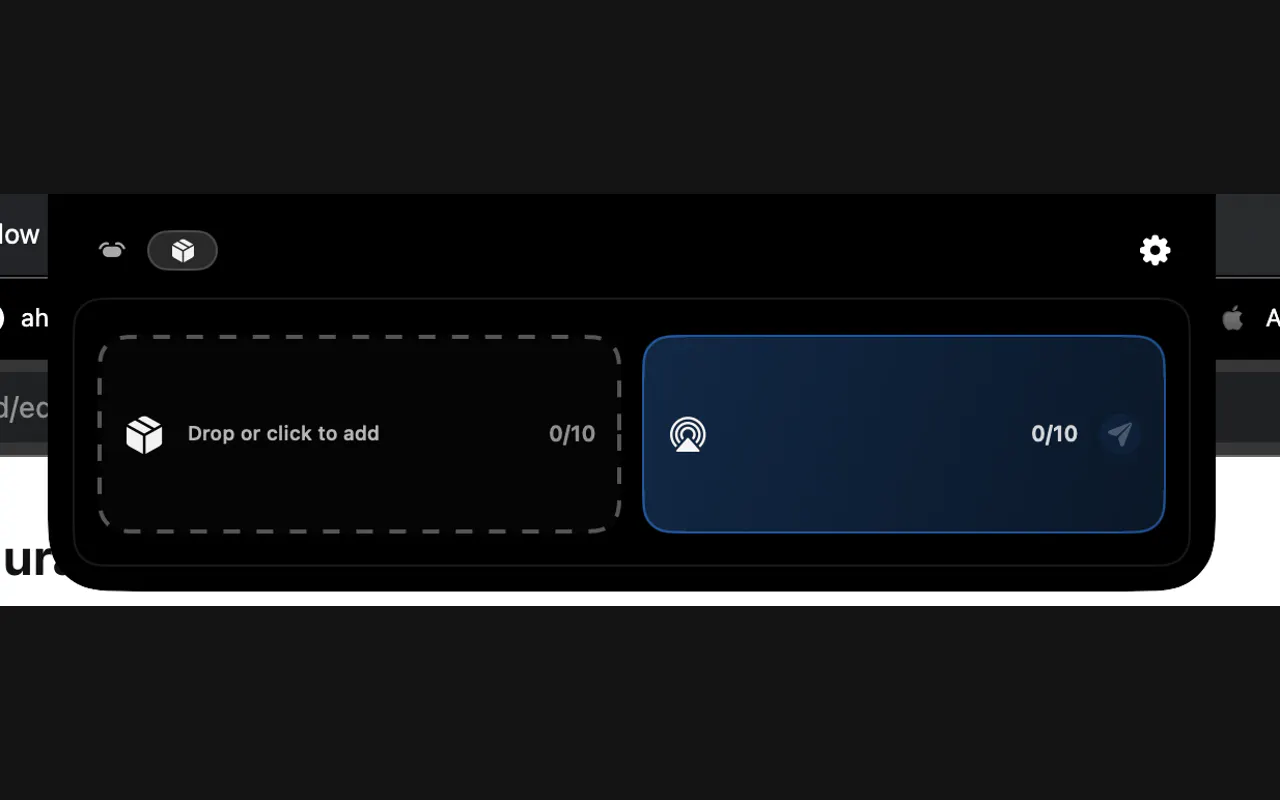
Aurora turns the Mac notch and top edge into a native productivity layer for media controls, clipboard, calendar, focus timers, notes, widgets, and writing actions. It is built for macOS 13+, works on Apple Silicon and Intel Macs, and includes a 72-hour Pro trial with no account or payment required.
AI Analysis
Aurora is a macOS app that converts the notch and top edge into a native productivity command center offering quick access to media controls, clipboard, calendar, focus timers, notes, widgets, and writing actions. It solves key pain points like menu bar clutter, slow tool switching, and fragmented workflows by providing seamless, at-a-glance integration. Unique selling points include native macOS feel, support for Apple Silicon and Intel on macOS 13+, and a no-account 72-hour Pro trial. The value proposition is boosted daily productivity and focus for Mac users through innovative use of underutilized screen real estate.
In 2025-2026, timing is favorable due to sustained demand for productivity enhancements amid hybrid work, mature macOS notch hardware ecosystem since 2021, and growing interest in AI-assisted writing and focus tools aligning with Apple Intelligence trends. User demands for minimal-disruption, integrated utilities are rising while economic conditions support affordable SaaS tools. Excellent Timing.
Technical difficulty is medium, relying on established macOS APIs for notch integration with low ongoing operational costs as a digital SaaS product. No supply chain risks; compliance is straightforward for macOS apps. Strong scalability via cloud-synced features and updates. Requires macOS dev expertise but overall highly feasible for small teams. Rating: High.
Main segments: Mac power users (developers, designers, writers, professionals) aged 25-45 in tech/creative industries, primarily in North America, Europe, and urban Asia. TAM for Mac utility apps ~$200M, SAM for productivity menu-bar tools ~$20M, SOM ~$2M initially. Core pain points include inefficient access to tools and constant context switching. High willingness to pay for time-saving tools ($10-30/yr or one-time).
Medium. Direct competitors: 1. Bartender (macbartender.com), 2. Hidden Bar (hiddenbar.app), 3. TopNotch (topnotch.app), 4. iStat Menus (bjango.com/mac/istatmenus). Advantages: Deeper productivity integration (timers, notes, widgets, writing) directly in notch with native feel and easy trial. Disadvantages: Newer entrant vs established menu bar tools; may require more user education and faces fragmentation in the customization space.
Upgrade Pro to unlock full AI analysis
Similar Products

Adapt
The company brain that gets work done
▲ 124 votes

Tapfree for Chrome
Voice dictation that adapts to what’s on your screen
▲ 122 votes

Buddy AI Note
Your daily memo that turns notes into a plan
▲ 94 votes

Kosshi
Simple, fast outliner for Mac and iPhone.
▲ 90 votes

Thoughts for Mac
Capture notes from your menubar using text, images or voice
▲ 90 votes

Refoid
Automate App Store refund responses and track every outcome
▲ 68 votes