
AutoShelf
Auto-organize files on your Mac
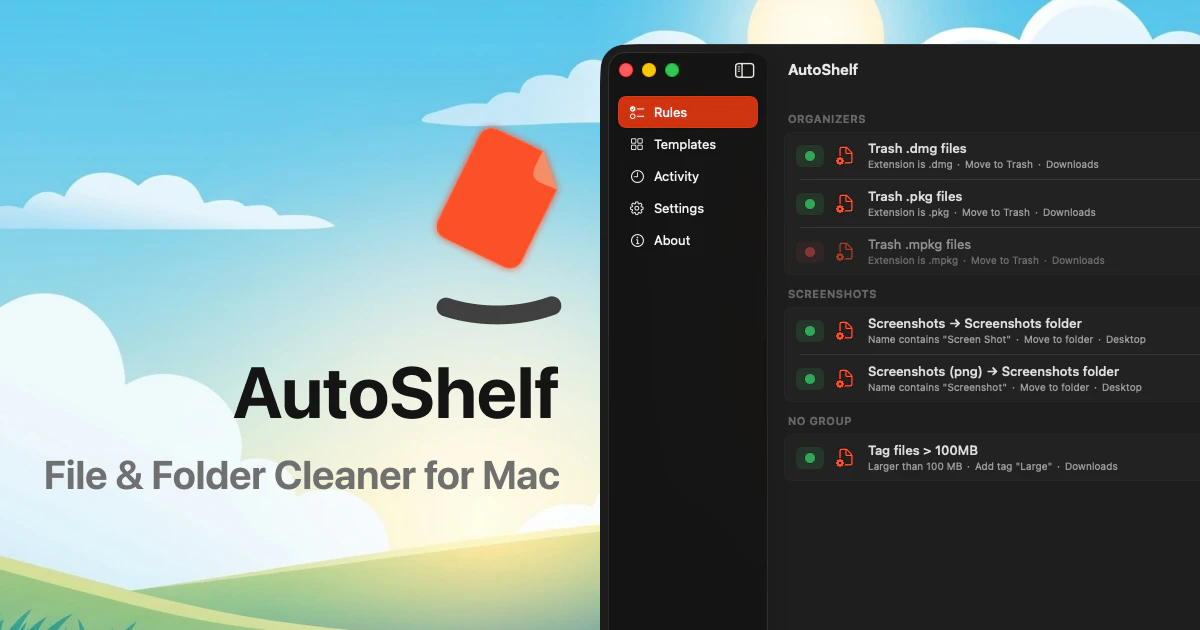
AutoShelf is a macOS app that watches your folders and auto-organizes files. Set a rule once and never think about it again. Free to try, unlock unlimited for $19.99.
AI Analysis
AutoShelf is a macOS menu bar app that automatically organizes files by watching specified folders and applying user-defined rules for actions like sorting, moving, or renaming. Core features include one-time rule setup for hands-off operation. It solves key pain points of cluttered desktops, downloads, and folders that cause lost time and disorganization for Mac users. The value proposition is effortless, ongoing file management with a free trial and one-time $19.99 unlock for unlimited rules and folders, delivering simplicity and productivity gains.
Entering 2025-2026, trends favor automation amid rising digital content volume from AI tools, remote work, and content creation, increasing file clutter. macOS remains strong among professionals, with mature folder-monitoring tech and growing demand for simple productivity solutions in an efficiency-focused economy. However, emerging AI organizers add some competition. This aligns well with user needs for seamless tools. Excellent Timing.
High feasibility overall. Technical implementation uses standard macOS APIs for folder watching (low-moderate difficulty). Low development and operation costs as a lightweight desktop app with no backend servers required. Minimal supply chain or compliance risks for a menu bar utility. Strong scalability for an indie product and good fit for small developer teams. Key risks are app store approval and user adoption. Rating: High.
Primary segments: Mac-using professionals and creatives (designers, developers, writers, photographers), ages 25-45, mainly in North America, Europe, and urban tech hubs. They generate high daily file volumes. The Mac productivity tools market has strong demand among millions of active users. Core pain points include time lost manually organizing files and difficulty finding documents. Potential willingness to pay is solid for a simple $19.99 one-time tool that saves ongoing effort.
Competition level: Medium. Direct competitors: 1. Hazel (noodlesoft.com/hazel) - established rules-based automation. 2. Alfred (alfredapp.com) with file action workflows. 3. Keyboard Maestro (keyboardmaestro.com) for advanced macros. 4. macOS Shortcuts/Automator (built-in Apple tools). Advantages vs competitors: simpler menu bar focus, easier rule setup, lower one-time price. Disadvantages: likely fewer advanced conditions/integrations than Hazel, newer entrant with less brand recognition.
Upgrade Pro to unlock full AI analysis
Similar Products

Adapt
The company brain that gets work done
▲ 124 votes

Kosshi
Simple, fast outliner for Mac and iPhone.
▲ 90 votes

Thoughts for Mac
Capture notes from your menubar using text, images or voice
▲ 90 votes

WikiFix for Confluence
Find and fix issues in your knowledge base
▲ 86 votes

Refoid
Automate App Store refund responses and track every outcome
▲ 68 votes

Patchcord
Studio sound for your mic in every Mac meeting with EQ
▲ 64 votes