Calerto for Mac
Full-screen meeting alerts for your Mac
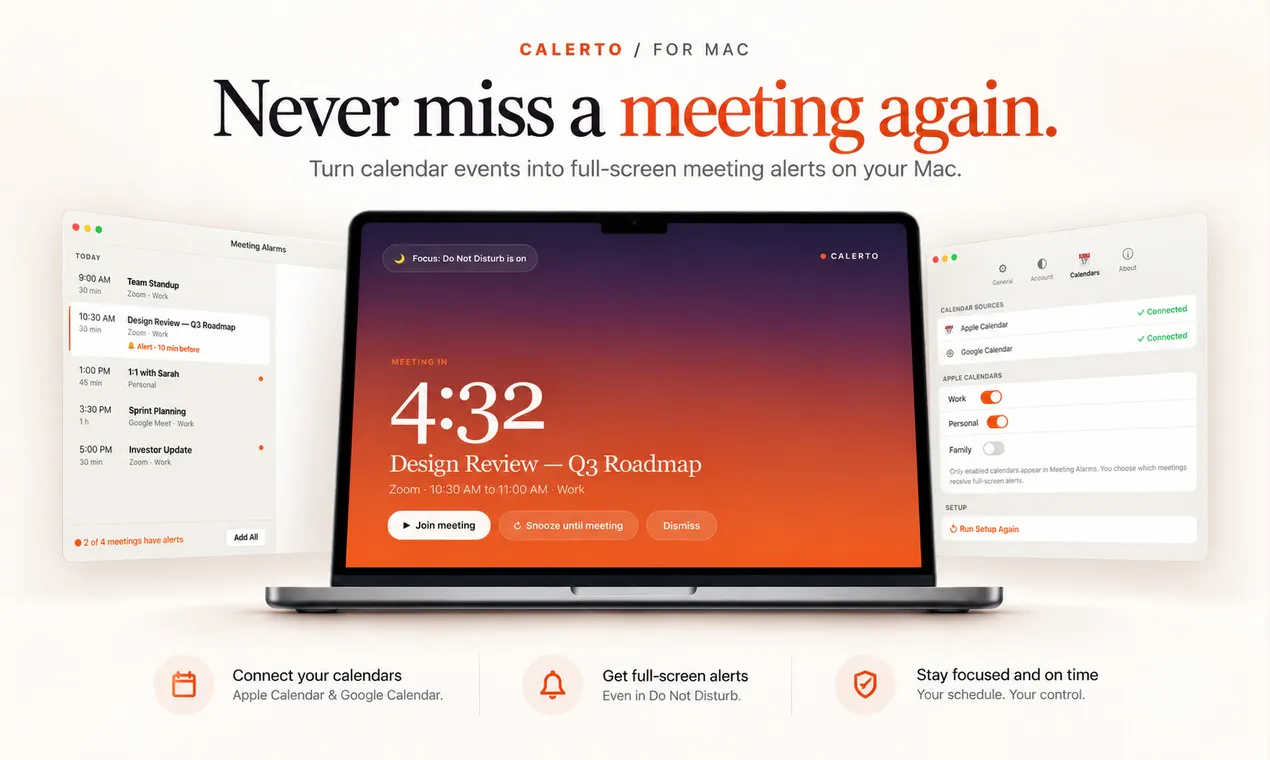
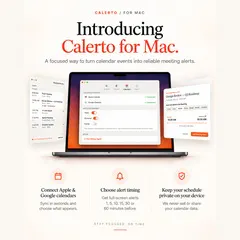
Calerto turns your calendar into alarms you can't sleep through. Full-screen meeting alerts — not another notification you'll swipe away — with custom prep time per meeting, Apple + Google Calendar sync, a menu bar countdown to what's next, and automatic launch at login (toggle it off anytime). Pause alarms without losing them. Pro auto-alarms your whole week. Your calendar data never leaves your device. Never be late again.
AI Analysis
Calerto turns your Mac calendar into unavoidable full-screen alarms for meetings with custom prep time per event. Core features: Apple/Google Calendar sync, menu bar countdown to next meeting, auto-launch at login, pauseable alarms, and Pro tier for full-week auto-alarms. All calendar data stays on-device for privacy. It solves the common pain of easily dismissed notifications causing lateness or missed meetings. Value proposition: reliable, hard-to-ignore reminders ensuring punctuality and reduced stress for busy professionals.
In 2025-2026, hybrid work and high meeting volume continue, driving demand for effective productivity tools. Calendar sync tech is mature and privacy concerns favor on-device solutions. However, emerging AI scheduling agents may compete. Overall favorable for a focused, simple reminder tool. Rating: Moderate Timing.
Low technical difficulty using standard Mac frameworks and calendar APIs. Low dev/operation costs, no supply chain issues, minimal compliance risks due to local data. Strong scalability via app distribution. Rating: High. Supported by straightforward implementation, privacy focus, and easy updates.
Main segments: Mac-using professionals and executives (25-50 years old) in tech, consulting, finance; primarily North America and Europe. TAM (productivity software): $50B+, SAM (Mac calendar tools): ~$1B, SOM (niche alerts): $10-50M. Pain points: missed meetings from ignorable notifications. High willingness to pay for Pro reliability features.
Competition level: Medium. Direct competitors: 1. MeetingBar (meetingbar.app), 2. Fantastical (flexibits.com/fantastical), 3. BusyCal (busymac.com/busycal), 4. Native Apple Calendar. Advantages: unique full-screen non-dismissible alerts, per-meeting prep customization, strict on-device privacy. Disadvantages: Mac-only, fewer advanced calendar management features than full suites, Pro features may limit free tier appeal.
Upgrade Pro to unlock full AI analysis
Similar Products

Adapt
The company brain that gets work done
▲ 124 votes

Kosshi
Simple, fast outliner for Mac and iPhone.
▲ 90 votes

Thoughts for Mac
Capture notes from your menubar using text, images or voice
▲ 90 votes

WikiFix for Confluence
Find and fix issues in your knowledge base
▲ 86 votes

Refoid
Automate App Store refund responses and track every outcome
▲ 68 votes

Patchcord
Studio sound for your mic in every Mac meeting with EQ
▲ 64 votes