
Caplio
Find, organize, and reuse every image on your Mac
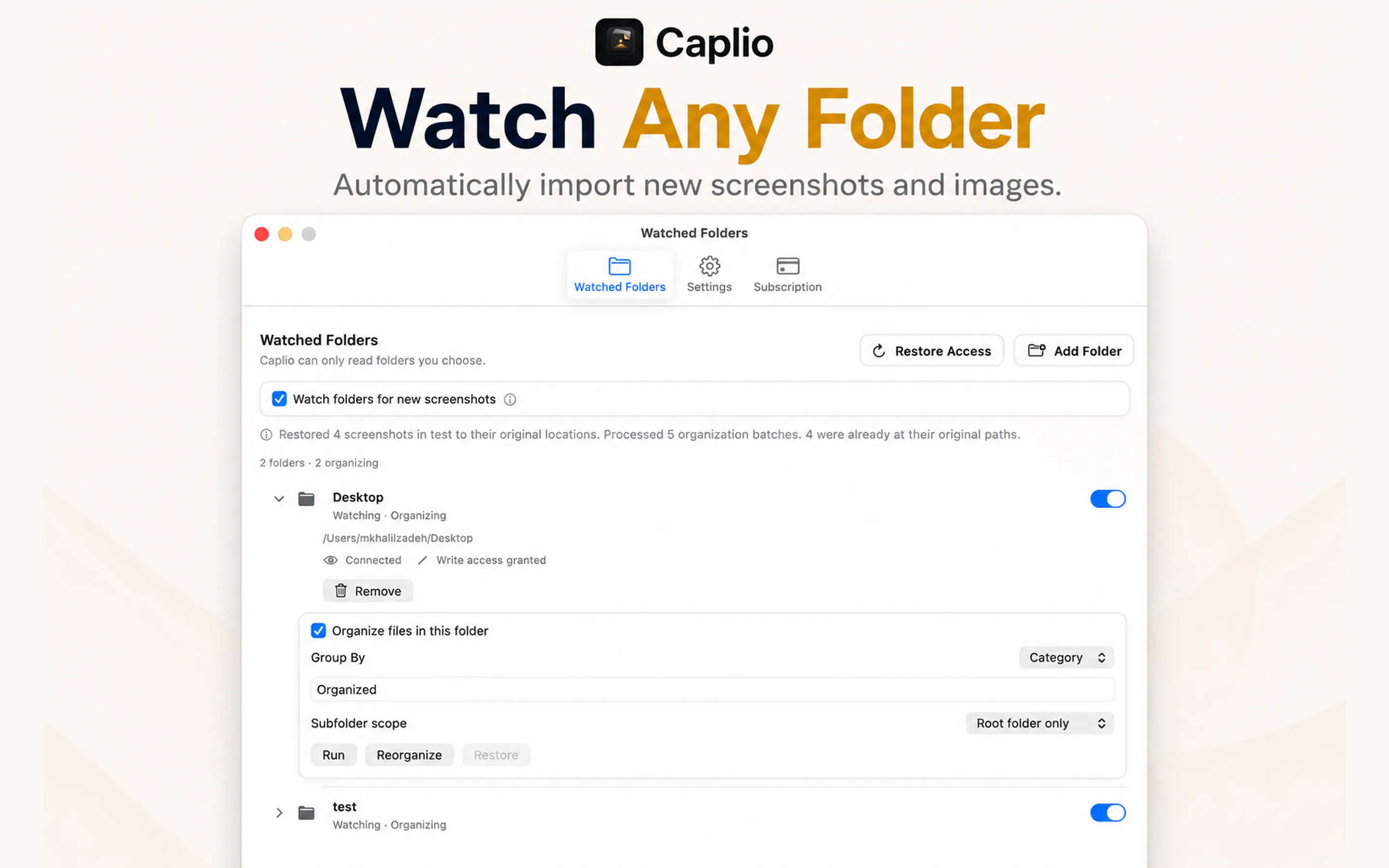
Caplio turns scattered screenshots and images into a private, searchable library on your Mac. Think of it as a lightweight asset manager for screenshots and everyday images. Add your folders, and Caplio automatically watches, indexes, and extracts text with on-device OCR. Browse by timeline, search, or category; organize files automatically, then drag any image straight into another app. No uploads or cloud OCR. Your images stay on your Mac.
AI Analysis
Caplio is a Mac menu bar app that transforms scattered screenshots and images into a private, searchable local library. Core features include automatic folder watching, on-device OCR for text extraction, timeline/category browsing, smart search, auto-organization, and easy drag-and-drop into other apps. It solves key pain points like disorganized image storage, time wasted searching for old screenshots, and inability to query text within images. Unique selling points are its fully local processing with zero cloud uploads, emphasis on privacy, and lightweight focus on everyday visuals rather than pro asset management. Overall value proposition: instant access and reuse of personal images while keeping everything securely on-device.
In 2025-2026, timing is favorable due to maturing on-device AI/OCR tech (e.g., Apple Intelligence push), heightened privacy concerns driving demand for local-first tools, and rising screenshot volume from remote work, content creation, and AI usage. Economic tailwinds for productivity software and Mac ecosystem growth support adoption. No major policy barriers for local apps. Excellent Timing.
High feasibility. Technical difficulty is moderate using mature macOS APIs for folder monitoring and on-device OCR (Apple Vision). Development/operation costs are low for a focused desktop app, with no supply chain issues. Compliance risks minimal as data stays local. Strong scalability for individual users; team fit suits small indie developers. Key risks are macOS version compatibility and UI polish. Overall supported by proven tech and narrow scope.
Main segments: Tech-savvy Mac users (designers, developers, marketers, knowledge workers) aged 25-45 in North America and Europe. Industries: Creative, tech, and productivity-focused. TAM: Part of broader $20B+ digital asset management and productivity software market; SAM for Mac local tools approx $200M; SOM for screenshot library niche ~$10-20M. Core pain points: Inefficient image retrieval and lost productivity from poor organization. Potential willingness to pay: Medium-high for one-time purchases or affordable subscriptions ($10-40) given time-saving value and privacy appeal.
Medium. Direct competitors: 1. Eagle (eagle.cool) - visual asset library for designers. 2. DEVONthink (devontechnologies.com/devonthink) - powerful local OCR document/image manager. 3. CleanShot X (cleanshot.com) - advanced screenshot tool with history features. 4. Hazel (noodlesoft.com/hazel) - rules-based file organizer. 5. Raycast (raycast.com) - productivity launcher with image search extensions. Advantages: Simpler, screenshot-focused UX, pure on-device/no-cloud stance, seamless drag-drop. Disadvantages: Narrower feature set than full DAM tools, newer entrant with less brand recognition, Mac-only.
Upgrade Pro to unlock full AI analysis
Similar Products

Adapt
The company brain that gets work done
▲ 124 votes

Kosshi
Simple, fast outliner for Mac and iPhone.
▲ 90 votes

Thoughts for Mac
Capture notes from your menubar using text, images or voice
▲ 90 votes

WikiFix for Confluence
Find and fix issues in your knowledge base
▲ 86 votes

Refoid
Automate App Store refund responses and track every outcome
▲ 68 votes

Patchcord
Studio sound for your mic in every Mac meeting with EQ
▲ 64 votes