
CrewTower
Control your agents from the notch
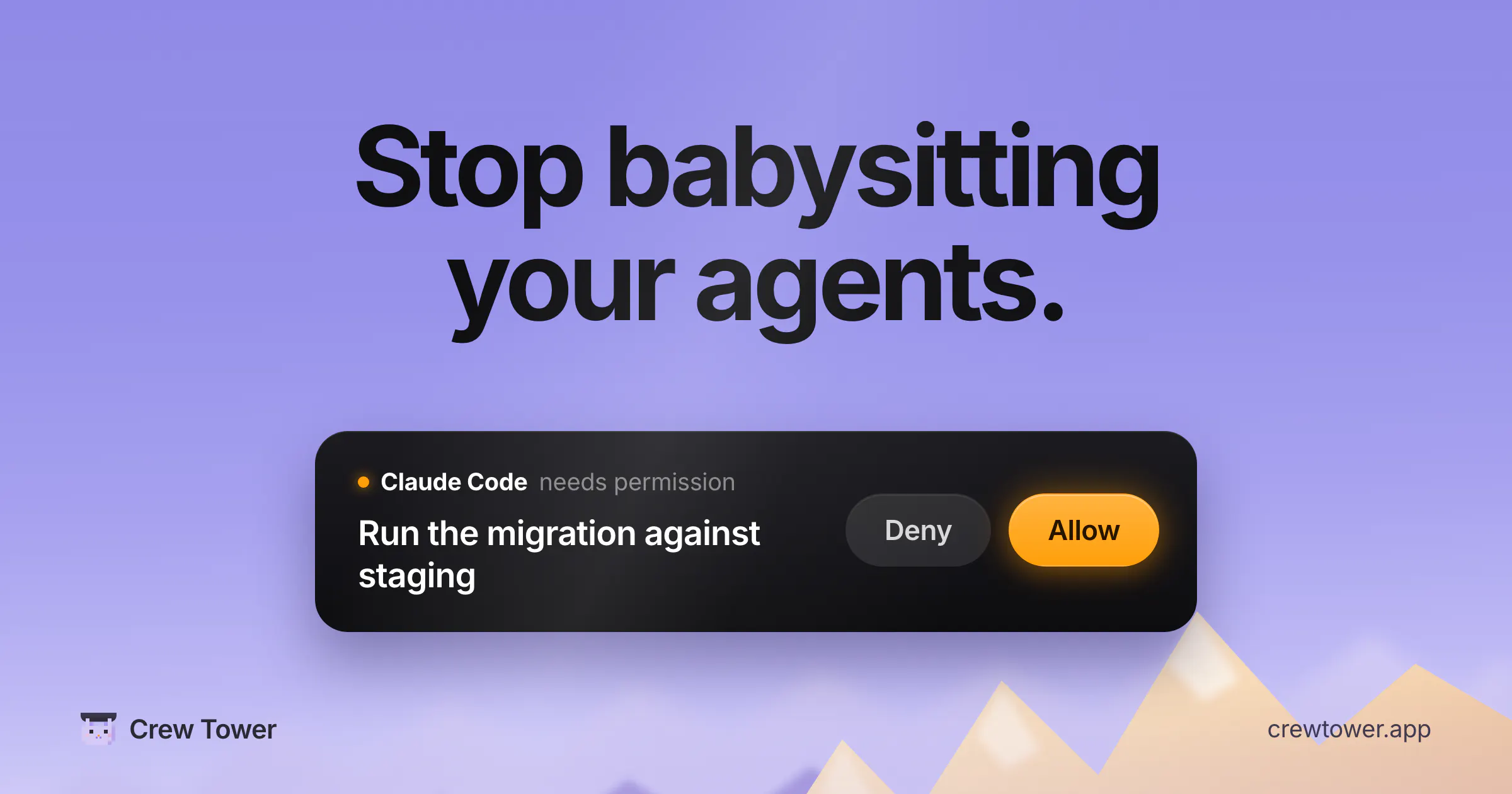
Crew Tower lives in your MacBook notch and watches every AI coding agent you run: Claude Code, Codex, Cursor, Gemini, Qwen, OpenCode and more. When an agent needs permission, the request shows up in the notch with full context: the exact command, the file edit, the question. Approve or deny in one click, without touching the terminal. See every session at once, working, waiting or done. Jump straight to the right terminal window when one needs you. Nothing stalls silently.
AI Analysis
CrewTower is a menu bar application residing in the MacBook notch that monitors AI coding agents like Claude Code, Codex, Cursor, Gemini, Qwen, and OpenCode. Core features include displaying permission requests with full context (commands, file edits, questions) for one-click approve/deny, unified view of all session statuses (working, waiting, done), and instant jumps to relevant terminals. It solves developer pain points of terminal monitoring, silent process stalls, context switching, and managing multiple concurrent agents. USP is seamless, non-intrusive oversight directly from the notch. Overall value proposition is uninterrupted AI-assisted coding workflows and boosted productivity.
The current market timing is favorable. In 2025-2026, AI coding agents are seeing explosive adoption and maturation, with developers running multiple tools simultaneously. User demands are shifting toward orchestration and frictionless management solutions amid rising AI integration in workflows. Technology for macOS and AI monitoring is mature, and the economic environment supports dev productivity tools. This is a good time as the surge in agent usage creates clear need for control layers like CrewTower. Excellent Timing.
Overall feasibility is high. Technical difficulty is moderate: macOS notch integration and monitoring multiple agents is achievable via APIs/hooks but requires ongoing compatibility maintenance. Development and operation costs are low-to-medium for a focused desktop app with no hardware needs. Minimal supply chain or compliance risks. Strong team fit for Mac-savvy developers and good scalability by adding support for new agents. High.
Main target user segments: Software developers and engineers (ages 25-45, tech-savvy) using AI coding agents on macOS. Industries: Software development and tech companies. Geographic distribution: Primarily US, Europe, and global tech hubs. The AI developer tools market is rapidly growing with strong demand; core pain points are inefficient multi-agent oversight and terminal friction. Potential willingness to pay is high for productivity gains among professional users.
Competition level is Low. Direct competitors: 1. Warp (warp.dev), 2. Cursor (cursor.com), 3. Raycast (raycast.com), 4. Aider (aider.chat), 5. Open Interpreter. Advantages: Highly differentiated notch UI for at-a-glance multi-agent control and one-click permissions with context; not matched by terminal or editor-focused tools. Disadvantages: Platform-limited to recent MacBooks with notch; potential integration maintenance for evolving agents versus broader terminal solutions.
Upgrade Pro to unlock full AI analysis
Similar Products

Opaline
PostHog for team Claude Code and Codex sessions.
▲ 141 votes

Adapt
The company brain that gets work done
▲ 124 votes

Replay QA Security Scan
Automated Penetration Testing for AI-Built Apps
▲ 102 votes

Kosshi
Simple, fast outliner for Mac and iPhone.
▲ 90 votes

Refoid
Automate App Store refund responses and track every outcome
▲ 68 votes

Audryo
Customer email your agent can operate.
▲ 63 votes