
Cursor Craft v2
Custom Mac cursors, rebuilt for v2
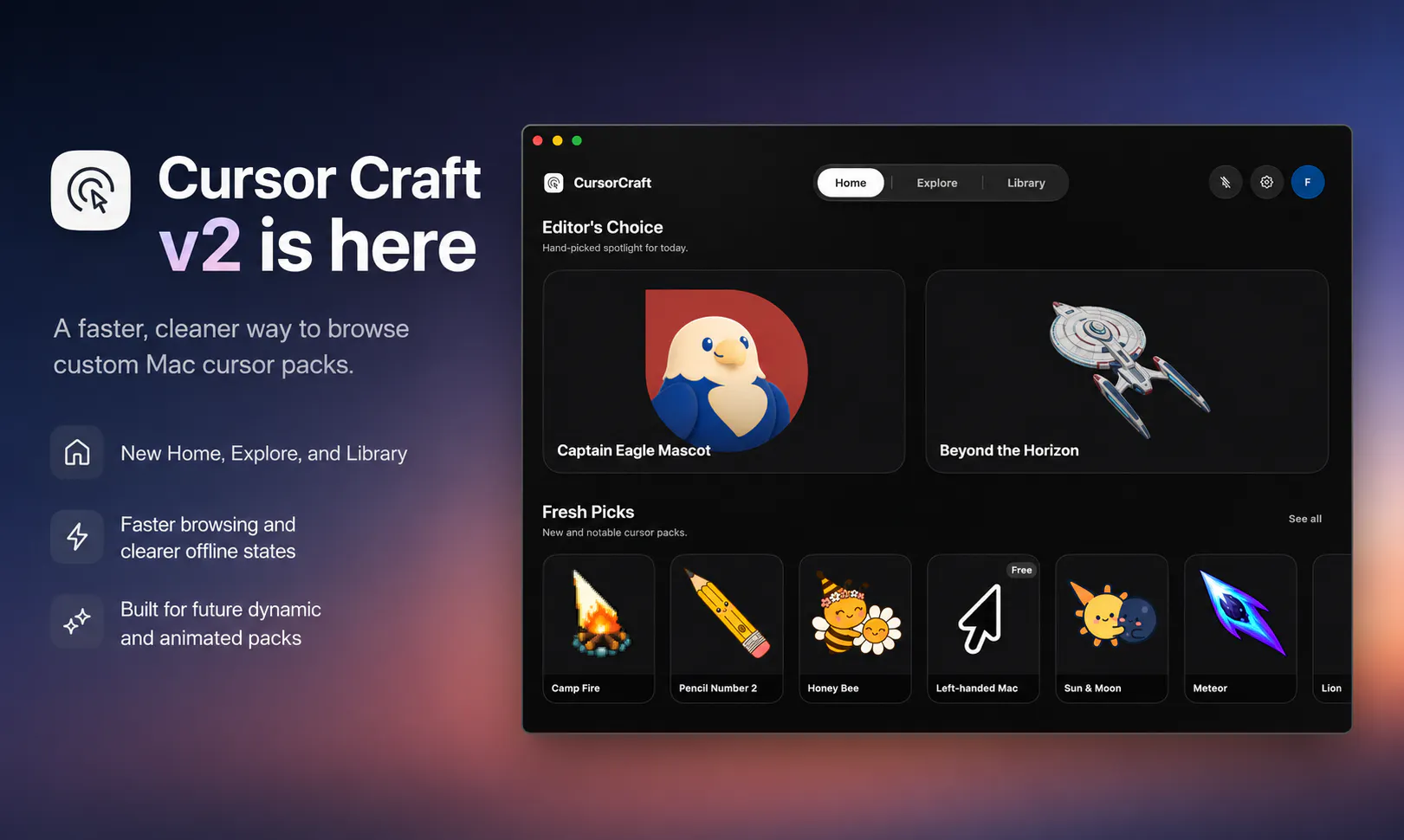
Cursor Craft v2 is a rebuilt macOS app for browsing, previewing, and applying custom cursor packs. The new version adds a redesigned interface, faster browsing, clearer offline states, improved cursor rendering, and prepares the app for dynamic and animated cursor packs.
AI Analysis
Cursor Craft v2 is a rebuilt macOS app for browsing, previewing, and applying custom cursor packs. Core features include a redesigned interface, faster browsing, improved cursor rendering, clearer offline states, and preparation for dynamic/animated packs. It solves key pain points like outdated UIs, slow performance, and limited customization options for Mac users. USP is its focus on seamless, high-quality cursor management with future-proof features. Overall value proposition: enhanced personalization and productivity through easy, modern cursor customization.
In 2025-2026, trends favor personalization and productivity tools within the Apple ecosystem, with mature macOS tech and steady demand for design utilities. However, cursor customization remains a narrow niche without major industry tailwinds or economic drivers boosting it significantly. Moderate Timing.
Technical difficulty is medium using standard macOS frameworks for UI and rendering. Low development/operation costs for an indie software app, minimal supply chain or compliance risks (mainly App Store guidelines). Strong scalability for new cursor types. High overall, as v2 rebuild shows the concept is proven and executable.
Main segments: Tech-savvy Mac users, graphic designers, developers and productivity enthusiasts (ages 25-45), concentrated in US/Europe. Market is niche; no specific TAM/SAM/SOM data available but dedicated user base exists among Mac customization fans. Core pain points: poor default cursor options and cumbersome installation/preview process. Moderate willingness to pay for convenient dedicated tools.
Medium. Direct competitors: 1. Mousecape (https://github.com/alexzielenski/Mousecape), 2. macOS built-in cursor settings (apple.com), 3. Online cursor pack sources like DeviantArt (deviantart.com), 4. Legacy cursor utilities. Advantages: modern redesign, speed, offline clarity and animated cursor prep. Disadvantages: narrow focus may limit appeal vs broader customization tools; newer v2 needs to build awareness.
Upgrade Pro to unlock full AI analysis
Similar Products

Adapt
The company brain that gets work done
▲ 124 votes

Tapfree for Chrome
Voice dictation that adapts to what’s on your screen
▲ 122 votes

Kosshi
Simple, fast outliner for Mac and iPhone.
▲ 90 votes

Thoughts for Mac
Capture notes from your menubar using text, images or voice
▲ 90 votes

WikiFix for Confluence
Find and fix issues in your knowledge base
▲ 86 votes

Refoid
Automate App Store refund responses and track every outcome
▲ 68 votes