
DocsAlot Visual Editor
Create beautiful docs, by typing. No AI required.
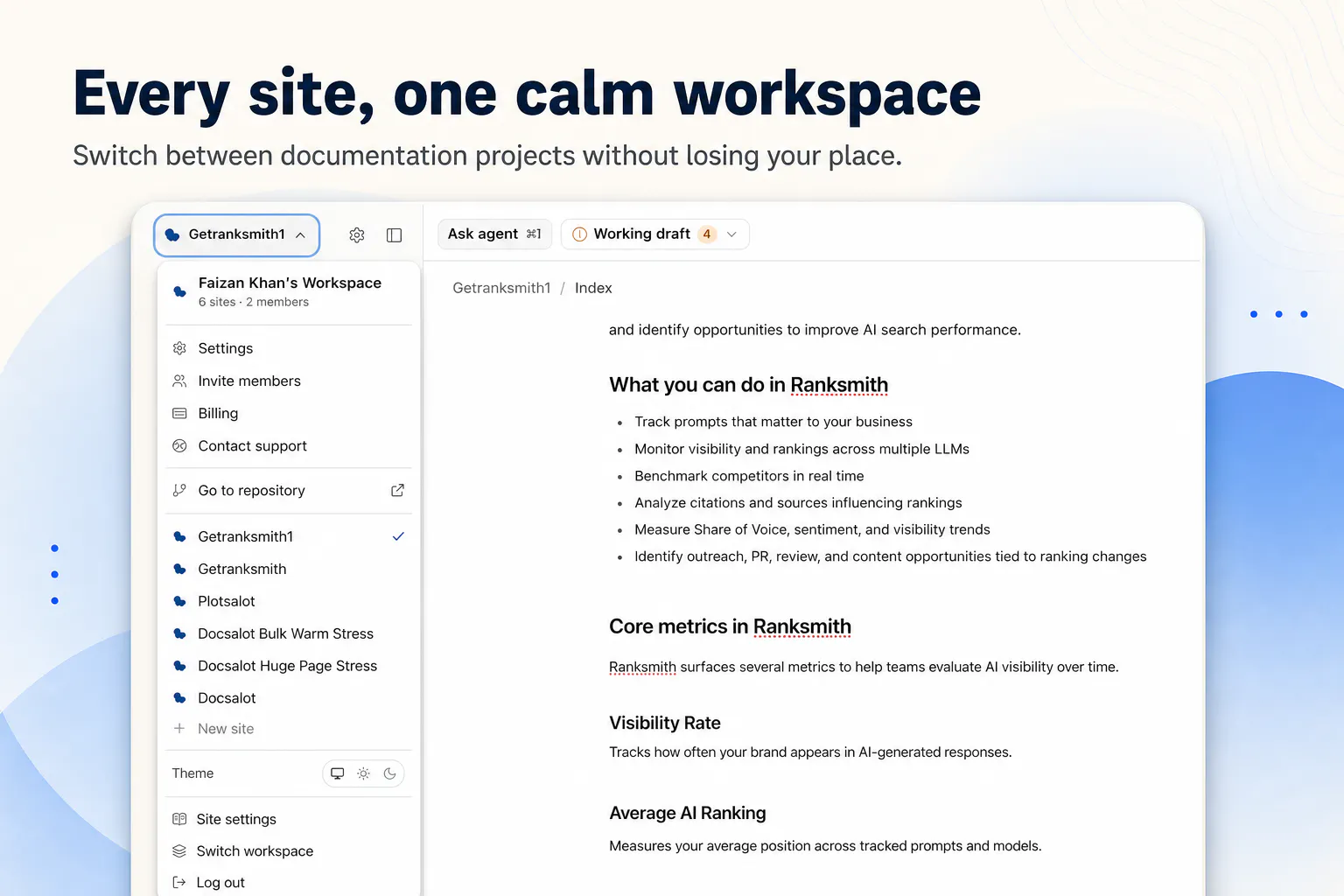
Write, structure, and publish technical documentation in a visual editor with Markdown mode, AI-assisted edits, reusable components, and version history.
AI Analysis
DocsAlot Visual Editor enables users to write, structure, and publish technical documentation using an intuitive visual editor with Markdown mode. Core features include AI-assisted edits (optional per tagline 'No AI required'), reusable components for consistency, and version history. It solves main user pain points such as cumbersome formatting, inconsistent structure in docs, and inefficient publishing for developers and writers. The unique selling point is a natural 'create beautiful docs by typing' experience that blends simplicity with professional outputs. Overall value proposition: Efficient, flexible tool for high-quality technical and API docs without steep learning curves or mandatory AI dependency.
In 2025-2026, industry trends favor productivity tools for developers amid rapid AI/code generation growth, increasing need for clear technical docs. Visual editing tech is mature, user demands shift toward hybrid Markdown/visual interfaces and optional AI to avoid over-reliance. Remote/collaborative work and open-source expansion support this. Economic environment prioritizes efficient SaaS. It is a favorable time due to these alignments. Rating: Excellent Timing.
Technical difficulty is medium as visual editors with Markdown syncing use established libraries; AI features leverage existing APIs. Development/operation costs are moderate for SaaS model. Low supply chain risks and standard compliance (e.g. GDPR for user data). Strong scalability via cloud. Good team fit for developer tools creators. Overall rating: High. Key reasons: Mature technologies, focused scope, and clear path to iterative improvements with high scalability potential.
Main target segments: Software developers, technical writers, and engineering teams focused on API and product docs (demographics: tech professionals 25-45 years old). Industries: Software development, IT, open-source. Geographic: Global, concentrated in North America, Europe. Estimated market size: Developer tools TAM >$50B, documentation SAM ~$5-10B, SOM for visual SaaS ~$500M+. Core pain points: Time lost on formatting/structure, version control issues. Potential willingness to pay: High for teams seeking productivity gains via subscriptions.
Medium. Direct competitors: 1. GitBook (gitbook.com), 2. Mintlify (mintlify.com), 3. ReadMe (readme.com), 4. Notion (notion.so), 5. Confluence (atlassian.com/software/confluence). This product's advantages: Natural typing/visual focus with optional AI, reusable components and Markdown mode for flexibility; simpler for individual devs vs enterprise-heavy tools. Disadvantages: Newer player may lack deep integrations/ecosystem and brand trust compared to GitBook/Notion; pricing not specified but could face pressure from freemium models.
Upgrade Pro to unlock full AI analysis
Similar Products

Cohere Parse 5
Turn complex docs, tables & images into AI-ready data
▲ 158 votes

Opaline
PostHog for team Claude Code and Codex sessions.
▲ 141 votes

Replay QA Security Scan
Automated Penetration Testing for AI-Built Apps
▲ 102 votes

Kosshi
Simple, fast outliner for Mac and iPhone.
▲ 90 votes

Audryo
Customer email your agent can operate.
▲ 68 votes

Refoid
Automate App Store refund responses and track every outcome
▲ 68 votes