
Figma Agent
Prompt, edit and prototype without leaving the canvas
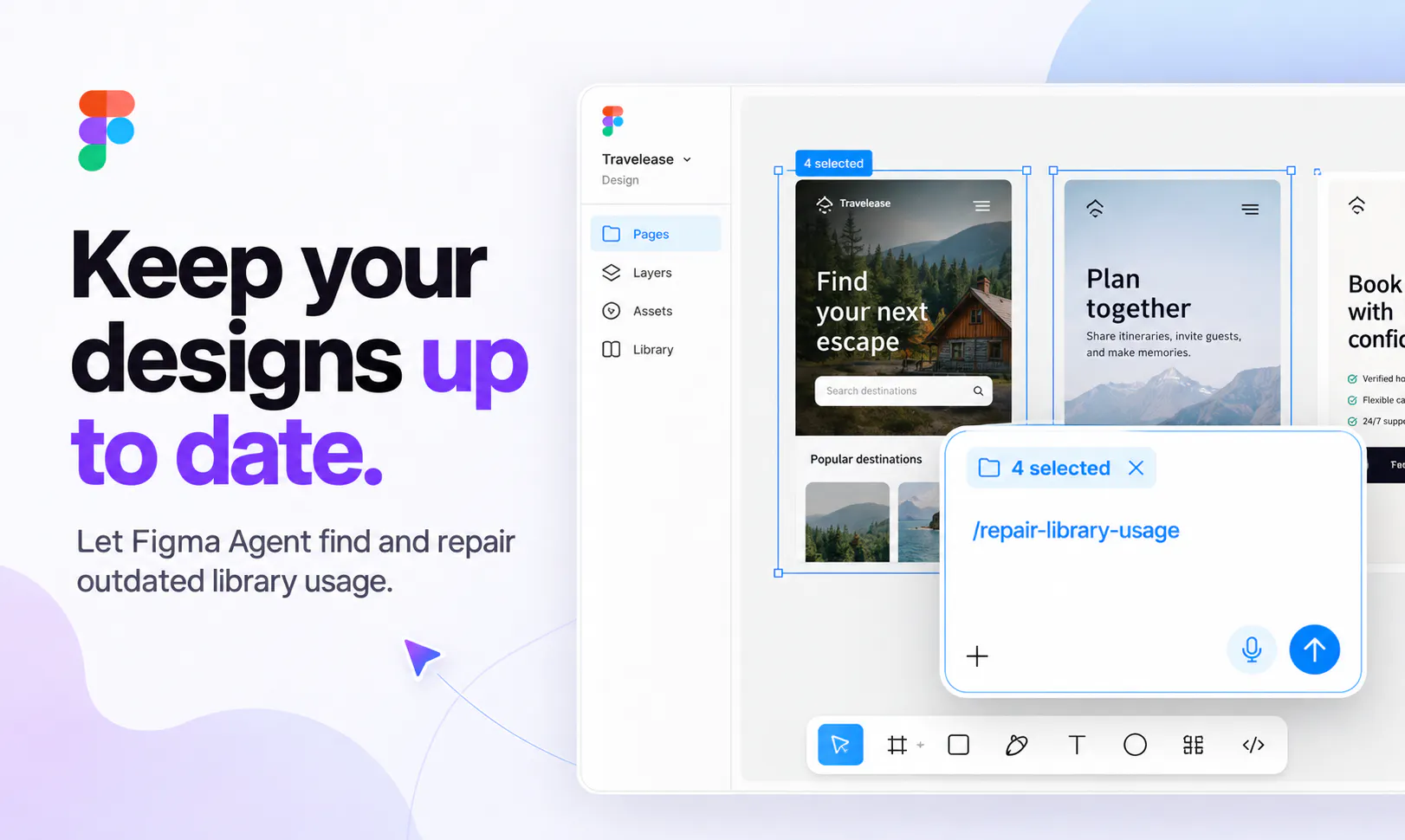
Figma's agent lives right on the Design canvas and works with your real components, variables and team files, not flat images. Generate layout directions, bulk-edit across screens, turn comments into changes and build prototypes from a prompt. Pull context from Notion, Slack, GitHub and Linear via MCP, build your own plugins and shaders, and save repeatable workflows as skills your team runs with "/". Stay in flow from idea to review.
AI Analysis
Figma Agent is an AI assistant embedded in the Figma design canvas, enabling users to prompt, edit, and prototype directly without leaving the interface. It operates on real components, variables, and team files rather than flat images. Core features include generating layouts, bulk-editing across screens, converting comments to design changes, building prototypes from text, pulling context from Notion/Slack/GitHub/Linear, creating custom plugins/shaders, and saving workflows as reusable "/" skills. It solves key pain points like context switching between tools, repetitive manual edits, slow iteration, and loss of team context. The value proposition is maintaining creative flow, accelerating design from idea to review, and enhancing team collaboration and productivity for designers.
In 2025-2026, AI agent technology and multimodal AI are reaching maturity, with strong industry trends toward embedding intelligent assistants in creative and productivity tools. Designers increasingly demand seamless AI to reduce manual tasks amid rising efficiency needs in tech and digital product development. Favorable economic environment for AI adoption and no major policy barriers make this ideal. Excellent Timing.
Technical difficulty is moderate to high due to deep integration with Figma's canvas, real component understanding, and multi-tool context pulling, but Figma's existing AI capabilities and resources make it achievable. Development and operation costs are manageable within Figma's infrastructure. Low supply chain risk; compliance risks around data privacy (e.g., GDPR for integrations) are standard. Excellent team fit and high scalability as a cloud-native SaaS feature. Overall rating: High.
Main target segments: Professional UI/UX and product designers (ages 25-40), design teams in tech startups and enterprises, digital agencies. Industries: Software/SaaS development, product management, creative services. Geographic: Global with heavy concentration in North America, Europe, and Asia-Pacific tech hubs (US, UK, China, India). Estimated TAM for design tools ~$15B+, AI-enhanced design subset $2-5B growing rapidly; SAM for Figma-like collaborative tools ~$5B; SOM for AI agents in design ~$500M+. Core pain points: repetitive tasks, tool fragmentation, slow prototyping. High willingness to pay via Figma subscriptions or add-ons.
Competition level: Medium. Direct competitors: 1. Galileo AI (galileo.ai), 2. Uizard (uizard.io), 3. Adobe Firefly/Sensei (adobe.com/firefly), 4. Canva Magic Studio (canva.com), 5. Visily (visily.ai). Advantages: Native deep integration with Figma's real components/variables/team library (vs image-based generation), unique context pulling via MCP, custom skills/workflows, and in-canvas agent experience. Disadvantages: Platform lock-in to Figma ecosystem, potentially higher cost tied to Figma plans, and less standalone appeal than independent AI design tools. Strong differentiation through seamless workflow retention gives it an edge in the Figma user base.
Upgrade Pro to unlock full AI analysis
Similar Products

Cohere Parse 5
Turn complex docs, tables & images into AI-ready data
▲ 158 votes

Opaline
PostHog for team Claude Code and Codex sessions.
▲ 141 votes

Adapt
The company brain that gets work done
▲ 124 votes

Tapfree for Chrome
Voice dictation that adapts to what’s on your screen
▲ 122 votes

React UI Kit V7
All the chat components you need. None of the complexity
▲ 115 votes

WikiFix for Confluence
Find and fix issues in your knowledge base
▲ 86 votes