MacSIM by Studio Practice
Preview any URL on every Mac screen at once
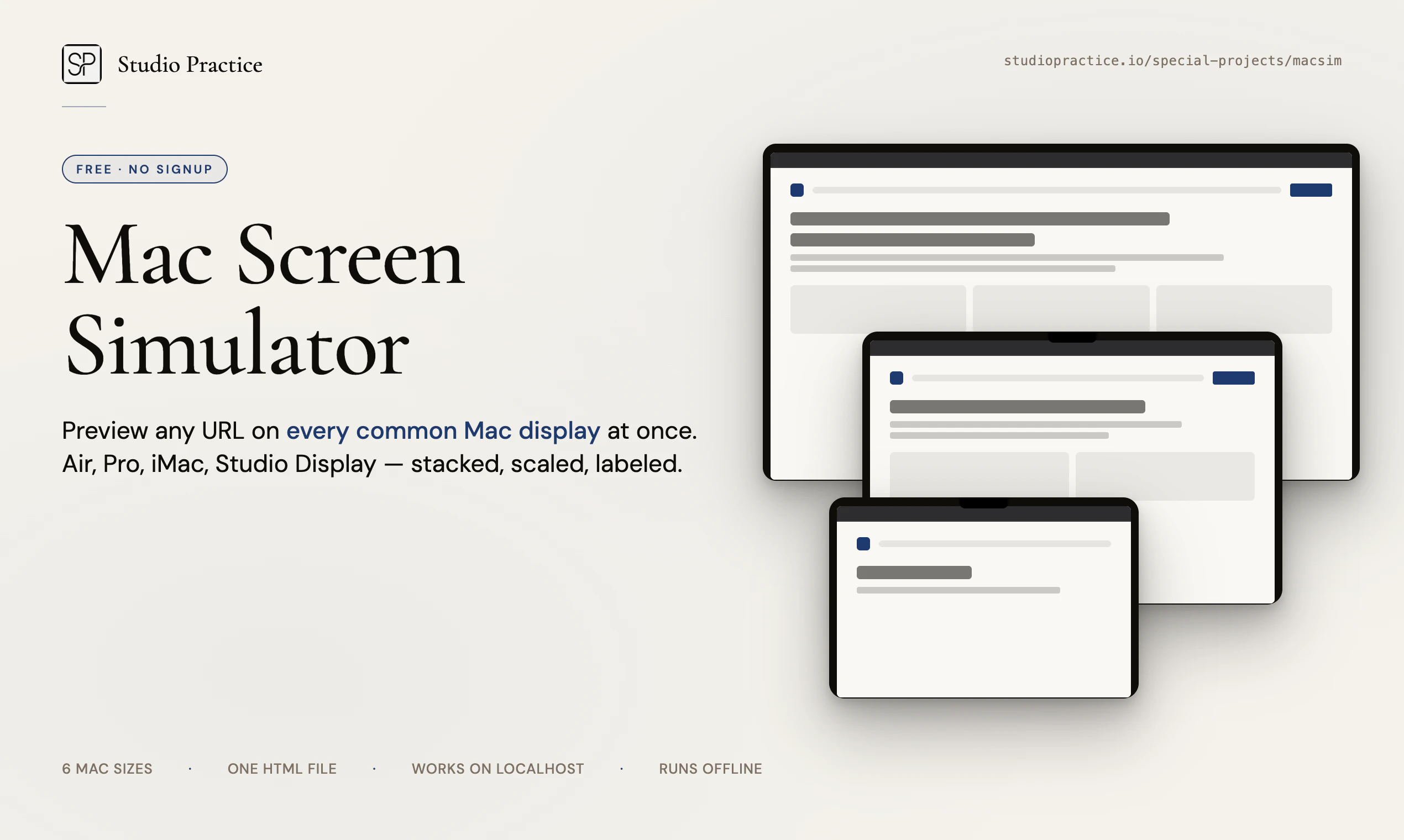
Paste any URL. See it rendered across all six common Mac display sizes — MacBook Air 13 and 15, MacBook Pro 14 and 16, iMac 24, and Studio Display 5K — stacked, scaled, and labeled. The notch and menu bar are where Apple puts them, so what you see matches a real fullscreen browser. Single HTML file. No signup, no tracking, no build step. Works with localhost. Download once and it runs offline forever.
AI Analysis
MacSIM lets users paste any URL to preview it rendered simultaneously across six common Mac display sizes: MacBook Air 13/15, MacBook Pro 14/16, iMac 24, and Studio Display 5K. Screens are stacked, scaled, and labeled with accurate notch and menu bar placements matching real fullscreen browsers. As a single offline HTML file with no signup, tracking, build steps or servers required, it supports localhost too. It solves the key pain of time-consuming, inaccurate testing of web designs across multiple Apple devices without needing physical hardware. The value proposition is fast, precise, private and zero-overhead previewing for Apple-focused developers and designers.
In 2025-2026, Apple's continued hardware innovation (new Mac displays, chips), growing web/app development for macOS, and emphasis on high-fidelity responsive design create steady demand for specialized preview tools. Technology for embedding and rendering URLs locally is fully mature, while remote/hybrid work increases reliance on software-based testing. Economic tailwinds for productivity SaaS are positive. However, Safari/Chrome devtools and general responsive apps partially address the need, so it's not an explosive category. Moderate Timing.
Technical difficulty is very low: implemented as a single self-contained HTML file using standard web tech (likely iframes for URL rendering). Development/operation costs are minimal with no servers, accounts or updates needed after download. No supply chain, compliance or scalability risks as it runs 100% locally and offline. Perfect fit for a small indie team. High overall feasibility with strong potential for easy distribution and maintenance.
Primary segments: web developers, UI/UX and product designers working in or for the Apple ecosystem (macOS, web apps targeting Mac users). Demographics: tech professionals aged 25-45, often indie hackers or agency/freelance. Geographic focus: North America and Europe with high Apple adoption. Estimated market size: niche within the large developer tools sector (TAM multi-billion, SAM hundreds of millions for design/testing tools). Core pain points are inefficient multi-device testing and inaccurate emulators. Willingness to pay is moderate-to-high for time-saving, privacy-focused tools.
Medium. Direct competitors: 1. Responsively (responsively.app) - open-source responsive design browser; 2. Sizzy (sizzy.co) - multi-device preview tool; 3. BrowserStack (browserstack.com) - cloud real-device testing platform; 4. LambdaTest (lambdatest.com). Advantages vs competitors: extreme simplicity (single offline file, no account), hyper-specific accurate Mac UI elements (notch/menu bar), works with localhost, zero tracking/privacy-first. Disadvantages: limited only to 6 Mac sizes (no mobile/other OS), lacks advanced debugging/automation features that cloud platforms provide. Strong differentiation in the Mac niche.
Upgrade Pro to unlock full AI analysis
Similar Products

Opaline
PostHog for team Claude Code and Codex sessions.
▲ 141 votes

React UI Kit V7
All the chat components you need. None of the complexity
▲ 115 votes

Replay QA Security Scan
Automated Penetration Testing for AI-Built Apps
▲ 102 votes

CodeBurn
See where your AI coding spend actually goes
▲ 101 votes

Audryo
Customer email your agent can operate.
▲ 68 votes

Refoid
Automate App Store refund responses and track every outcome
▲ 68 votes