
Outlook Google Calendar Sync for Mac
Sync Outlook calendars to Google on your Mac
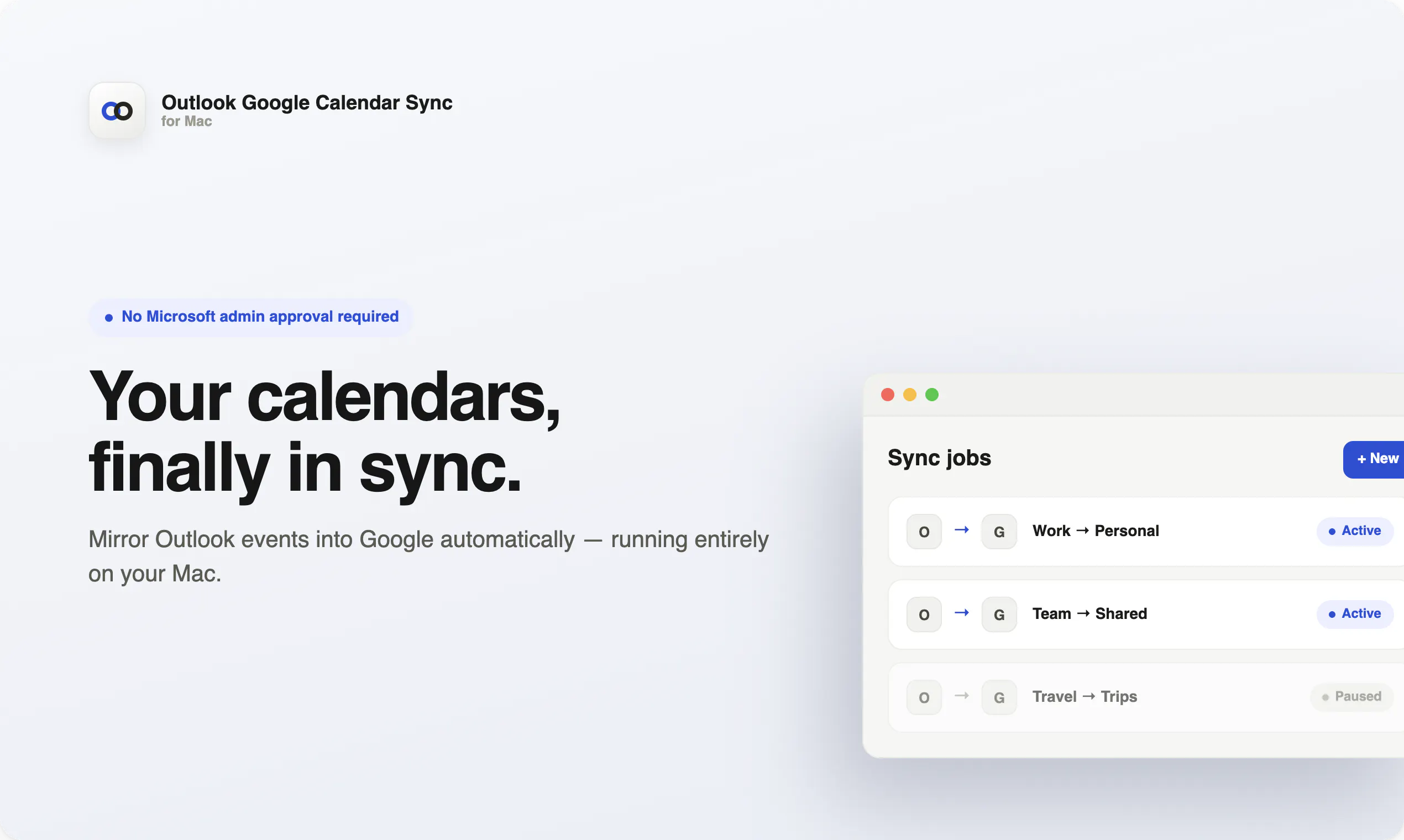
Outlook Google Calendar Sync for Mac keeps your Outlook events mirrored into Google Calendar without needing Microsoft admin approval. It runs locally on your Mac, supports multiple calendar sync jobs, avoids sending duplicate invites, and quietly keeps your schedule up to date in the background.
AI Analysis
Outlook Google Calendar Sync for Mac is a local desktop application that mirrors Outlook calendar events directly into Google Calendar. Core features include running entirely on the user's Mac without Microsoft admin approval, support for multiple sync jobs, prevention of duplicate invites, and automatic background updates. It addresses key user pain points such as calendar fragmentation between enterprise Outlook usage and Google Calendar, manual updates causing scheduling errors, and barriers from IT restrictions. Unique selling points are its privacy-focused local operation and seamless, set-and-forget functionality. The overall value proposition is effortless, secure cross-platform calendar synchronization tailored for Mac users in mixed ecosystems.
The current market timing is Moderate Timing. In 2025-2026, hybrid/remote work trends and multi-tool productivity demands remain strong, with mature calendar APIs supporting easy integrations. User needs for frictionless cross-ecosystem tools persist amid fragmented workplaces. However, improving native integrations from Microsoft/Google, rise of AI scheduling assistants, and economic pressures on niche utilities make it less than ideal. Local privacy focus aligns with data regulations, but overall not a peak opportunity.
Overall feasibility is High. Technical difficulty is moderate with well-documented Mac calendar APIs, local execution, and standard OAuth flows. Development and operation costs are low as a user-side desktop app requiring no servers or complex infrastructure. Minimal supply chain or compliance risks since data stays local to the user's device. Strong team fit for indie Mac developers and high scalability potential via iterative updates and feature expansions.
Main target segments: Mac-using professionals (25-45 years) in remote/hybrid roles within tech, consulting, and corporate industries, primarily in North America and Europe. They face pain points of inconsistent schedules across Outlook (work) and Google Calendar (personal/team). Estimated market is a niche within the multi-billion productivity software TAM, with dedicated but limited SAM/SOM for local Mac sync tools. Users demonstrate solid willingness to pay for reliable, admin-free solutions that save time and reduce errors.
Competition level is Medium. Direct competitors: 1. Sync2 (sync2.com), 2. CiraSync/Calendar Bridge (cirasync.com), 3. Zapier Calendar integrations (zapier.com), 4. Power Automate by Microsoft (microsoft.com/power-automate), 5. Various Mac App Store sync utilities. Advantages: fully local Mac execution, bypasses admin approval, avoids duplicates effectively. Disadvantages: Mac-only limiting reach, lacks broad automation/multi-platform features and enterprise scalability of competitors. Differentiation via privacy and simplicity is solid but faces pressure from free/established alternatives.
Upgrade Pro to unlock full AI analysis
Similar Products

Sunrise
A real planner for Google Tasks
▲ 200 votes

Town
The assistant that learns how you work, then gets to work.
▲ 115 votes

radiusHQ
One link replaces your scheduling chaos
▲ 87 votes

Donna
Schedule multiple meetings with one link
▲ 82 votes

Diurnal
The fastest way to get a thought out of your head
▲ 78 votes

Converge
Group Scheduling Simplified
▲ 0 votes