
>=PlayingFild
Productivity Tool and Tab Manager that Understands Context
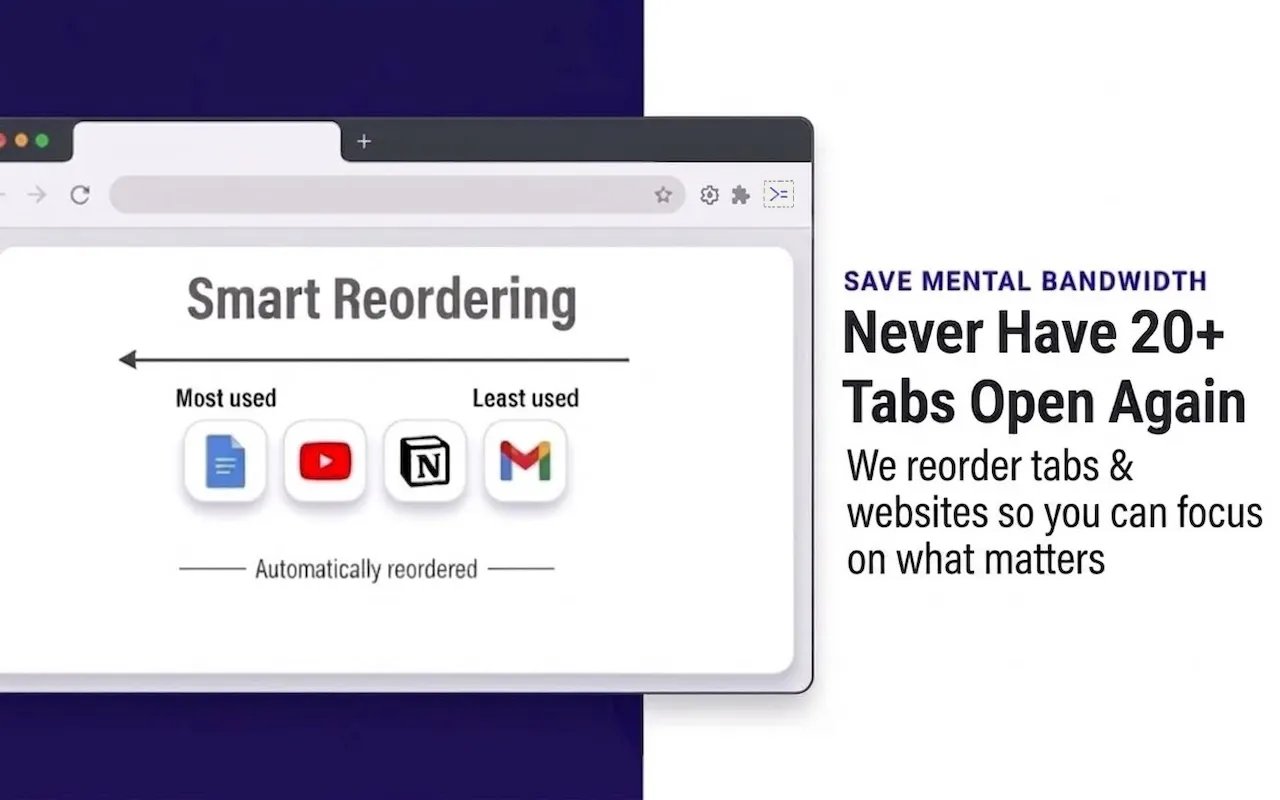
≻=PlayingFild uses on device machine learning to classify tabs by content, not URL. The same website can be productive or distracting based on the page. Classification happens entirely on your device. Raw page content, HTML and personal text don't leave your browser. Earn break time by focusing and spend it when you need it. Tabs reorder themselves based on what you actually use, and unused tabs close. Includes per window rules, focus timer modes, recap cards, and productivity analytics.
AI Analysis
PlayingFild is a Chrome extension using on-device ML to classify tabs by page content rather than URL, distinguishing productive vs. distracting material on the same site. Core features include automatic tab reordering by usage, auto-closing unused tabs, earning break time via focus sessions, per-window rules, focus timers, recap cards, and productivity analytics. It solves tab overload, context-blind distractions, and privacy issues in traditional tools by keeping all processing local. USP is context-aware, privacy-first tab management that adapts to real user behavior for better productivity.
In 2025-2026, AI integration in productivity tools is accelerating, on-device ML is maturing with improved browser capabilities (e.g. WebML APIs), and privacy regulations are stricter amid growing remote/hybrid work demands. Users seek smarter distraction blockers beyond URL rules. Economic focus on efficiency supports adoption. This aligns perfectly with trends toward private, intelligent personal tools. Excellent Timing.
Technical difficulty is medium-high due to implementing accurate on-device ML (e.g. via TensorFlow.js) for real-time page classification without leaking data. Development costs moderate for a Chrome extension; operations are low since computation is client-side. Low supply chain risk, but Chrome Web Store compliance and model accuracy tuning are key. Strong scalability as a digital product. Overall High feasibility with AI engineering expertise.
Primary users: Tech-savvy knowledge workers, developers, researchers, students, and remote professionals (ages 20-45) who manage 20+ browser tabs daily. Concentrated in US, Europe, and East Asia. Core pain points: tab overload causing cognitive fatigue, poor focus from misclassified distractions, lack of usage-based organization. TAM for digital productivity tools exceeds $50B, SAM for browser extensions ~$2B, SOM for AI tab managers ~$100-200M. High willingness to pay for premium features via freemium model.
Medium. Direct competitors: 1. OneTab (onetab.com), 2. Workona (workona.com), 3. Toby (tobyapp.com), 4. Tab Wrangler (Chrome extension), 5. Session Buddy (sessionbuddy.com). Advantages: unique on-device ML for content (not URL) classification, gamified earn-break system, full local privacy, auto-reordering and analytics. Disadvantages: potentially higher CPU usage from ML, less established brand, may require more user training than simple suspenders. Strong differentiation via context awareness gives competitive edge.
Upgrade Pro to unlock full AI analysis
Similar Products

Adapt
The company brain that gets work done
▲ 124 votes

Coarena by Coasty
The arena where agents battle on real-world work
▲ 104 votes

Kosshi
Simple, fast outliner for Mac and iPhone.
▲ 90 votes

Thoughts for Mac
Capture notes from your menubar using text, images or voice
▲ 90 votes

WikiFix for Confluence
Find and fix issues in your knowledge base
▲ 86 votes

Refoid
Automate App Store refund responses and track every outcome
▲ 68 votes