
Pocket Screen
Keep any Mac window visible in a floating mini screen
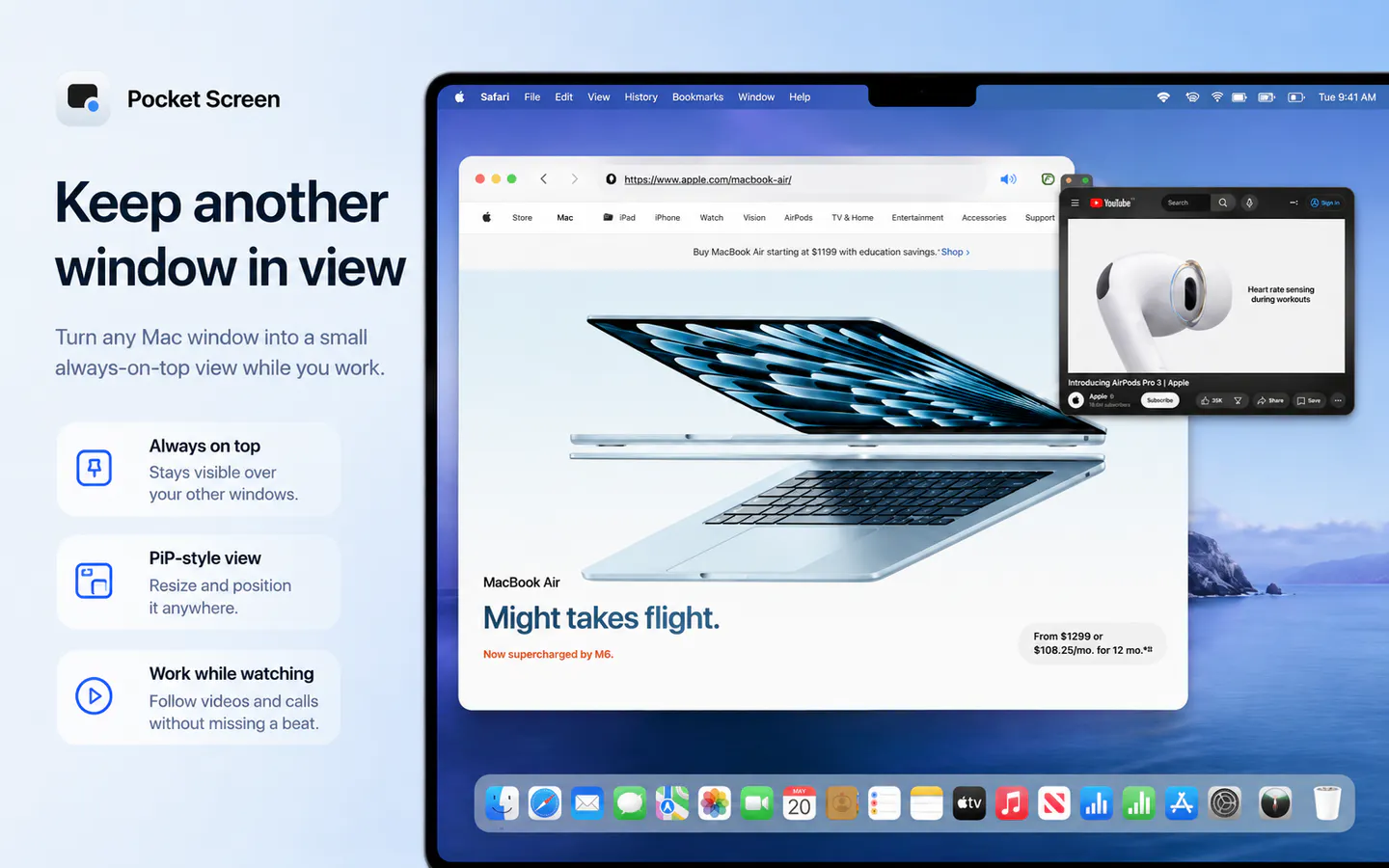
Pocket Screen turns the frontmost window on your Mac into a compact, always-on-top PiP-style view. Keep documents, chats, videos, or reference material visible while you work in another app—without constantly switching windows. Processing stays on your Mac.
AI Analysis
Pocket Screen is a macOS menu bar app that transforms the frontmost window into a compact, always-on-top PiP-style floating panel. Users can keep documents, chats, videos, or references visible while working in other apps, eliminating constant window switching. Core features include local-only processing for privacy, one-click activation, and compatibility with any app. It solves key pain points of multitasking on limited screen space and context switching. The value proposition is improved productivity and focus for Mac users through seamless, non-intrusive reference viewing.
In 2025-2026, market timing is favorable due to maturing macOS ecosystem, growing remote/hybrid work demands, AI-driven productivity focus, and users seeking efficient screen real estate management. Technology for window management is stable, user demand for local privacy-focused tools is rising amid economic pressures for efficiency. No major negative policy impacts. Excellent Timing.
High feasibility. Technical implementation uses mature macOS APIs for window manipulation and overlays with moderate difficulty. Low development and operation costs as an indie software product. No supply chain or significant compliance risks beyond standard app distribution. Strong scalability via digital sales. Main risk is compatibility with future macOS updates. Fits well for small dev teams experienced in Apple platforms.
Main segments: Tech-savvy Mac professionals (developers, designers, writers, researchers) aged 25-45 in productivity-focused roles. Industries: Software, creative services, education, consulting. Primarily North America and Europe, with global distribution. TAM for Mac productivity software exceeds $1B; SAM for window/utility apps ~$100M; SOM for this niche ~$10M. Core pains: inefficient multitasking and reference management. High willingness to pay for utility apps ($5-30 one-time or subscription).
Medium. Direct competitors: 1. ScreenFloat (screenfloat.app), 2. macOS Stage Manager (apple.com), 3. Rectangle Pro (rectangleapp.com), 4. Magnet (magnet.crowdcafe.com), 5. Helium (for specific floating content). Advantages: Simpler one-click any-window PiP, fully local processing, focused on always-visible references. Disadvantages: Newer product with potentially fewer advanced window controls or integrations compared to established tools; limited to macOS only.
Upgrade Pro to unlock full AI analysis
Similar Products

Adapt
The company brain that gets work done
▲ 124 votes

Kosshi
Simple, fast outliner for Mac and iPhone.
▲ 90 votes

Thoughts for Mac
Capture notes from your menubar using text, images or voice
▲ 90 votes

WikiFix for Confluence
Find and fix issues in your knowledge base
▲ 86 votes

Refoid
Automate App Store refund responses and track every outcome
▲ 68 votes

Patchcord
Studio sound for your mic in every Mac meeting with EQ
▲ 64 votes