
Screen Charm
Give your screen recordings more charm
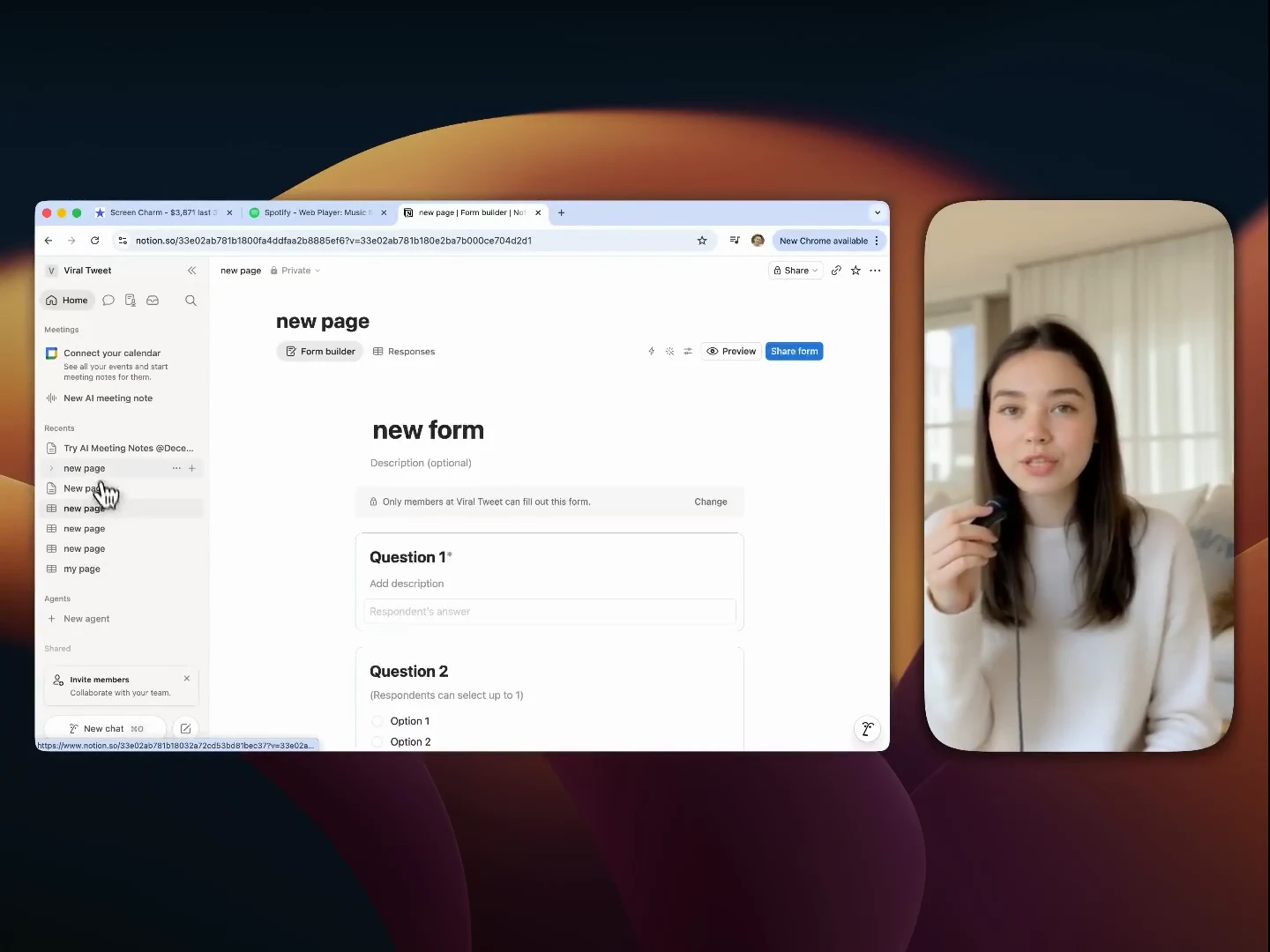
Record your screen and instantly turn raw footage into polished, presentation-ready videos with smart zoom effects, smooth motion blur, webcam overlay, background music, and a built-in editor. No complex editing tools. No subscriptions. Just clean, high-quality demos in minutes. Export in up to 4K and share videos that actually feel professional whether you're showcasing a product, onboarding users, or recording tutorials. One-time purchase. No subscription. Just ScreenCharm.
AI Analysis
Screen Charm is a Mac app that records your screen and instantly enhances raw footage into polished, professional videos using smart zoom effects, smooth motion blur, webcam overlays, background music, and a simple built-in editor. It solves key user pain points like time-consuming complex editing in tools like Final Cut or Premiere, steep learning curves, and lack of quick professional output for demos, tutorials, and user onboarding. Unique selling points include one-time purchase (no subscriptions), 4K export quality, and ease of use to create presentation-ready videos in minutes. The overall value proposition is making high-quality screen recordings accessible and efficient for non-video experts.
In 2025-2026, market timing is favorable due to booming demand for video content in remote work, SaaS marketing, education, and AI-enhanced productivity tools. Technology for real-time video effects on Apple Silicon is mature. Growing subscription fatigue drives preference for one-time purchase models. Economic trends support efficient content creation tools amid creator economy growth. This aligns perfectly with user needs for simplicity over complex editors. Rating: Excellent Timing.
Technically feasible leveraging macOS native frameworks (AVFoundation, Metal) for capture and effects; moderate development costs for a focused desktop app with no heavy backend. Low supply chain or compliance risks. Strong scalability via App Store/digital sales and updates. Potential challenges in cross-device optimization and maintaining performance for 4K. Overall rating: High, supported by proven video tech and one-time purchase model reducing ongoing ops burden.
Primary users: Tech-savvy Mac professionals (product managers, marketers, educators, SaaS founders) aged 25-45 creating demos, tutorials, and onboarding content. Industries: Software, digital marketing, e-learning. Geographic: Mainly North America, Europe, with global reach. Estimated market: TAM for video creation tools ~$20B, SAM for Mac screen recording ~$1B, SOM ~$50-100M. Core pain points: Time wasted on editing, unprofessional output. High willingness to pay one-time fees ($29-99) for time-saving simplicity.
Competition level: Medium. Direct competitors: 1. Loom (loom.com) - simple cloud recordings with subscriptions; 2. ScreenFlow (telestream.net/screenflow) - advanced Mac editor, one-time but steeper learning curve; 3. Camtasia (techsmith.com/camtasia) - full-featured but complex and pricier; 4. CleanShot X (cleanshot.com) - Mac-focused capture with some effects. Advantages: Superior auto smart zooms/motion blur, simpler UX, no-sub pricing for quick polished results. Disadvantages: Newer product with potentially fewer advanced features, Mac-only. Strong differentiation in 'instant polish' without complex tools.
Upgrade Pro to unlock full AI analysis
Similar Products

Adapt
The company brain that gets work done
▲ 124 votes

Tapfree for Chrome
Voice dictation that adapts to what’s on your screen
▲ 122 votes

Kosshi
Simple, fast outliner for Mac and iPhone.
▲ 90 votes

Thoughts for Mac
Capture notes from your menubar using text, images or voice
▲ 90 votes

WikiFix for Confluence
Find and fix issues in your knowledge base
▲ 86 votes

Refoid
Automate App Store refund responses and track every outcome
▲ 68 votes