
Side
A little AI chat panel that lives beside your Mac's Dock
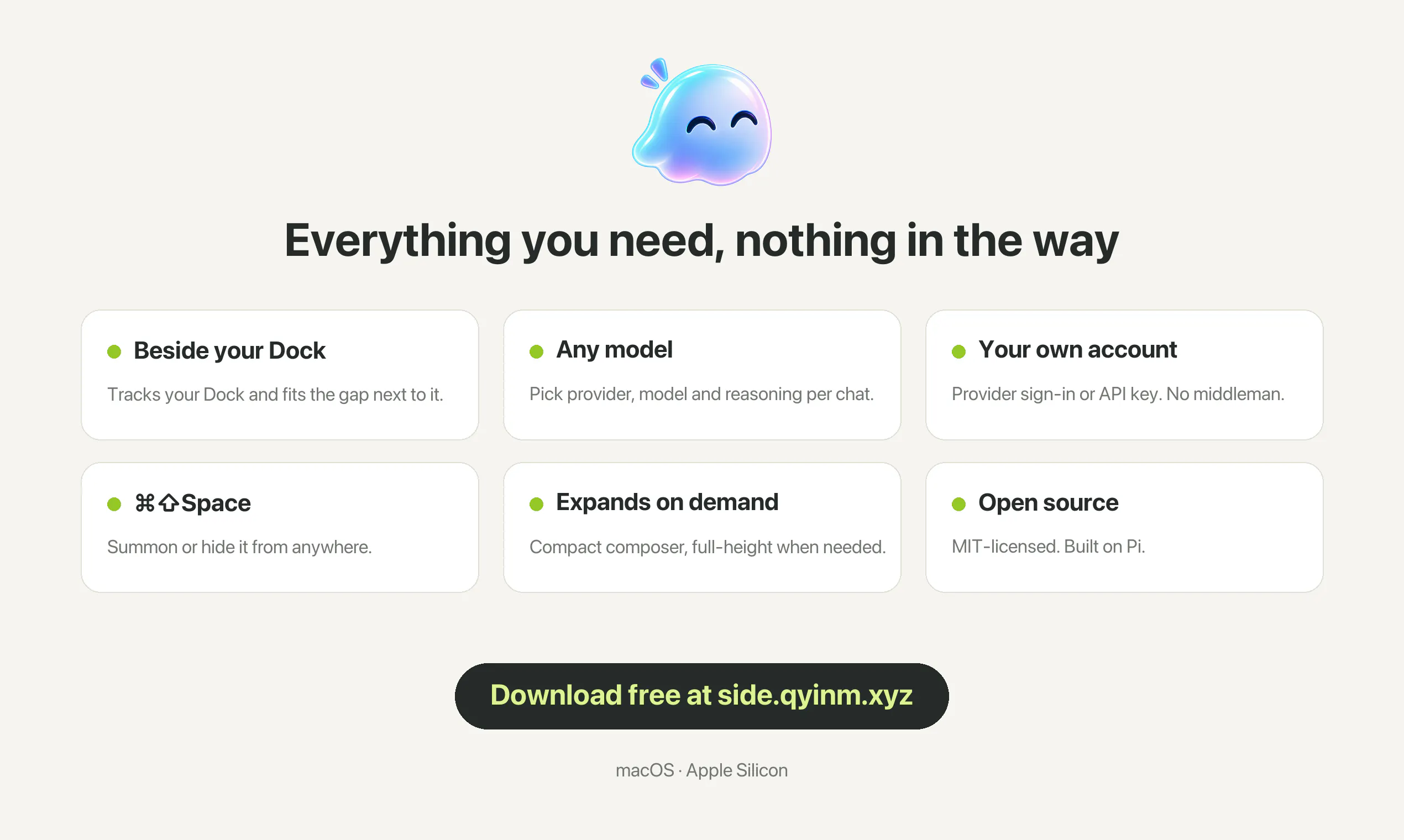
Side is a tiny AI chat panel that sits right beside your Mac's Dock: one glance away, never in the way. • Fits the gap next to your Dock, floats above other windows, works across Spaces and full-screen apps • Switch providers, models and reasoning levels in one conversation • Bring your own account: sign in with ChatGPT or use an API key • Compact composer that expands to full height when needed • ⌘⇧Space to show or hide Free and open source (MIT).
AI Analysis
Side is a minimal AI chat panel that integrates beside the Mac Dock for instant, non-intrusive access. Core features include floating above windows, compatibility across Spaces and full-screen apps, seamless switching between AI providers/models/reasoning levels in one thread, support for personal ChatGPT accounts or API keys, an expandable composer, and a global hotkey (⌘⇧Space). It addresses pain points like workflow disruption from app switching and cluttered interfaces when needing quick AI help. As a free, open-source (MIT) tool available on GitHub, its value proposition is effortless AI productivity tailored to the Mac ecosystem without subscriptions or bloat.
In 2025-2026, timing is highly favorable due to maturing AI APIs, widespread adoption of Apple Intelligence on Mac, rising demand for context-aware desktop AI that minimizes context switching, and economic push for productivity tools amid remote/hybrid work. Open-source AI apps align with growing developer and user preference for transparent, customizable tools without vendor lock-in. No major regulatory hurdles for local desktop apps. Excellent Timing.
High technical feasibility using macOS frameworks (Swift/SwiftUI or Electron) for dock-adjacent floating panels and standard API integrations. Low development and operation costs as an open-source solo or small-team project with no hardware or complex supply chain. Minimal compliance risks for a desktop utility; strong scalability via community contributions. Potential challenges in maintaining cross-model compatibility are manageable. Overall rating: High.
Primary segments: Mac-using professionals (developers, writers, designers, researchers) aged 25-45, tech-savvy users following GitHub and AI trends. Geographic focus: North America and Europe (high Mac adoption). Estimated market: TAM for global AI productivity software exceeds $50B, SAM for desktop/Mac AI interfaces several billion, SOM for niche dock-integrated tools in tens of millions USD. Core pain points: disruptive app switching for AI queries and lack of persistent, glanceable interfaces. High willingness to pay for AI API usage; product itself free, appealing to cost-conscious users.
Medium. Direct competitors: 1. Raycast (raycast.com) - extensible launcher with AI. 2. MacGPT (macgpt.app) - native ChatGPT desktop client. 3. Chatbox (chatboxai.app) - multi-LLM desktop app. 4. OpenAI's official macOS app. Advantages: unique always-visible Dock positioning, floats in full-screen, single-conversation multi-provider switching, fully free/OSS. Disadvantages: narrower scope (chat-only vs Raycast's broader commands), requires users to bring own API keys (no bundled access), less brand recognition than incumbents.
Upgrade Pro to unlock full AI analysis
Similar Products

Cohere Parse 5
Turn complex docs, tables & images into AI-ready data
▲ 158 votes

Opaline
PostHog for team Claude Code and Codex sessions.
▲ 141 votes

Adapt
The company brain that gets work done
▲ 124 votes

Kosshi
Simple, fast outliner for Mac and iPhone.
▲ 90 votes

WikiFix for Confluence
Find and fix issues in your knowledge base
▲ 86 votes

Refoid
Automate App Store refund responses and track every outcome
▲ 68 votes