
Sigma File Manager
Free, open-source, cross-platform, modern file manager app
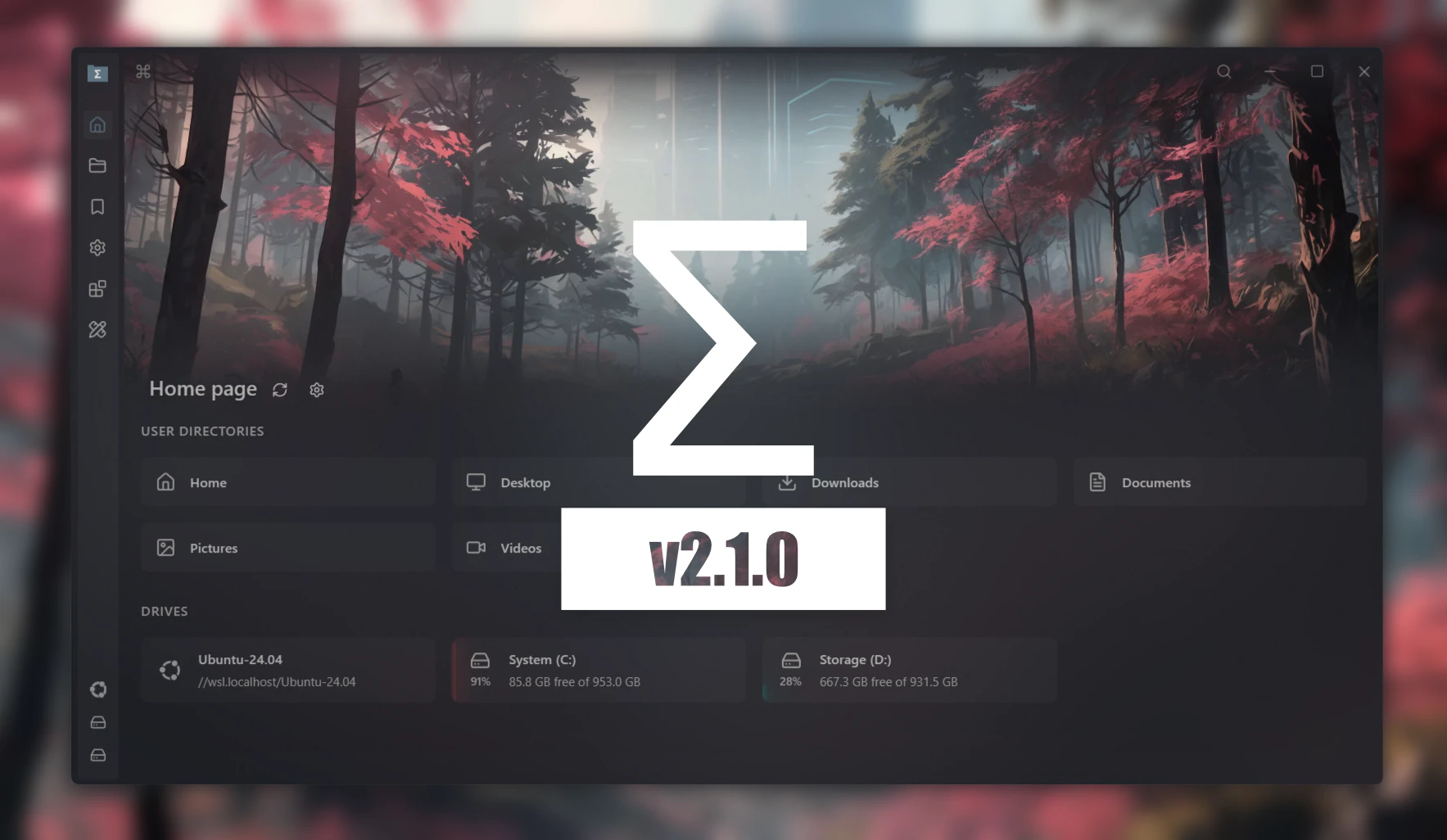
"Sigma File Manager" is a free, open-source, quickly evolving, modern file manager (explorer / browser) app for Windows and Linux. - aleksey-hoffman/sigma-file-manager
AI Analysis
Sigma File Manager is a free, open-source, cross-platform modern file manager for Windows and Linux. Core features include an intuitive Material Design-inspired UI, tabbed browsing, dual-pane mode, fast search, customization, and integrated tools like a terminal. It solves key pain points such as outdated, inefficient interfaces in default OS file explorers (e.g. Windows Explorer, Linux Nautilus), lack of advanced productivity features, and bloatware in commercial alternatives. Unique selling points are its rapid community-driven evolution, focus on aesthetics, performance, privacy (no ads/telemetry), and being completely free. The value proposition is delivering a sleek, powerful, and accessible file management experience that boosts productivity for tech-savvy users.
In 2025-2026, trends favor privacy-focused, open-source desktop tools amid growing distrust of big-tech ecosystems and AI integration in productivity software. User demand for modern, customizable local file management remains steady with hybrid work and increasing Linux adoption. However, the category is mature with cloud storage reducing some local needs. It is a Moderate Timing as the product fits ongoing open-source momentum but is not riding a major new wave.
Technical difficulty is medium-low as it leverages established frameworks for cross-platform desktop apps. Development and operation costs are very low due to its open-source model with community contributions. No significant supply chain or compliance risks for a desktop utility. Strong scalability via GitHub distribution and plugin potential. Overall High feasibility with an existing codebase and active evolution.
Main target segments: Developers, IT professionals, power users, and open-source enthusiasts (ages 18-45), primarily tech industry, with global distribution but strong adoption in North America, Europe, and Linux communities. Market size is part of the large productivity software TAM, with SAM/SOM in the millions for open-source desktop tools. Core pain points: clunky legacy UIs, slow workflows, privacy concerns. Potential willingness to pay is low (free product), but users often support via donations or sponsorships.
High. Direct competitors: 1. Files (files.community) - modern open-source Windows file manager; 2. Double Commander (doublecmd.sourceforge.io) - open-source dual-pane explorer; 3. Total Commander (ghisler.com) - feature-rich (freemium); 4. muCommander (mucommander.com) - cross-platform Java-based; 5. Dolphin (kde.org/apps/dolphin) - KDE Linux default. Sigma's advantages: cleaner modern UI, fully free/no freemium limits, cross-platform consistency. Disadvantages: smaller feature set and community than veterans, still evolving which may mean fewer advanced tools or stability compared to mature competitors.
Upgrade Pro to unlock full AI analysis
Similar Products

Adapt
The company brain that gets work done
▲ 124 votes

Coarena by Coasty
The arena where agents battle on real-world work
▲ 104 votes

Kosshi
Simple, fast outliner for Mac and iPhone.
▲ 90 votes

Thoughts for Mac
Capture notes from your menubar using text, images or voice
▲ 90 votes

WikiFix for Confluence
Find and fix issues in your knowledge base
▲ 86 votes

Refoid
Automate App Store refund responses and track every outcome
▲ 68 votes