
Smooth Recorder
Mac screen recordings that look edited when you hit stop
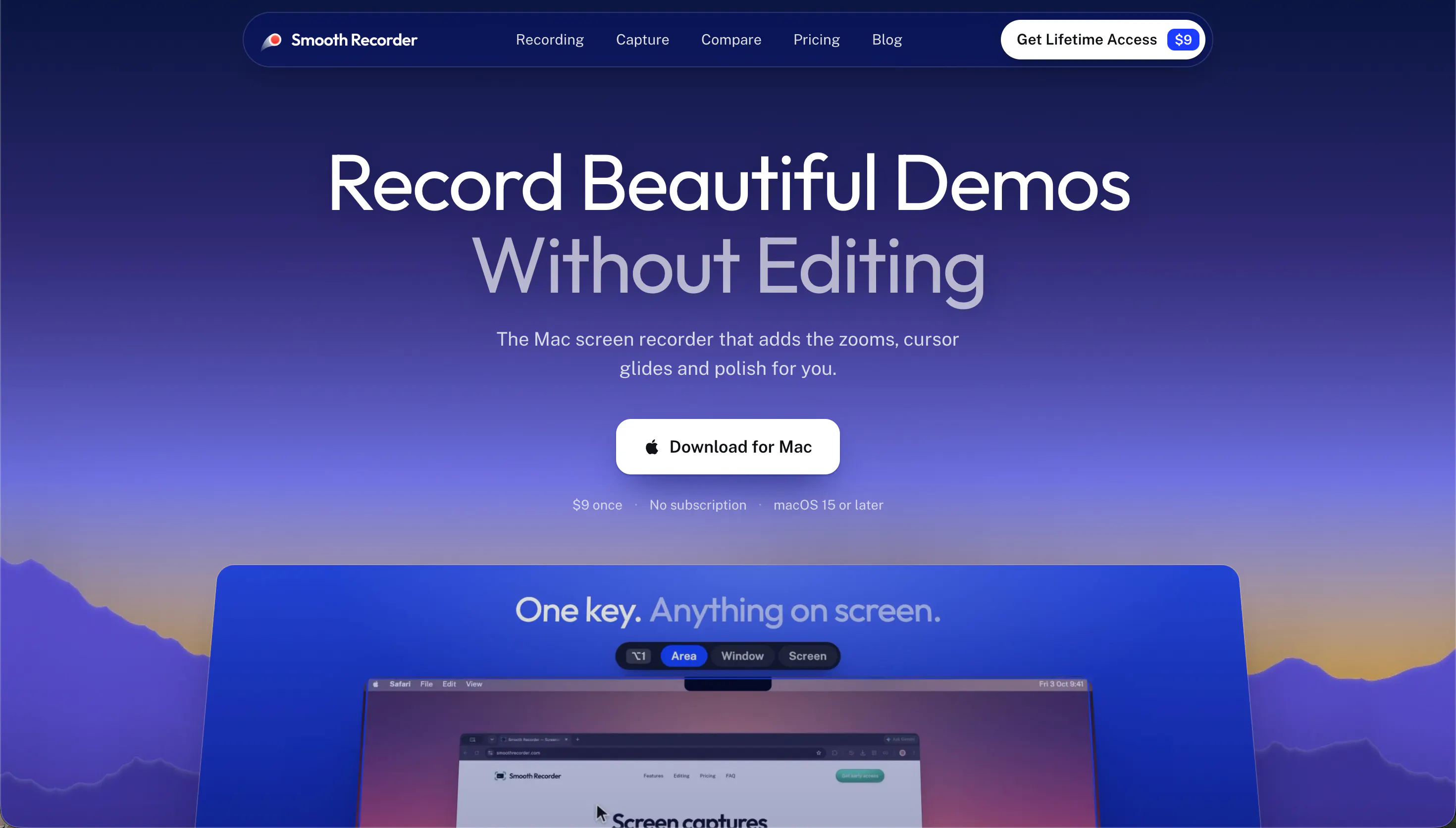
Smooth Recorder is a native Mac app for demos and tutorials. It zooms in where you click, smooths your cursor, adds captions on your Mac and puts it all on a nice background. Screenshots get the same features.
AI Analysis
Smooth Recorder is a native Mac app for creating demos and tutorials. Core features include auto-zoom where you click, cursor smoothing, automatic captions, and applying a nice background to screen recordings. Screenshots receive the same polish. It solves the key pain point of time-consuming post-production editing to make raw recordings look professional. The unique selling point is that videos appear edited the instant recording stops. Overall value proposition: Enables anyone on Mac to quickly produce high-quality, polished visual content without editing skills or software.
In 2025-2026, timing is favorable due to booming demand for quick content creation in education, SaaS demos, and remote work. Technology for real-time processing on Mac is mature, user demand shifts toward no-edit professional outputs, and AI-adjacent productivity tools are trending. Positive economic environment for digital efficiency tools. Excellent Timing.
High feasibility. Leverages mature macOS screen capture APIs; real-time zoom/smoothing is technically achievable though requires optimization. Moderate dev costs for native Mac app. Low supply chain/compliance risks for desktop software. Strong scalability via feature updates. Best fit for team with Apple platform expertise. Key risk is maintaining performance across macOS versions.
Main segments: Mac-based UX/UI designers, indie developers, educators, and marketers creating product demos/tutorials. Demographics: tech professionals aged 25-45, primarily in North America/Europe. Estimated market: niche within growing screen recording sector with strong demand. Core pain points: tedious editing and lack of professional polish in quick recordings. High willingness to pay for time-saving native tools.
Medium. Direct competitors: Loom (loom.com), ScreenFlow (telestream.net/screenflow), CleanShot X (cleanshot.com), Kap (getkap.co), OBS Studio (obsproject.com). Advantages: automatic professional effects (zoom, captions, backgrounds) with zero editing; seamless Mac integration. Disadvantages: Mac-only limiting audience, potentially less flexible than full editors like ScreenFlow, newer product with less established brand.
Upgrade Pro to unlock full AI analysis
Similar Products

Loot
Collect your favorite things in real life
▲ 115 votes

Kosshi
Simple, fast outliner for Mac and iPhone.
▲ 90 votes

LayerProof Kraft
Co-write insightful long form content
▲ 84 votes

Polygram
AI-native design and coding app to build mobile & web apps
▲ 81 votes

Bevell
CAD automation where it counts.
▲ 78 votes

Mantel
Stop confusing your Claude Code sessions & terminal windows
▲ 72 votes