
Snapset
Save and restore your entire Mac workspace in an instant
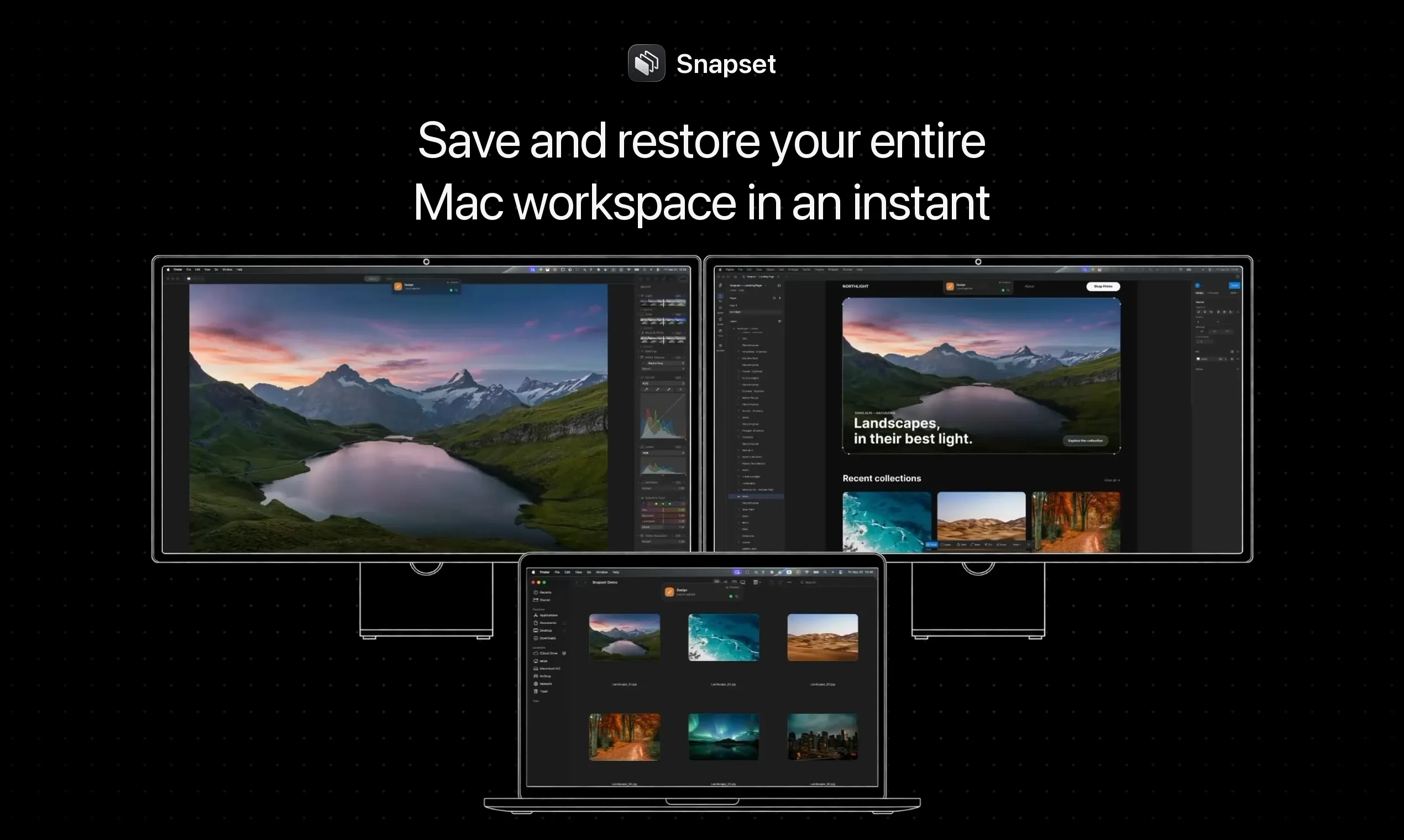
Apps, window positions, browser tabs, even the folders you had open. A Mac menu bar app that remembers your entire workspace, and rearranges it automatically when you plug into a different display.
AI Analysis
Snapset is a Mac menu bar app that saves and instantly restores entire workspaces, including open apps, exact window positions, browser tabs, and folders. It automatically rearranges everything when switching displays. It solves the major pain point of time-consuming manual reconfiguration when changing locations, monitors, or setups. The core value proposition is seamless productivity recovery, allowing Mac users to resume work instantly without setup friction. Unique in capturing comprehensive context beyond simple window management.
In 2025-2026, market timing is favorable due to persistent hybrid/remote work trends, growing multi-monitor Mac usage, mature macOS automation APIs, and rising demand for AI-adjacent productivity tools that reduce context-switching costs. Users increasingly value efficiency in dynamic environments. No major negative policy or economic factors. Excellent Timing.
High. Technical difficulty is manageable using established macOS Accessibility, Scripting Bridge, and display detection APIs; development costs are low for an indie menu bar app with minimal server needs. Low supply chain/compliance risks (standard App Store distribution). Strong scalability as pure software with high team fit for Mac-focused developers. Main risk is API changes but overall highly feasible.
Primary segments: Tech professionals, developers, designers, and knowledge workers (ages 25-45) using Mac for multitasking, mainly in North America, Europe, and urban Asia. They frequently switch between home/office/multi-monitor setups. Estimated market: TAM for global Mac productivity software ~$2B, SAM for workspace tools ~$150M, SOM ~$8-10M. Core pains: Lost time rearranging apps/windows. High willingness to pay for time-saving tools ($20-50 one-time typical).
Medium. Direct competitors: 1. Contexts (contexts.co), 2. Moom (manytricks.com/moom), 3. Rectangle (rectangleapp.com), 4. TotalSpaces (totalspaces.binaryage.com), 5. Workspaces (apptorium.com). Advantages: Broader capture (browser tabs + folders), automatic display-based restore, simple menu bar focus. Disadvantages: Likely less mature feature set for advanced resizing/tiling compared to established players; newer brand with limited visibility; Mac-only scope.
Upgrade Pro to unlock full AI analysis
Similar Products

Adapt
The company brain that gets work done
▲ 124 votes

Tapfree for Chrome
Voice dictation that adapts to what’s on your screen
▲ 122 votes

Kosshi
Simple, fast outliner for Mac and iPhone.
▲ 90 votes

Thoughts for Mac
Capture notes from your menubar using text, images or voice
▲ 90 votes

WikiFix for Confluence
Find and fix issues in your knowledge base
▲ 83 votes

Refoid
Automate App Store refund responses and track every outcome
▲ 68 votes