
StepShot
AI that turns real workflows into step-by-step guides
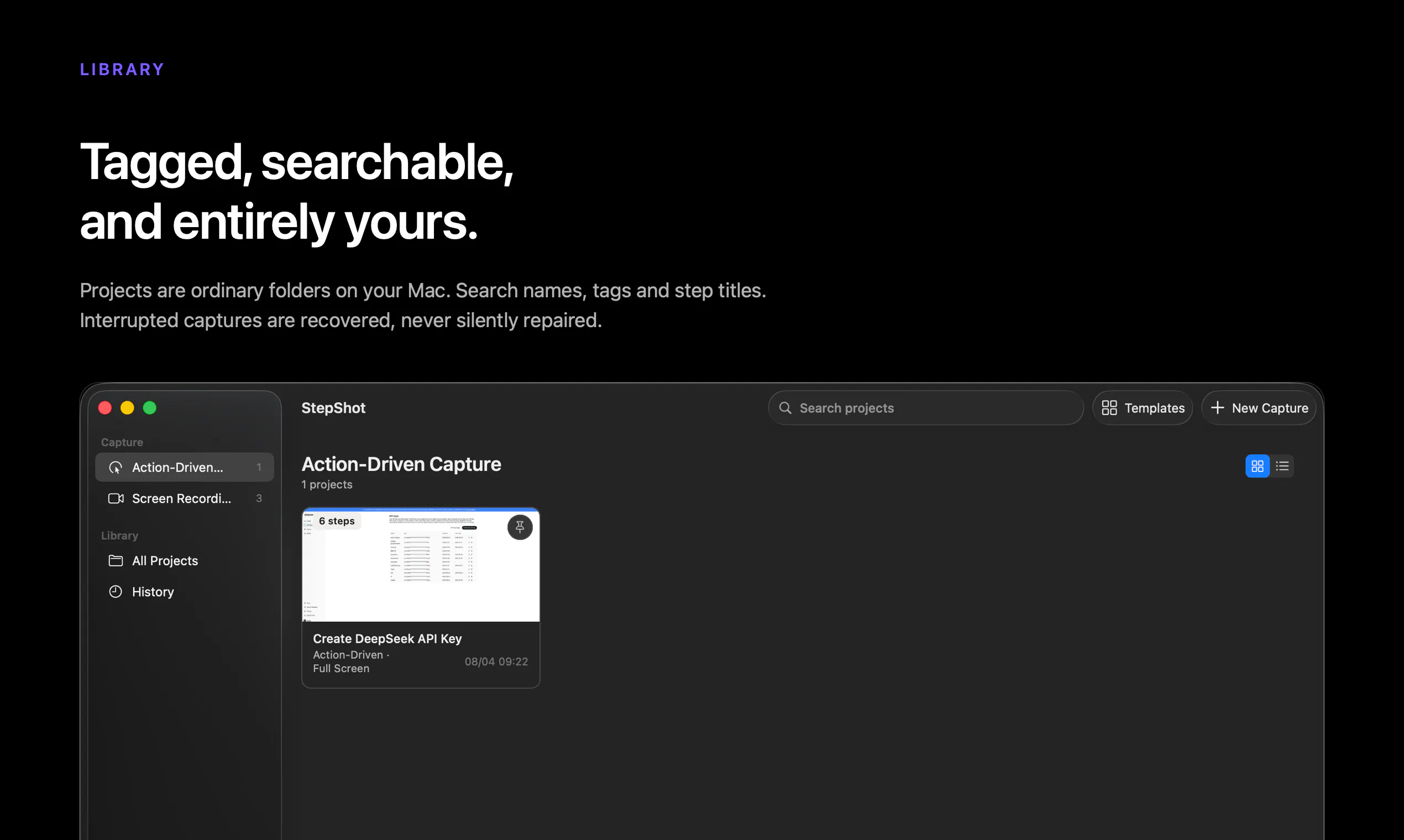
StepShot is an AI-powered documentation tool that turns real on-screen workflows into polished step-by-step guides as you work. It captures clicks and typing; local AI frames screenshots, writes instructions, and explains which actions to keep or skip. Edit, annotate, reorder, and redact every step, then export to PDF, Markdown, or HTML. It runs locally on your Mac with no account or product telemetry, while optional cloud AI polishing uses your own OpenAI-compatible provider.
AI Analysis
StepShot is an AI-powered Mac app that automatically captures on-screen workflows by recording clicks and typing, then uses local AI to generate polished step-by-step guides with screenshots and instructions. Users can edit, annotate, reorder, redact steps, and export to PDF, Markdown, or HTML. It emphasizes privacy with fully local processing, no accounts or telemetry, and optional use of user's own OpenAI-compatible API for enhancements. It solves the pain of time-consuming, manual creation of tutorials and documentation that often leads to inaccuracies. The value proposition is seamless, private, and efficient workflow documentation for professionals.
In 2025-2026, market timing is favorable due to maturing on-device AI capabilities (especially on Apple Silicon), growing emphasis on data privacy, and increasing demand for AI-driven productivity tools to automate repetitive tasks like documentation. User adoption of local LLMs is rising amid concerns over cloud AI costs and security. Economic pressures favor tools that boost efficiency without heavy subscriptions. Excellent Timing.
High feasibility. Technical difficulty is manageable by leveraging macOS local AI frameworks and computer vision for screen capture. Development and operation costs are moderate for a desktop-first app with optional cloud features. Minimal supply chain or compliance risks due to strong privacy focus (no telemetry). Good scalability for individual users and teams, with strong team fit for AI/productivity developers. Key risks are AI accuracy in varied workflows.
Primary users: Tech professionals, developers, technical writers, QA engineers, educators, and customer support teams who use Mac. Demographics: 25-45yo knowledge workers. Industries: Software, IT, education, consulting. Geographic: Mainly North America, Europe. The AI productivity tools market has a large TAM (tens of billions), with SAM for documentation automation in hundreds of millions and SOM for Mac-based tools in tens of millions. Core pains: Manual screenshotting/writing is tedious and inconsistent. High willingness to pay for time-saving tools (one-time or subscription).
Medium. Direct competitors: 1. Scribe (scribehow.com), 2. Tango (tango.us), 3. Guidde (guidde.com), 4. Snagit (techsmith.com/snagit). Advantages: Superior privacy via fully local AI and no telemetry, runs offline, uses user's own AI keys, native Mac integration. Disadvantages: Mac-only (vs cross-platform competitors), potentially higher reliance on user setup for advanced AI, less marketing reach as a newer tool. Strong differentiation in privacy and local processing.
Upgrade Pro to unlock full AI analysis
Similar Products

Cohere Parse 5
Turn complex docs, tables & images into AI-ready data
▲ 158 votes

Adapt
The company brain that gets work done
▲ 124 votes

Tapfree for Chrome
Voice dictation that adapts to what’s on your screen
▲ 122 votes

Kosshi
Simple, fast outliner for Mac and iPhone.
▲ 90 votes

Thoughts for Mac
Capture notes from your menubar using text, images or voice
▲ 90 votes

Refoid
Automate App Store refund responses and track every outcome
▲ 68 votes