
TapCraft
App Demo Studio for mobile apps
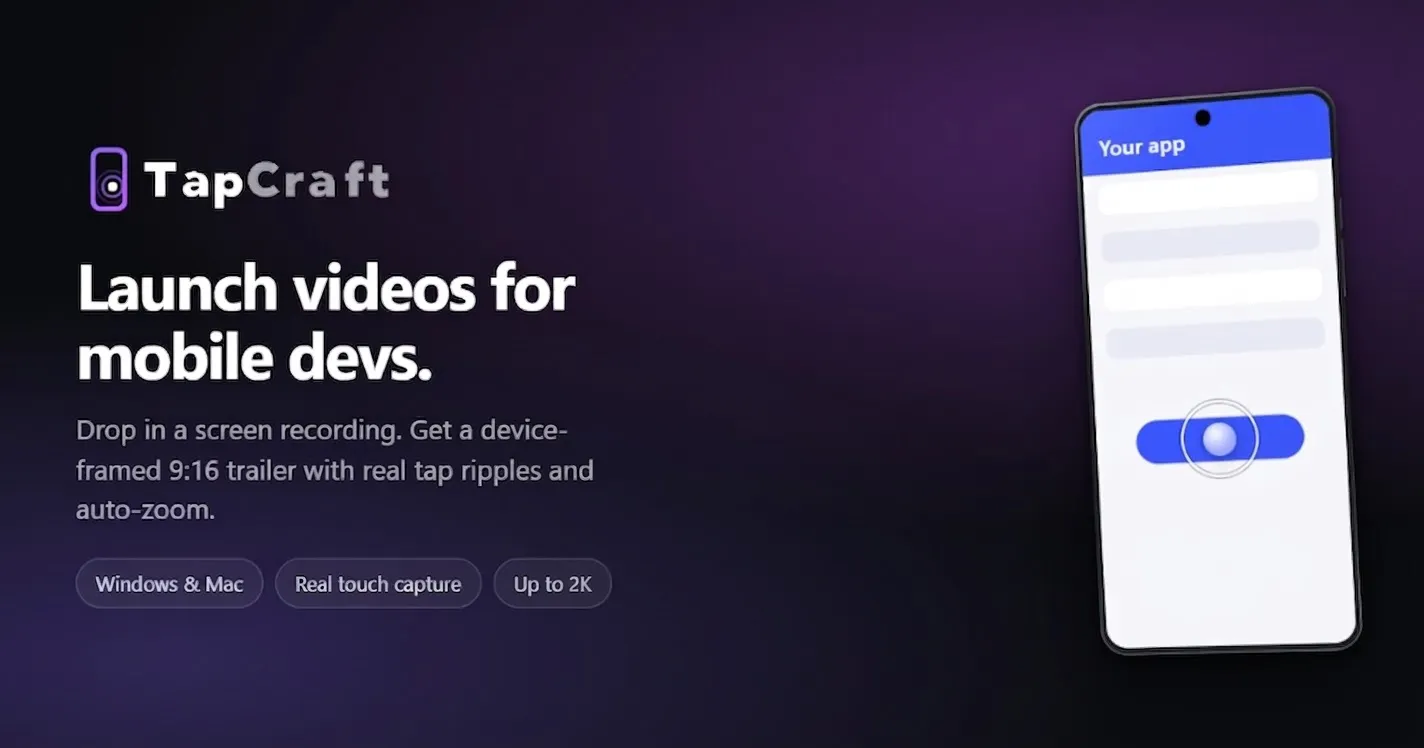
Most device-video tools are Mac-only and built for landscape desktop demos. App Store previews are 9:16. TapCraft runs in the browser. Drop in an Android or iOS screen recording, wrap it in a real Pixel / iPhone / Galaxy frame, add tap ripples (click to place, or import exact coordinates from adb), auto-zoom the camera, cover the recorder's red chip, and export 1080 or 2K. Free is unlimited and watermarked.
AI Analysis
TapCraft is a browser-based App Demo Studio for mobile apps. Core features include uploading Android/iOS screen recordings, wrapping them in realistic Pixel/iPhone/Galaxy frames, adding tap ripples (manual click or ADB coordinate import), auto-zoom, covering recorder red chips, and exporting at 1080p or 2K. It solves key pain points of Mac-only, landscape-focused tools that fail to meet 9:16 App Store preview needs. USPs are cross-platform browser accessibility, ease of creating professional vertical demos, and unlimited free watermarked exports. Overall value proposition: Enables developers and marketers to quickly produce high-quality app promo videos without specialized desktop software.
The current market timing is favorable as the mobile app ecosystem continues expanding in 2025-2026 with fiercer App Store competition demanding standout 9:16 preview videos. Web video technologies are mature, user demand shifts toward accessible browser tools amid remote workflows, and digital marketing budgets grow. No major negative policy impacts for such productivity tools. Excellent Timing.
High. Technical implementation leverages mature browser APIs and libraries for video handling and overlays; development and operation costs are moderate for a SaaS tool with cloud exports. Low supply chain/compliance risks (standard privacy for uploads). Strong scalability potential via cloud processing. Team with web dev experience would fit well. Key risks are performance optimization for high-res videos in-browser.
Main target segments: Mobile app developers, indie hackers, SaaS product teams, and digital marketers (ages 25-45, tech-savvy). Industries: Software development and app marketing. Geographic: Global, with high adoption in US, Europe, and Asia. Estimated TAM for developer marketing tools ~$10B, SAM for app preview solutions ~$300M, SOM ~$15-25M. Core pain points: Inefficient creation of polished vertical device videos. Potential willingness to pay: Medium to high for watermark removal and premium features via subscriptions.
Medium. Direct competitors: 1. ScreenFlow (telestream.net/screenflow), 2. Mockuuups Studio (mockuuups.studio), 3. Placeit (placeit.net), 4. Screen Studio (screen.studio), 5. TechSmith Camtasia (techsmith.com). Advantages: Browser-based (no Mac lock-in), tailored tap ripple/ADB features, auto-zoom and chip cover for app previews, unlimited free tier. Disadvantages: Watermarked free version may limit appeal; fewer advanced editing tools than full desktop suites; newer entrant with less brand recognition.
Upgrade Pro to unlock full AI analysis
Similar Products

Deliveryman.ai
Cold email infrastructure on autopilot without Gsuite
▲ 155 votes

Adapt
The company brain that gets work done
▲ 124 votes

Kosshi
Simple, fast outliner for Mac and iPhone.
▲ 90 votes

WikiFix for Confluence
Find and fix issues in your knowledge base
▲ 86 votes

Audryo
Customer email your agent can operate.
▲ 68 votes

Refoid
Automate App Store refund responses and track every outcome
▲ 68 votes