
Tether
A ball for boring meetings to keep you busy
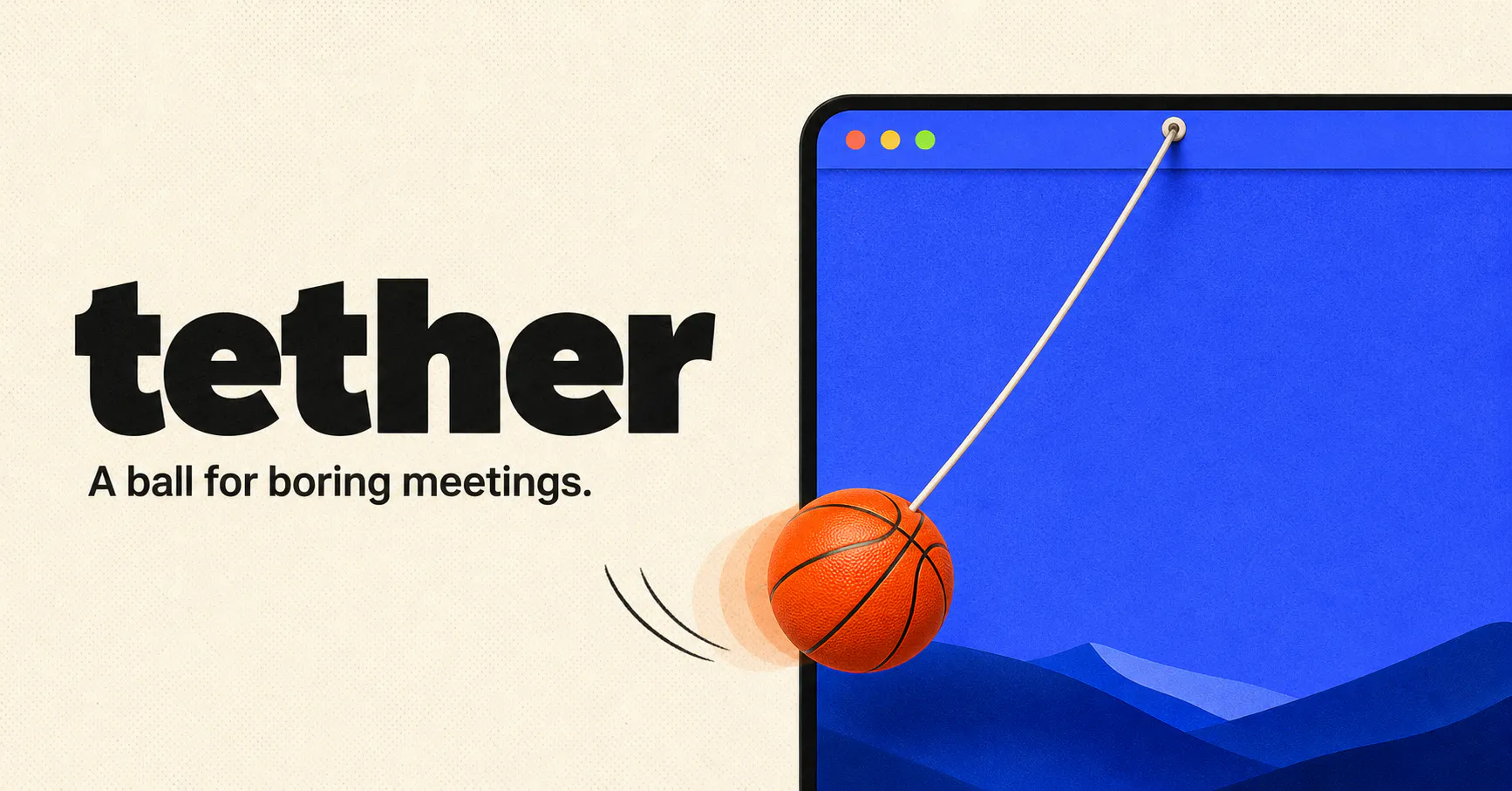
A ball hangs from your Mac menu bar on an elastic tether. Drag it, fling it, slingshot it. It bounces off your actual app windows, rolls along their edges and settles into the Dock. Cut the rope and it goes loose across the desktop. Real physics, not a canned animation, so it never does the same thing twice. One key hides it the instant somebody says your name. No account, no subscription, nothing leaves your Mac.
AI Analysis
Tether is a Mac menu bar app featuring a physics-based ball on an elastic tether. Users can drag, fling, or slingshot it; the ball bounces realistically off app windows, rolls on edges, settles in the Dock, or roams free when cut loose. It never repeats due to real physics simulation. It solves boredom and restlessness during long meetings by offering a fun, discreet distraction. A single key instantly hides it when needed. No accounts, subscriptions, or data leaving the Mac. Value proposition: an entertaining, local workflow-integrated toy for stress relief without disrupting productivity.
In 2025-2026, hybrid work and virtual meetings remain prevalent, driving demand for mental health and anti-burnout tools. Real-time physics tech is fully mature on macOS, and users seek light, non-AI productivity companions amid automation trends. Indie Mac apps thrive in the current economic environment supporting digital wellness novelties. However, as a pure entertainment distraction rather than core productivity solution, it misses broader AI-driven efficiency waves. Overall: Moderate Timing.
Technical difficulty is low using mature macOS frameworks for menu bar integration, window collision detection, and 2D physics (e.g. SpriteKit). Development and operation costs are minimal for an indie developer with no servers or user accounts needed. No supply chain, minimal compliance risks as all processing is local. Excellent scalability via App Store distribution and strong fit for small Mac-focused teams. Overall rating: High.
Main segments: Tech professionals, designers, managers, and knowledge workers (ages 25-45) using Macs in office or remote settings, concentrated in North America and Europe. Core pain points include meeting fatigue, restlessness, and need for subtle fidget tools. Estimated market: TAM for Mac utilities ~15M users; SAM for fun productivity tools ~2M; SOM ~100K. Willingness to pay is moderate for a one-time premium app purchase ($5-10).
Low. Direct competitors: 1. Desktop Goose (https://samperson.itch.io/desktop-goose) - annoying desktop pet with chaotic interactions. 2. Physics Playground apps on Mac App Store (various). 3. Virtual fidget toys like online simulators (fidgettoy.com). 4. Classic desktop companions like Neko clones. Advantages: Unique real physics tied to actual app windows/menu bar, instant hide feature, no data collection. Disadvantages: Extremely niche appeal, limited to Mac, may be viewed as unprofessional in work settings, lacks broader features or cross-platform support.
Upgrade Pro to unlock full AI analysis
Similar Products

Adapt
The company brain that gets work done
▲ 124 votes

Kosshi
Simple, fast outliner for Mac and iPhone.
▲ 90 votes

Thoughts for Mac
Capture notes from your menubar using text, images or voice
▲ 90 votes

WikiFix for Confluence
Find and fix issues in your knowledge base
▲ 86 votes

Refoid
Automate App Store refund responses and track every outcome
▲ 68 votes

Patchcord
Studio sound for your mic in every Mac meeting with EQ
▲ 64 votes