
Vibedock
Toggle Claude Code MCP servers from your menu bar
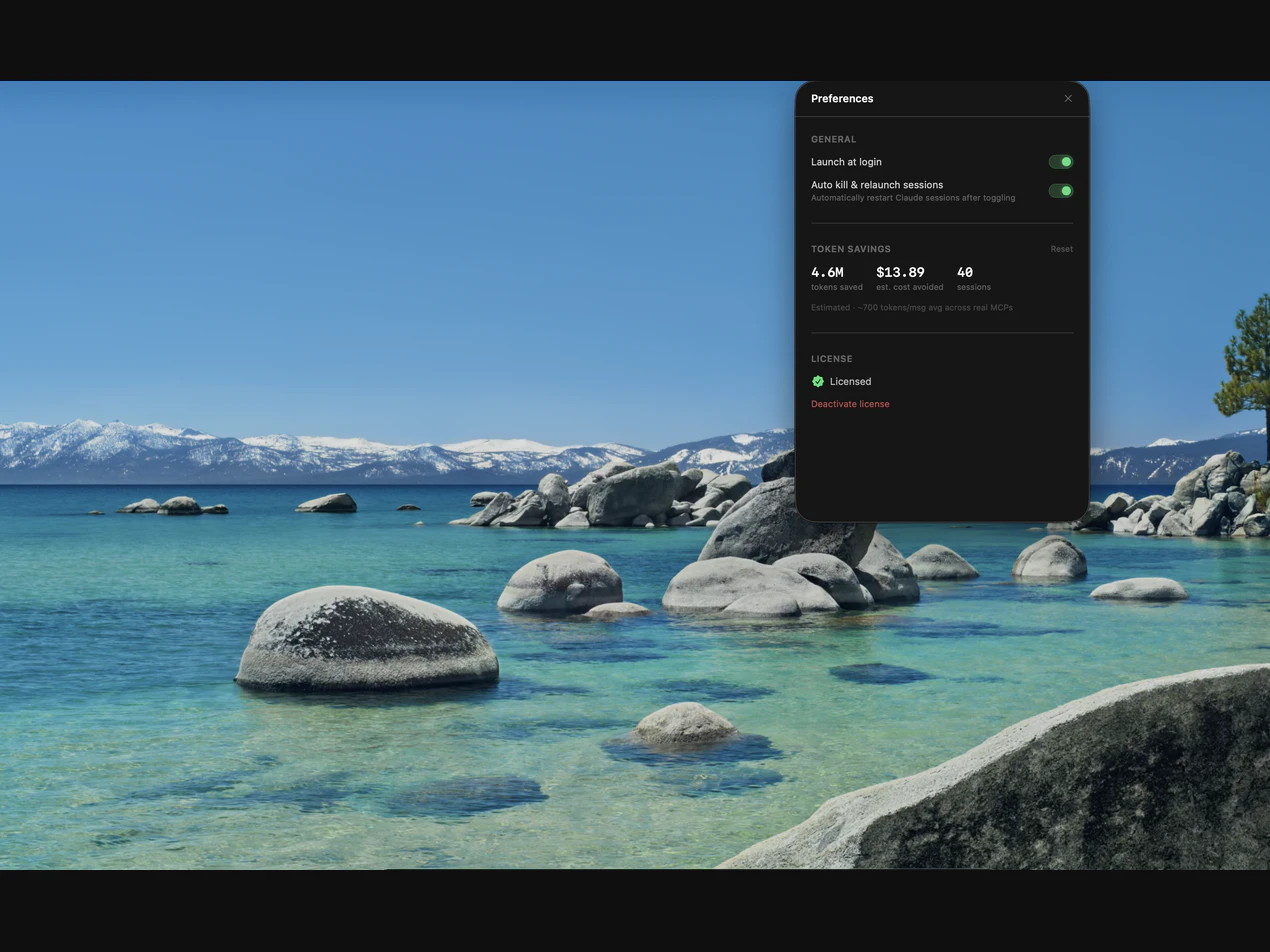
Every MCP server you have configured injects its tool definitions into your context window on every single message — whether you use it that session or not. Vibedock sits in your macOS menu bar and lets you toggle MCPs on and off in one click. It automatically kills and relaunches your Claude sessions so the change actually takes effect.
AI Analysis
Vibedock is a macOS menu bar app that enables one-click toggling of Claude Code MCP servers. It solves the core pain point where configured MCP servers inject unused tool definitions into every context window, bloating prompts and reducing efficiency. The app automatically kills and relaunches Claude sessions to ensure changes take effect immediately. Its USP is seamless, lightweight workflow optimization for AI coding sessions, delivering value through reduced context clutter, token savings, and faster developer productivity without complex manual management.
In 2025-2026, AI coding tools like Claude are seeing rapid adoption with maturing context management tech and growing developer demand for efficiency utilities amid expanding AI ecosystems. Policy support for AI innovation and economic focus on productivity tools make this favorable. Excellent Timing.
Low technical difficulty for a menu bar utility using standard macOS process controls. Low development and operation costs suitable for indie developers. Minimal supply chain or compliance risks with standard app distribution. Strong scalability for updates. Overall rating: High.
Primary users: macOS-based software developers and AI engineers in the tech industry using Claude for coding (mainly North America, Europe). Estimated market size: Niche segment of broader AI developer tools market (large TAM but smaller SAM/SOM focused on Claude users). Core pain: context bloat and inefficient sessions. High willingness to pay for productivity gains.
Low. Direct competitors: 1. Raycast (raycast.com), 2. Alfred (alfredapp.com), 3. Continue.dev (continue.dev), 4. Aider (aider.chat). Advantages: highly specific to MCP/Claude with automatic session restart and menu bar simplicity. Disadvantages: narrow Mac-only scope and dependency on Claude ecosystem compared to broader AI workflow tools.
Upgrade Pro to unlock full AI analysis
Similar Products

Cohere Parse 5
Turn complex docs, tables & images into AI-ready data
▲ 158 votes

Adapt
The company brain that gets work done
▲ 124 votes

Kosshi
Simple, fast outliner for Mac and iPhone.
▲ 90 votes

WikiFix for Confluence
Find and fix issues in your knowledge base
▲ 86 votes

Audryo
Customer email your agent can operate.
▲ 68 votes

Refoid
Automate App Store refund responses and track every outcome
▲ 68 votes