
Wave
Turn your voice into text — local or cloud, your choice
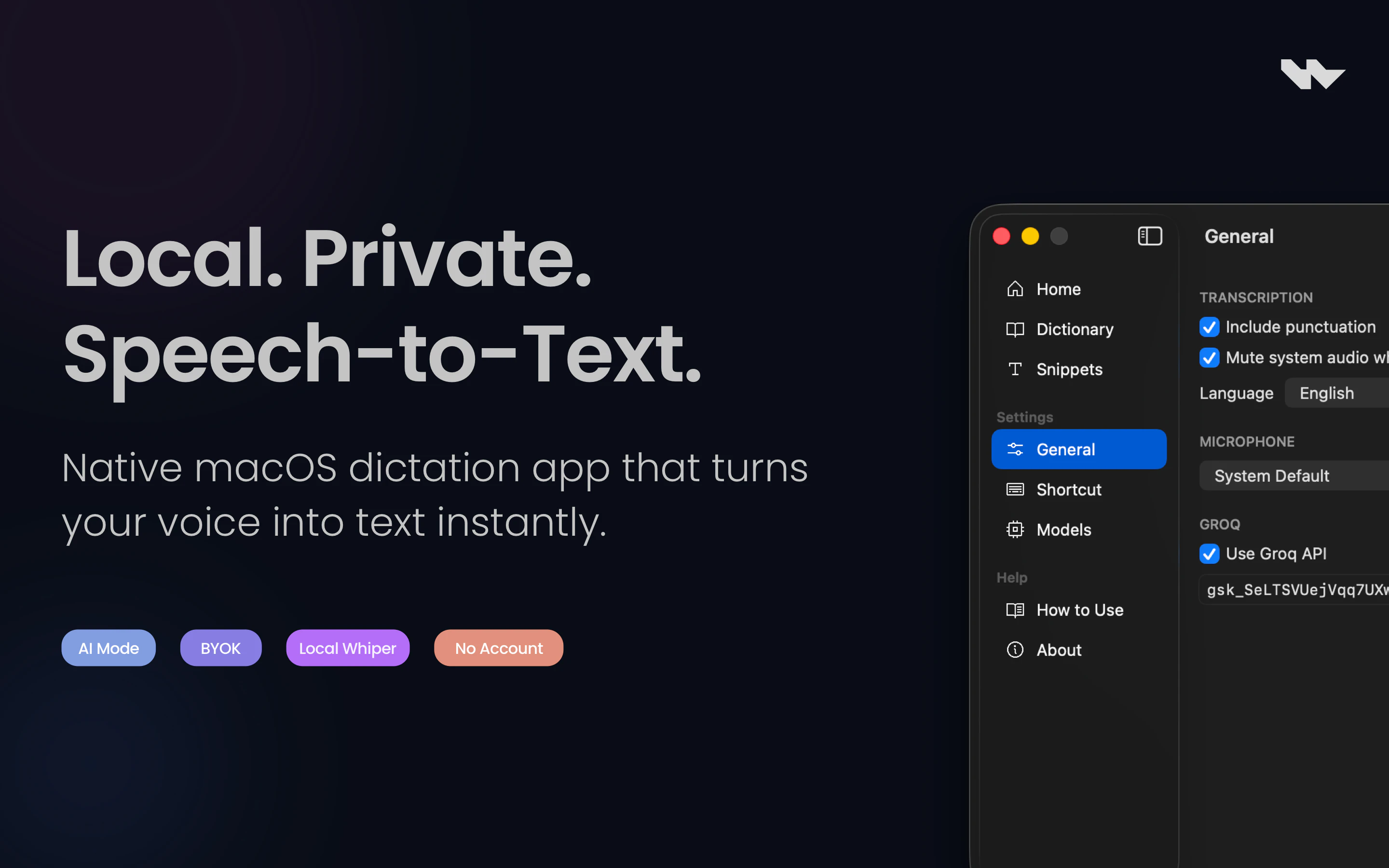
Wave lets you invoke an AI model anywhere on macOS using just your voice. Hold a hotkey, speak, and release—your speech is transcribed, processed, and the result appears exactly where you need it. If you're typing, it replaces or inserts text. If you're reading, it shows a floating answer. Works across all apps with selected text as context.
AI Analysis
Wave is a macOS app that enables voice-activated AI interactions via a hotkey. Users hold a key, speak, and the speech is transcribed and processed by local or cloud AI models. It seamlessly integrates across all apps, replacing/inserting text or showing floating responses, using any selected text as context. Core features include universal compatibility, model choice for privacy/speed, and context-aware processing. It solves pain points like slow typing, app switching for AI queries, and input friction for power users. USP is the flexible local/cloud deployment with system-wide access. Overall value: boosts productivity through natural voice interface while prioritizing user control and privacy.
In 2025-2026, on-device AI and local LLMs are maturing rapidly (e.g. Apple Intelligence), while demand for privacy-focused, seamless productivity tools grows amid remote work and AI adoption. Voice interfaces are becoming mainstream as users tire of keyboards. Economic environment supports AI tools, with no major regulatory hurdles for local transcription. This aligns perfectly with trends toward multimodal, context-aware AI. Excellent Timing.
Technical difficulty is medium: leverages existing Whisper-like models for local, standard APIs for cloud, and macOS APIs for global hotkeys and app integration. Dev/operation costs are moderate for a small team with macOS experience. Low supply chain or compliance risks (software only, focus on data privacy). High scalability via direct downloads or app store. Strong fit for indie devs in productivity space. Overall rating: High.
Primary segments: Tech professionals, writers, developers, and productivity enthusiasts on macOS (ages 25-50), mainly in North America and Europe. Industries include software engineering, content creation, journalism, and accessibility users. Estimated TAM for AI voice productivity tools is multi-billion; SAM for macOS-specific AI ~$1B+; SOM for hotkey voice apps in hundreds of millions. Core pains: inefficient input, lack of fluid AI access. High willingness to pay for time-saving premium tools (subscription or one-time).
Medium. Direct competitors: 1. MacWhisper (macwhisper.com), 2. Superwhisper (superwhisper.ai), 3. Raycast AI (raycast.com), 4. Talon Voice (talonvoice.com). Advantages vs competitors: unique local/cloud flexibility, true system-wide insertion in any app, context from selected text, and floating answer mode. Disadvantages: potentially higher resource use for local models, less mature ecosystem than Raycast, and faces free built-in macOS dictation improvements. Strong differentiation in privacy and universal workflow integration.
Upgrade Pro to unlock full AI analysis
Similar Products

Adapt
The company brain that gets work done
▲ 124 votes

Kosshi
Simple, fast outliner for Mac and iPhone.
▲ 90 votes

Thoughts for Mac
Capture notes from your menubar using text, images or voice
▲ 90 votes

WikiFix for Confluence
Find and fix issues in your knowledge base
▲ 86 votes

Refoid
Automate App Store refund responses and track every outcome
▲ 68 votes

Patchcord
Studio sound for your mic in every Mac meeting with EQ
▲ 64 votes