
WhatCable
Know what your USB-C cable can really do
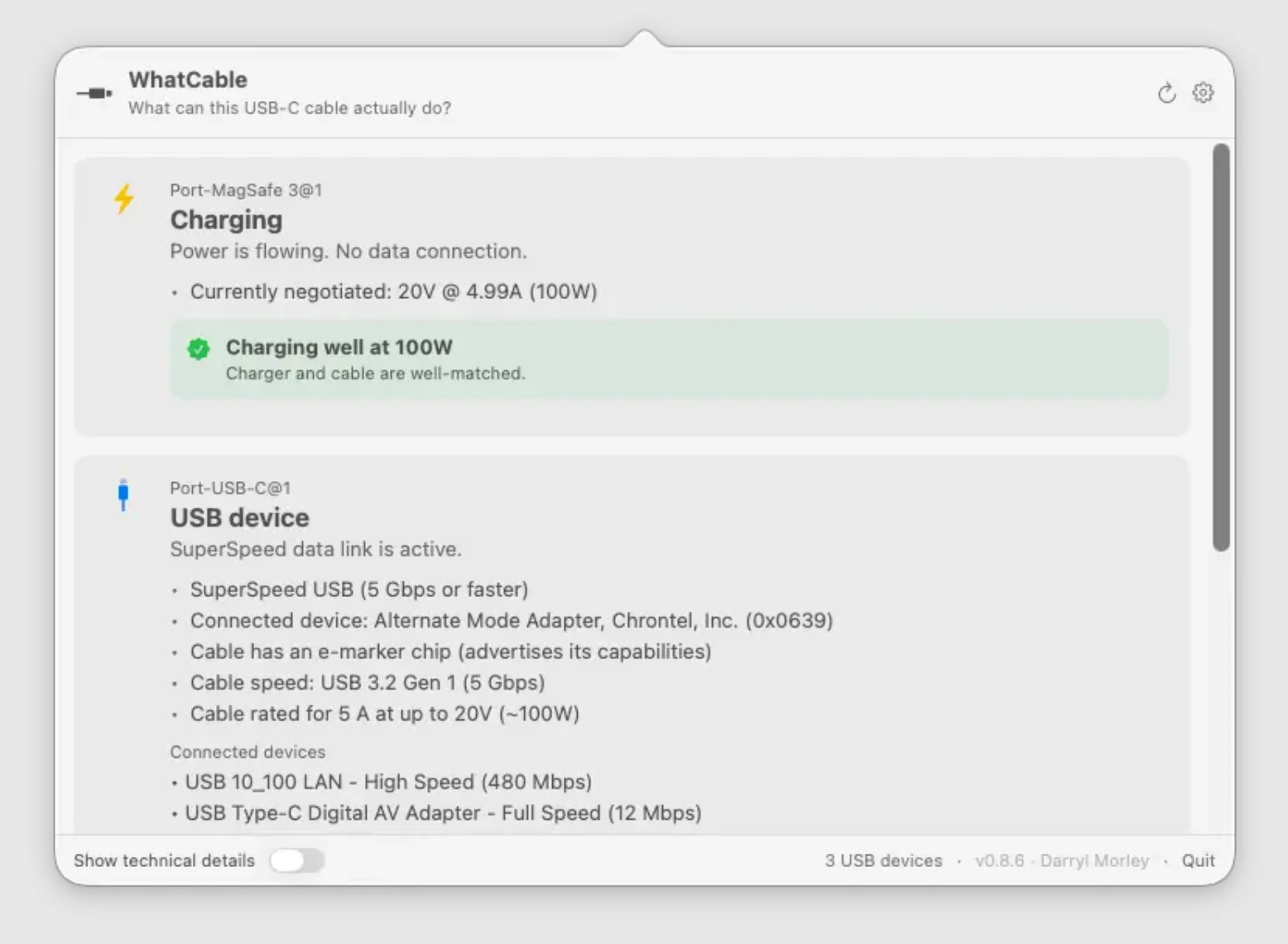
Why is my MacBook charging slowly? WhatCable shows USB-C cable speed, charging power, and e-marker data in plain English so you don't have to guess.
AI Analysis
WhatCable is a macOS menu bar app that displays USB-C cable capabilities including speed, charging power, and e-marker data translated into plain English. It directly solves the pain of slow MacBook charging and uncertainty about cable performance without needing external testers or guesswork. USP is its seamless integration and simplified explanations for instant insights. Overall value proposition: empowers users to choose optimal cables quickly, improving device efficiency in the Apple ecosystem.
Favorable in 2025-2026 due to maturing USB4/Thunderbolt standards, EU USB-C mandates increasing cable variety and user confusion, rising high-power device adoption (laptops, accessories), and growing demand for transparent hardware diagnostics amid remote work trends. Excellent Timing as tech complexity peaks while user expectations for simplicity rise.
High. Leverages existing macOS APIs for USB/e-marker data (moderate technical difficulty). Low development and operation costs as a lightweight menu bar app. Minimal supply chain or compliance risks. Strong scalability via digital distribution and updates. Fits well for indie Apple-focused developers.
Primary segments: Apple/MacBook users (tech enthusiasts, professionals, developers), ages 25-45, concentrated in North America, Europe, and urban Asia. Estimated TAM: part of $10B+ Mac utility software market; SAM: ~20M active Mac users facing cable issues; SOM: 500K-1M potential adopters. Core pains: incompatible cables causing slow charge/data. Medium willingness to pay for convenient one-time purchase tools.
Low. Direct competitors: 1. iStat Menus (bjango.com/istatmenus), 2. CoconutBattery (coconutbattery.com), 3. macOS built-in System Information, 4. Ampere app (occasional USB monitors). Advantages: exclusive focus on plain-English cable insights and e-marker data vs. broad monitoring. Disadvantages: narrower scope than full system utilities; new entrant with limited brand recognition.
Upgrade Pro to unlock full AI analysis
Similar Products

TouchGrass
Context-aware break reminders without invasive permissions
▲ 299 votes
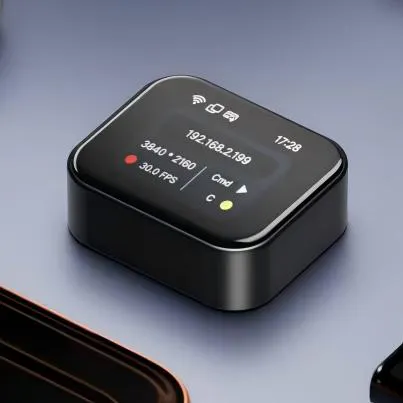
NanoKVM-Go
Give your AI agent physical control over any screen
▲ 110 votes

Thoughts for Mac
Capture notes from your menubar using text, images or voice
▲ 90 votes

Einfall
Capture fugitive thoughts + route them to where they belong
▲ 72 votes

Refoid
Automate App Store refund responses and track every outcome
▲ 68 votes

Patchcord
Studio sound for your mic in every Mac meeting with EQ
▲ 64 votes