
Wring
Developer tools, one menu click away.
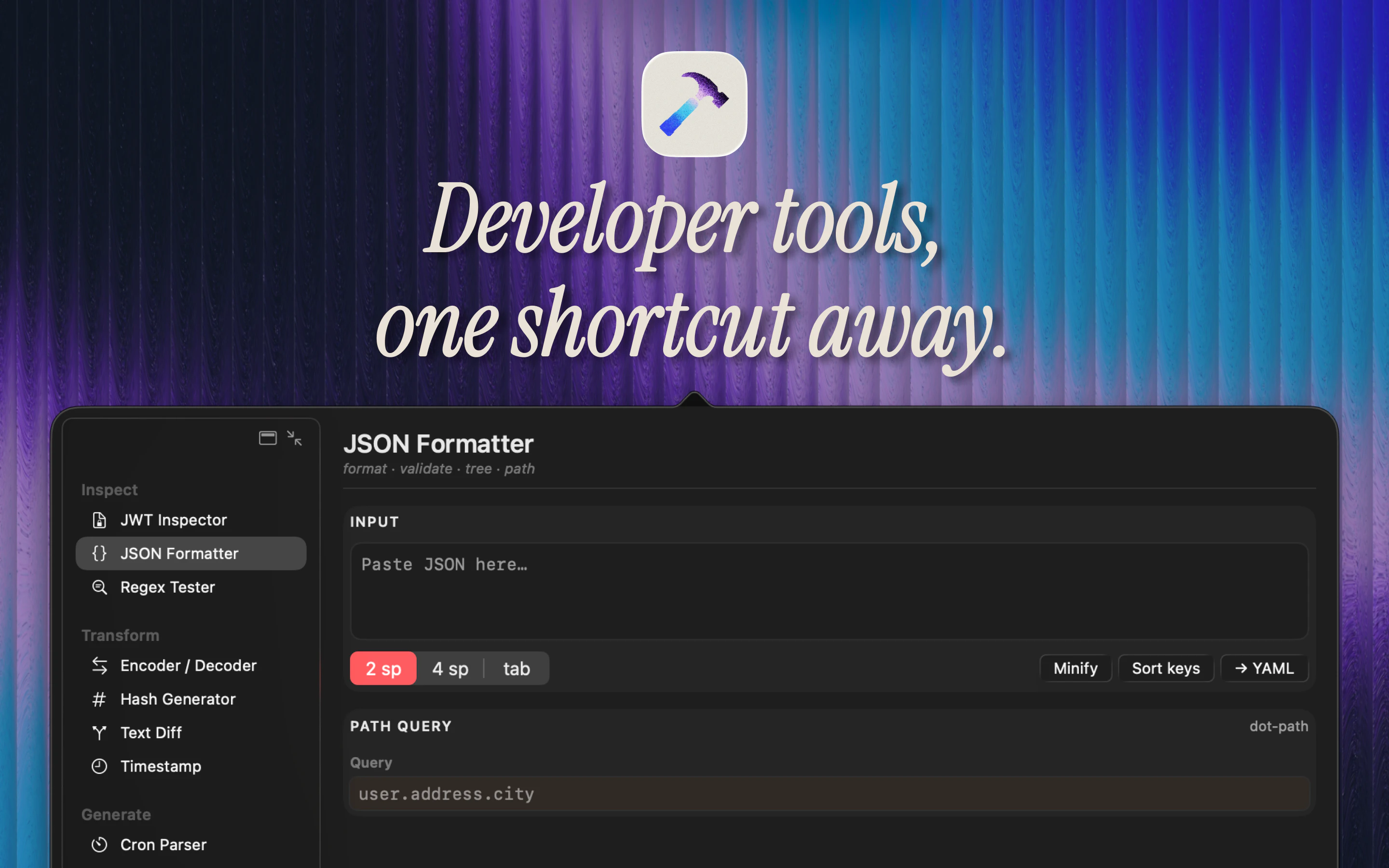
Wring is an offline macOS menu bar app with 12 developer tools for JWTs, hashes, regex, JSON, Base64, timestamps, cron, colors, UUIDs, diffs, load monitoring, andenv secrets. No account, no analytics, no network access.
AI Analysis
Wring is an offline macOS menu bar app delivering 12 developer tools (JWT, hashes, regex, JSON, Base64, timestamps, cron, colors, UUIDs, diffs, load monitoring, env secrets) accessible with one click. Key USPs include complete offline operation, zero network access, no accounts, no analytics, and strong privacy focus. It solves developer pain points of context-switching between apps/websites, dealing with online tools that risk data exposure, and needing quick utilities during coding workflows. The value proposition is seamless productivity enhancement for Mac users through a lightweight, private, always-available toolkit without subscriptions or telemetry.
Favorable in 2025-2026 due to heightened data privacy regulations and user awareness post major breaches, growing demand for offline-first tools amid AI-driven workflows, and sustained popularity of macOS among developers. Menu bar utilities align with trends toward minimal, focused productivity apps. No major economic or policy barriers apparent. Excellent Timing.
High. The tools use mature, well-documented libraries with low technical complexity. As a purely offline desktop app, it has minimal operating costs, no server infrastructure, low supply chain risk, and strong scalability for a solo or small team. Compliance is straightforward with no data handling. Main risk is macOS platform updates, but overall highly feasible.
Primary users: macOS software developers, engineers (web, backend, DevOps), indie hackers and power users. Demographics: tech professionals aged 25-45. Industries: software development and IT. Geographic: global with concentration in North America and Europe. Estimated market size: TAM (developer productivity tools) ~$8B, SAM (macOS menu bar/dev utilities) ~$300M, SOM (niche offline toolkit) ~$20-30M. Core pains: inefficient workflows and privacy risks with online tools. High willingness to pay for time-saving, privacy-first utilities.
Medium. Direct competitors: 1. DevUtils (devutils.app), 2. Raycast (raycast.com) with dev extensions, 3. Alfred (alfredapp.com) Powerpack, 4. Scriptable or dedicated tools like jwt.io desktop variants. Advantages: stronger privacy (fully offline/no network), focused menu bar simplicity, no account required. Disadvantages: potentially narrower feature depth vs extensible platforms like Raycast, Mac-only limiting reach. Good differentiation via privacy emphasis.
Upgrade Pro to unlock full AI analysis
Similar Products

Opaline
PostHog for team Claude Code and Codex sessions.
▲ 141 votes

Adapt
The company brain that gets work done
▲ 124 votes

Replay QA Security Scan
Automated Penetration Testing for AI-Built Apps
▲ 102 votes

Kosshi
Simple, fast outliner for Mac and iPhone.
▲ 90 votes

Thoughts for Mac
Capture notes from your menubar using text, images or voice
▲ 90 votes

Refoid
Automate App Store refund responses and track every outcome
▲ 68 votes