
Annotate
Screen recording as prompts
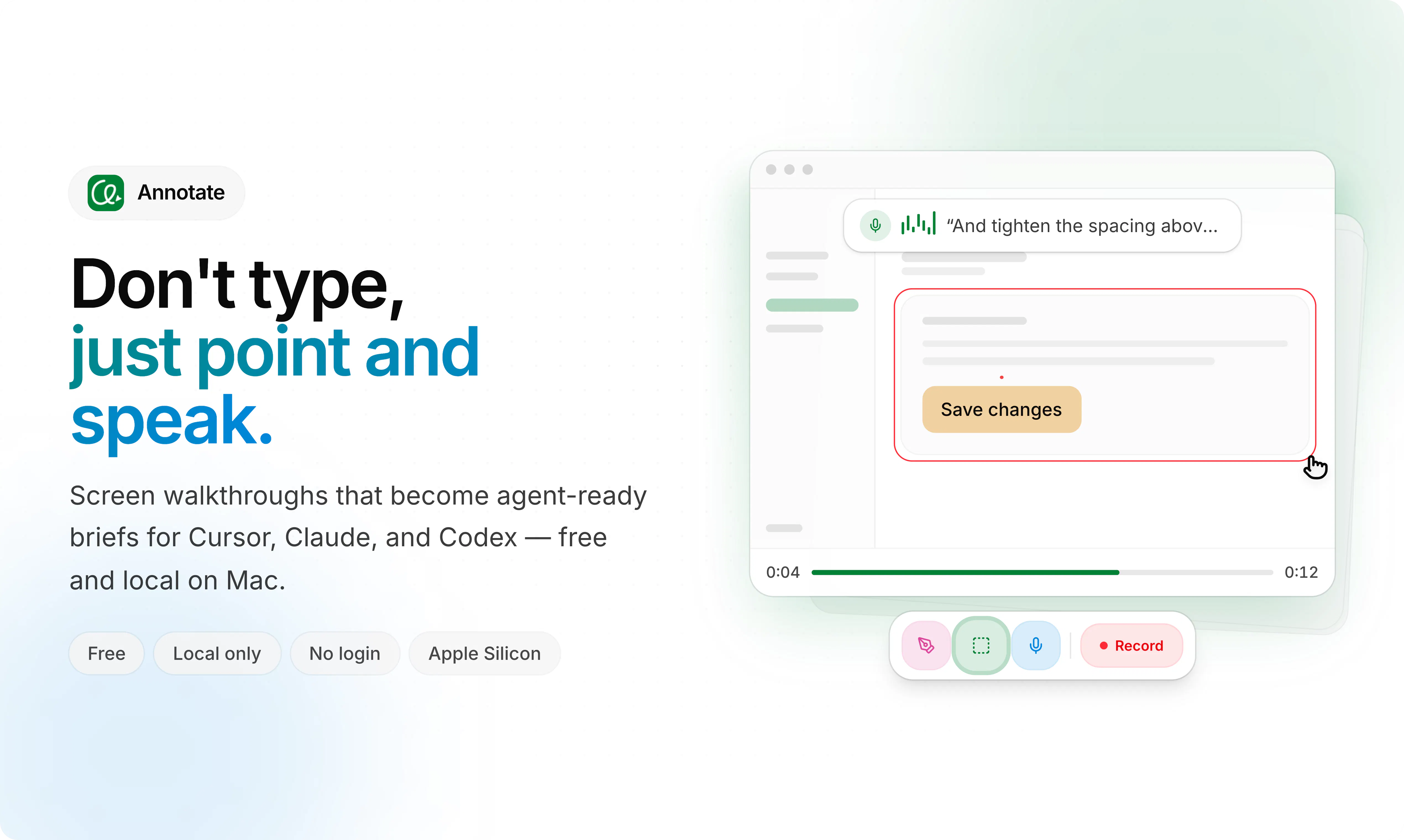
Record your screen, point by drawing and speak, and hand it off to AI agent. Video prompts for Cursor, Claude, and Codex or any AI coding agent — local-only and free.
AI Analysis
Annotate is a free, local-only desktop tool that lets users record their screen, draw annotations, speak instructions, and generate video prompts for AI coding agents like Cursor, Claude, and Codex. Core features include intuitive screen capture with real-time drawing and voiceover. It solves the pain point of ineffective text prompts for complex visual coding or UI issues by enabling natural, multimodal inputs. USP is privacy-focused local processing combined with seamless handoff to AI agents, boosting developer productivity and precision in AI-assisted workflows.
The timing is favorable for 2025-2026 as multimodal AI and AI coding agents (e.g. Cursor, Claude) are maturing rapidly with improved video understanding. Developer demand for efficient, natural prompting beyond text is surging amid AI adoption boom. Privacy-focused local tools align with growing data concerns and supportive AI policies. Overall Excellent Timing.
Technical difficulty is moderate using established screen recording, canvas drawing, and video export libraries; local execution avoids heavy cloud costs. Low operational costs as it's free. Minimal compliance risks for a dev tool, strong scalability for desktop distribution. Potential challenge in optimizing for various AI agents' input formats. Overall rating: High.
Primary users: Software developers, frontend engineers, and indie hackers using AI coding tools (ages 25-40), concentrated in US, Europe, and Asia tech hubs. Industries: Software development and design. TAM for AI developer tools ~$10B+, SAM for multimodal prompt tools ~$500M, SOM ~$50M. Core pains: Difficulty conveying visual bugs/UI logic via text. High willingness to pay for productivity gains, though currently free.
Competition level: Low. Direct competitors: 1. Loom (loom.com) - general screen recording with comments. 2. Screen.studio (screen.studio) - animated recordings. 3. Cursor (cursor.com) - AI editor with some multimodal but not dedicated video prompting. 4. Descript (descript.com) - AI video editing. 5. Maybe Tavus or other video AI tools. Advantages: Niche focus on AI agent video prompts with drawing/speaking, free+local privacy, strong differentiation. Disadvantages: Less mature editing features and reliant on evolving AI video capabilities.
Upgrade Pro to unlock full AI analysis
Similar Products

Cohere Parse 5
Turn complex docs, tables & images into AI-ready data
▲ 158 votes

Adapt
The company brain that gets work done
▲ 124 votes

Replay QA Security Scan
Automated Penetration Testing for AI-Built Apps
▲ 102 votes

WikiFix for Confluence
Find and fix issues in your knowledge base
▲ 86 votes

Audryo
Customer email your agent can operate.
▲ 68 votes

Refoid
Automate App Store refund responses and track every outcome
▲ 68 votes