
CaptureKit
Keep your desktop clean by auto-organizing screenshots.
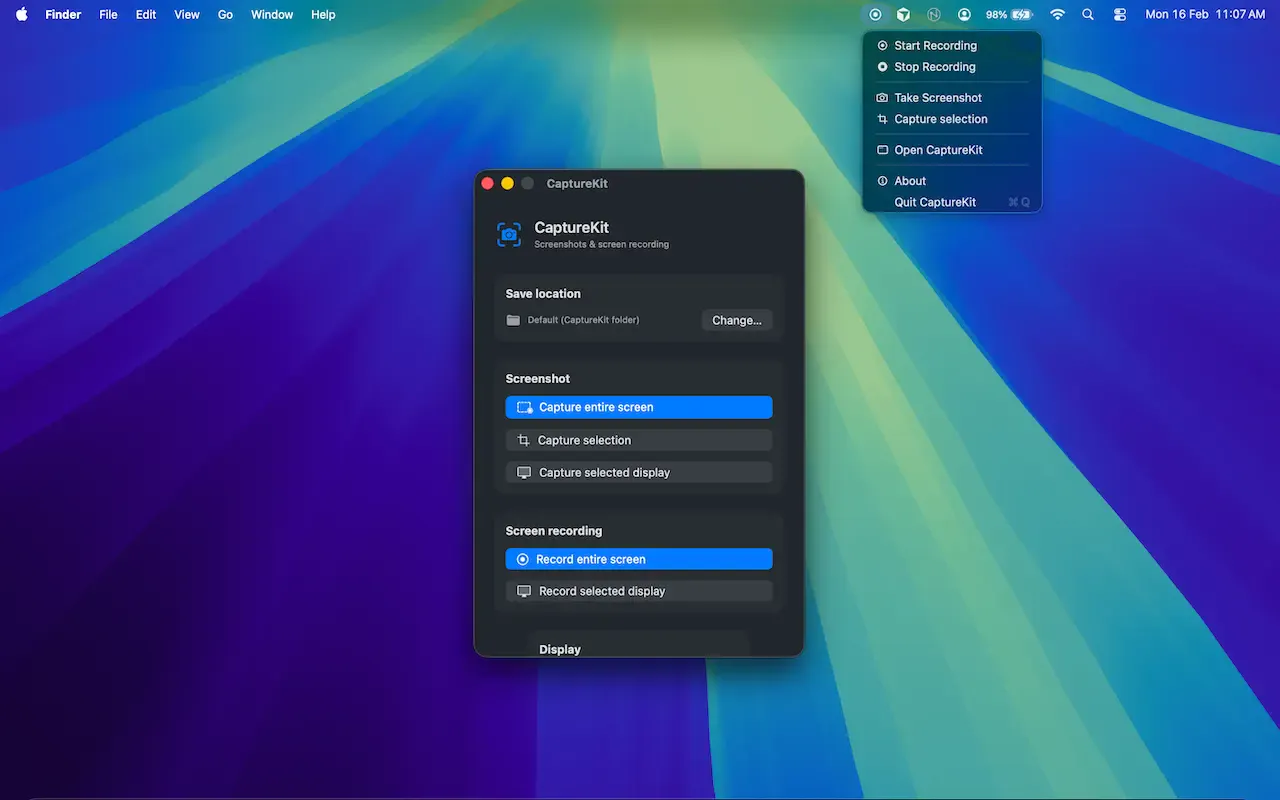
CaptureKit is a native macOS utility that automatically saves every screenshot to the folder you choose instead of cluttering your desktop. Keep your workspace clean, organise screenshots by project, and access them instantly without manually moving files. Perfect for developers, designers, content creators, and anyone who takes screenshots every day.
AI Analysis
CaptureKit is a native macOS utility that automatically saves screenshots to a user-chosen folder, preventing desktop clutter. It solves the pain of manual file moving and disorganized workspaces for frequent screenshot users. Core features include project-based organization and instant access without extra effort. Unique selling points are its simplicity, native integration, and focus on maintaining clean desktops. The value proposition is boosted daily productivity for developers, designers, content creators, and heavy screenshot takers by streamlining screenshot management.
In 2025-2026, productivity tools are thriving amid remote/hybrid work, rising digital content creation, and demand for AI-enhanced efficiency on mature macOS platforms. User expectations for seamless, frictionless utilities are high while economic pressures favor tools that save time. No major negative policy impacts. This aligns well with trends toward specialized, lightweight desktop apps. Excellent Timing.
Technical difficulty is low-medium using standard macOS screenshot APIs and file system monitoring. Development and operation costs are manageable for a small team or indie developer with no supply chain issues. Minimal compliance risks for a simple utility app. Strong scalability via Mac App Store or direct downloads. Team fit is high for Mac-experienced developers. Overall rating: High.
Main segments: macOS-using developers, designers, content creators, and daily screenshot takers (professionals aged 25-45). Concentrated in North America, Europe, and tech hubs globally. Core pain points: desktop clutter and time wasted on manual screenshot organization. Estimated market size: TAM for Mac productivity apps large (hundreds of millions USD), SAM for screenshot tools more focused, SOM niche but viable for indie SaaS. High willingness to pay for time-saving utilities.
Medium. Direct competitors: 1. CleanShot X (cleanshot.com), 2. Shottr (shottr.cc), 3. Monosnap (monosnap.com), 4. Skitch (evernote.com/skitch). Advantages: simpler focused auto-organization, native lightweight approach, better for pure desktop cleanliness without bloat. Disadvantages: fewer advanced features like annotation, editing, or cloud integration compared to full-featured rivals; potentially less brand recognition.
Upgrade Pro to unlock full AI analysis
Similar Products

Adapt
The company brain that gets work done
▲ 124 votes

Replay QA Security Scan
Automated Penetration Testing for AI-Built Apps
▲ 102 votes

Kosshi
Simple, fast outliner for Mac and iPhone.
▲ 90 votes

WikiFix for Confluence
Find and fix issues in your knowledge base
▲ 86 votes

Audryo
Customer email your agent can operate.
▲ 68 votes

Refoid
Automate App Store refund responses and track every outcome
▲ 68 votes