
DevRecorder
Screen recorder with console, network, errors & annotations
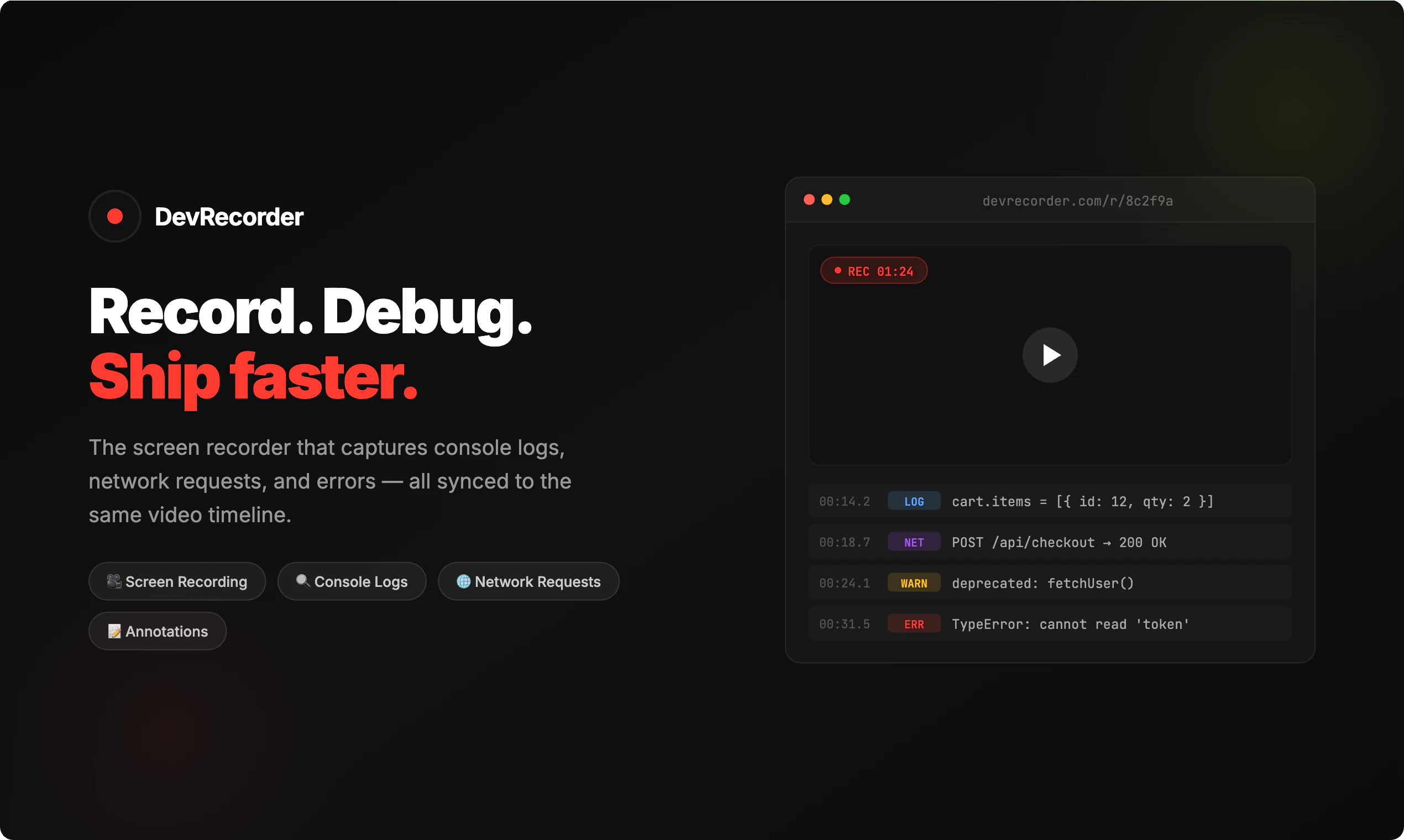
DevRecorder is a Chrome extension that records your screen alongside console logs, network requests, and navigation events — all on one synchronized timeline. Hit record, reproduce a bug, and share a link. Your team sees the video with every log, request header, response body, and route change locked to the exact frame. Works on localhost, staging, and production. Connect via MCP and AI tools like Claude Code, Cursor, and Windsurf can read your recordings as structured context.
AI Analysis
DevRecorder is a Chrome extension that records screen activity synchronized with console logs, network requests, navigation events, errors, and annotations on a single timeline. Key features include one-click bug reproduction, shareable links for team collaboration, compatibility with localhost/staging/production, and MCP integration allowing AI tools like Claude, Cursor, and Windsurf to consume recordings as structured context. It solves major pain points of incomplete bug reports, difficult cross-team debugging, and lack of rich context in traditional tools. The value proposition is faster issue resolution, enhanced developer productivity, and seamless AI-assisted workflows.
In 2025-2026, the boom in AI coding assistants (Cursor, Claude) creates strong demand for rich, structured debugging context that these tools can consume. Browser dev tools are mature, remote/hybrid teams need better sharing mechanisms, and economic pressures push for developer efficiency tools. The product's AI integration aligns perfectly with industry trends toward AI-native dev workflows. Excellent Timing.
Technical implementation of synchronized recording in Chrome extension is challenging but proven by similar tools; AI/MCP integration adds complexity. Development costs are moderate for a small team, with low initial ops costs though video/storage scaling will increase expenses. Privacy compliance for captured data is a risk. Strong scalability potential in cloud. Overall rating: High, supported by existing Chrome APIs and growing AI ecosystem fit.
Primary users: Frontend/web developers, QA engineers, engineering teams in software/SaaS companies (ages 25-40, tech-savvy). Industries: Web development, fintech, e-commerce. Geographic: Global, concentrated in US, Europe, Asia tech hubs. TAM for developer tools ~$15B+, SAM for debugging/session replay ~$2B, SOM for AI-enhanced niche ~$300M. Core pains: Time wasted on bug reproduction and poor context sharing. High willingness to pay for productivity gains via team subscriptions.
Medium. Direct competitors: 1. Replay.io (replay.io) - time-travel debugging with recordings. 2. LogRocket (logrocket.com) - session replay with console/network data. 3. OpenReplay (openreplay.com) - open-source alternative for session replay. 4. FullStory (fullstory.com) - comprehensive digital experience analytics. Advantages: Unique AI tool integration for structured context, localhost support, annotations on timeline. Disadvantages: Newer entrant vs established players, potentially higher learning curve, less mature feature set in enterprise analytics.
Upgrade Pro to unlock full AI analysis
Similar Products

Opaline
PostHog for team Claude Code and Codex sessions.
▲ 141 votes

Adapt
The company brain that gets work done
▲ 124 votes

Replay QA Security Scan
Automated Penetration Testing for AI-Built Apps
▲ 102 votes

Kosshi
Simple, fast outliner for Mac and iPhone.
▲ 90 votes

Thoughts for Mac
Capture notes from your menubar using text, images or voice
▲ 90 votes

Refoid
Automate App Store refund responses and track every outcome
▲ 68 votes