
EasySwitch
One mouse, keyboard and second screen for all your computers
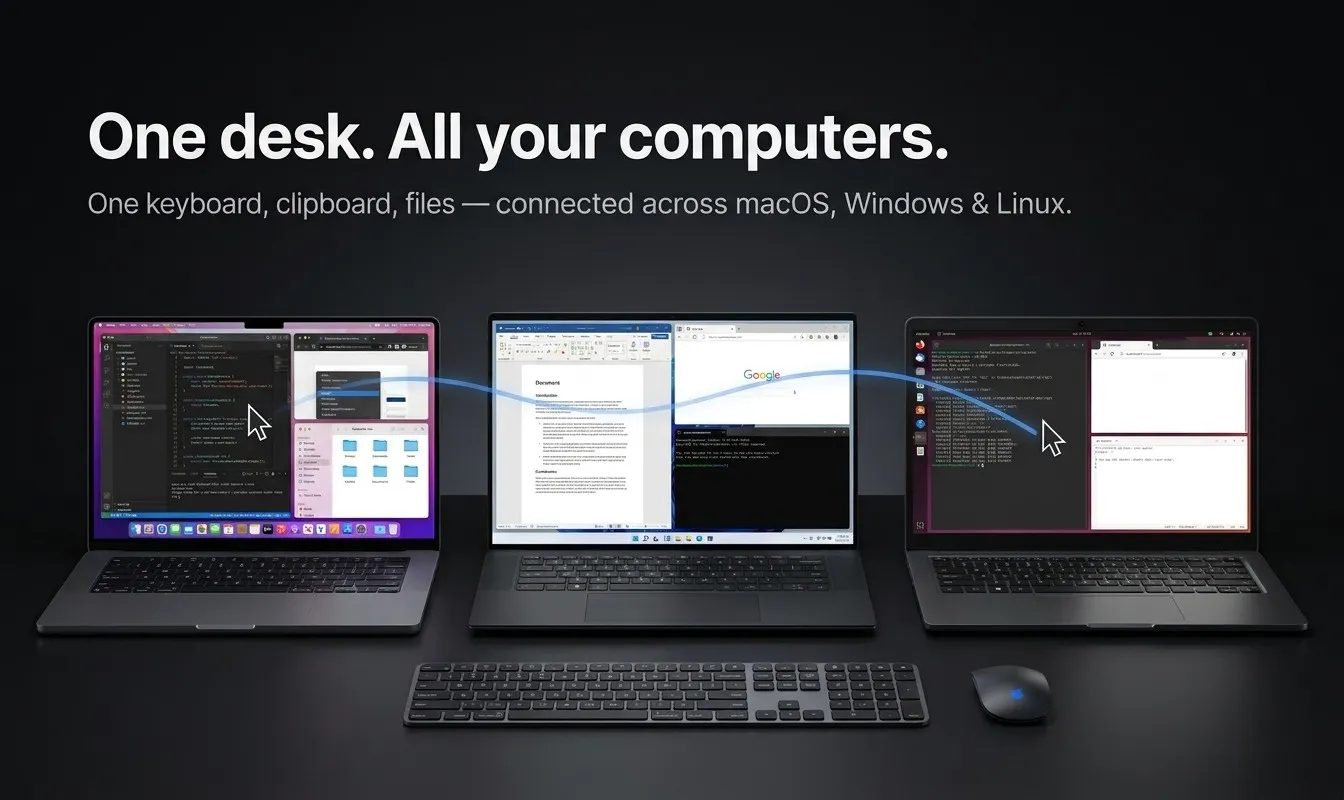
Existing tools make you choose. Software KVMs (Synergy, Deskflow, Mouse Without Borders) share your mouse and keyboard but carry no video. Second-screen apps (Duet, spacedesk, Luna) turn a spare machine into a monitor but share no input. EasySwitch does both: slide your cursor across computers, type and paste anywhere, drag files, and extend your desktop onto the machine next to you. Encryption is free for everyone, not an upsell. Wayland works. Native Rust, no Electron - 19 MB of RAM idle.
AI Analysis
EasySwitch combines software KVM and second-screen capabilities into one tool, allowing users to share a single mouse, keyboard, and extend displays across multiple computers. Core features include seamless cursor sliding between machines, cross-device typing/pasting, file dragging, and desktop extension. It solves key pain points of fragmented solutions: input-sharing tools lack video output while screen-sharing apps don't share controls. Unique selling points are free encryption for all, full Wayland support, native Rust build with only 19MB idle RAM usage (no Electron). The value proposition is a streamlined, efficient workflow for multi-computer users, enhancing productivity without hardware switches or compromises.
The 2025-2026 period is favorable due to maturing hybrid/remote work trends, increased multi-device ownership among professionals, growing adoption of Wayland on Linux, and demand for efficient Mac/developer productivity tools amid economic pressures for streamlined workflows. Technology for low-latency input and display sharing has advanced sufficiently. No major negative policy or economic barriers apparent. Excellent Timing.
Technical implementation is complex (cross-OS input capture, low-latency video, file transfer, Wayland/Rust compatibility) but demonstrated as feasible given the lightweight native build and existing similar tools. Development costs are moderate for a software product; low ongoing ops costs, minimal supply chain risk. Scalability is high as a digital product. Compliance risks around encryption are managed since it's highlighted as a feature. Overall rating: High, supported by efficient architecture and clear differentiation from partial solutions.
Primary segments: Developers, Mac users, and productivity professionals (ages 25-45) who manage 2+ computers (work/personal setups), concentrated in North America and Europe tech industries. Core pain points: inefficient switching between machines and fragmented peripherals/workflows. Estimated market size: Productivity software TAM ~$100B, SAM for KVM/remote desktop tools ~$2B, SOM for this integrated niche ~$100-200M. High willingness to pay for time-saving premium tools, likely via one-time purchase or subscription.
Medium. Direct competitors: 1. Synergy/Input Leap (input-leap.github.io), 2. Deskflow (deskflow.org), 3. Mouse Without Borders (microsoft.com), 4. Duet Display (duetdisplay.com), 5. spacedesk (spacedesk.net). Advantages: Unique integration of both KVM input and video/desktop extension in one app, free encryption, superior efficiency (19MB RAM, native Rust, Wayland support). Disadvantages: Newer entrant so potentially less mature/polished; pricing not detailed but must compete on value against free/open-source alternatives for input-only features.
Upgrade Pro to unlock full AI analysis
Similar Products

Adapt
The company brain that gets work done
▲ 124 votes

Replay QA Security Scan
Automated Penetration Testing for AI-Built Apps
▲ 102 votes

Kosshi
Simple, fast outliner for Mac and iPhone.
▲ 90 votes

WikiFix for Confluence
Find and fix issues in your knowledge base
▲ 86 votes

Audryo
Customer email your agent can operate.
▲ 68 votes

Refoid
Automate App Store refund responses and track every outcome
▲ 68 votes