
GitSync
Sync branches between GitHub repos, right from Chrome
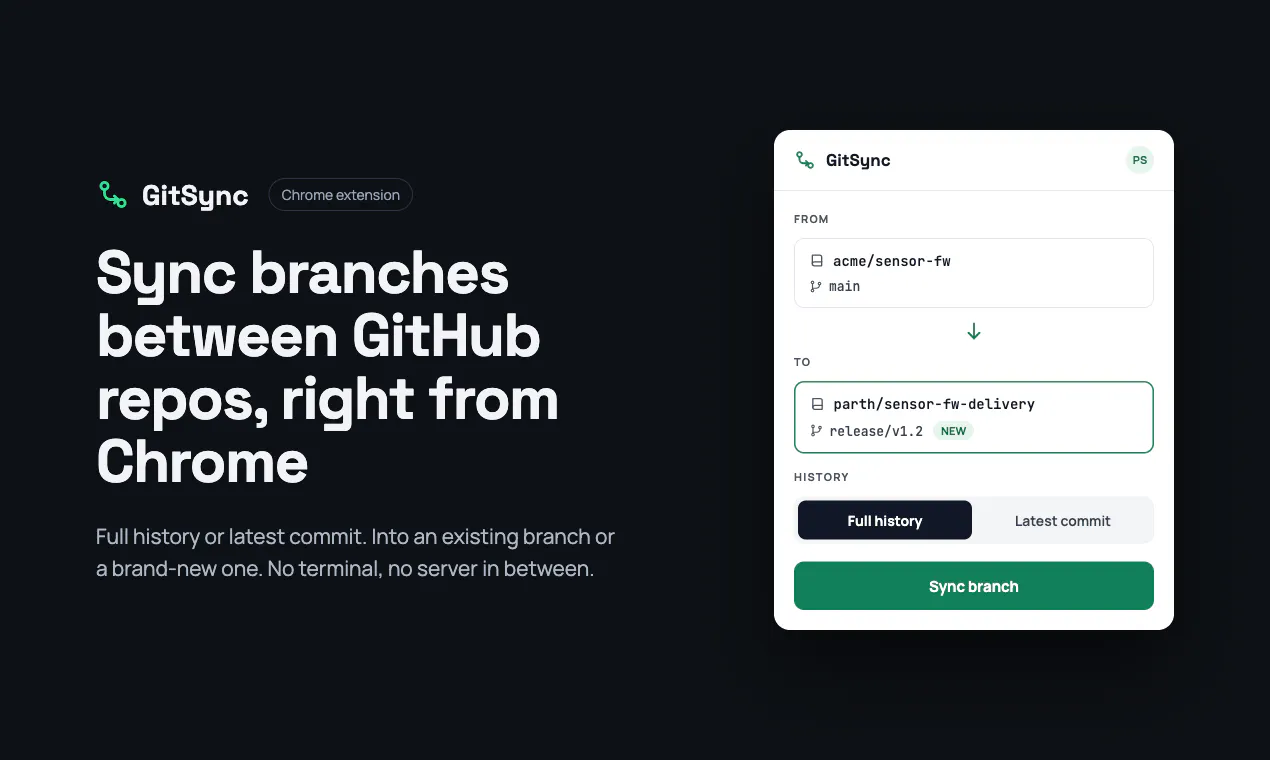
GitSync is a Chrome extension that copies a branch from one GitHub repo to another you have access to — with full commit history or just the latest snapshot, into an existing or brand-new branch. Runs entirely in your browser; no GitSync server sees your code.
AI Analysis
GitSync is a Chrome extension that enables syncing branches between GitHub repositories you have access to. Core features include copying with full commit history or latest snapshot, to existing or new branches. It runs entirely in the browser with no server involvement, ensuring code privacy. It solves pain points of time-consuming manual git clone/push workflows for cross-repo branch transfers. USP is seamless, secure, client-side operation integrated directly into GitHub UI for developer productivity.
In 2025-2026, market timing is favorable due to maturing browser-based dev tools, rising demand for privacy-focused solutions amid data security concerns, growth in multi-repo and open-source workflows, and AI-driven productivity needs. GitHub's ecosystem continues expanding with remote/collaborative dev trends. No major negative policy or economic factors apparent. Excellent Timing.
High feasibility. Technical difficulty is manageable using GitHub APIs, OAuth, and client-side JS git libraries within Chrome extension constraints. Low ops costs with no backend server. Minimal supply chain or compliance risks since code stays in-browser. Strong scalability for individual users; potential for broader adoption. Main risk is browser API limitations for very large repos.
Primary users: Software developers, DevOps engineers, and open-source contributors who manage multiple GitHub repos or forks. Industries: Tech/software development. Geographic: Global with concentration in US, Europe, India, China. Estimated TAM for dev productivity tools ~$15B, SAM for GitHub utilities ~$1B, SOM for browser extensions niche ~$50M. Core pains: Inefficient cross-repo code porting. High willingness to pay for premium privacy/productivity features via freemium.
Low. Direct competitors: 1. GitHub CLI (cli.github.com), 2. Refined GitHub (github.com/refined-github/refined-github), 3. GitKraken (www.gitkraken.com), 4. Sourcetree (www.sourcetreeapp.com), 5. Kubernetes git-sync (github.com/kubernetes/git-sync). Advantages: Pure browser UX with zero server/privacy risks, specific one-click branch sync with history options. Disadvantages: Lacks full desktop git features, potential limits on repo size/performance compared to native clients.
Upgrade Pro to unlock full AI analysis
Similar Products

Opaline
PostHog for team Claude Code and Codex sessions.
▲ 141 votes

Adapt
The company brain that gets work done
▲ 124 votes

Replay QA Security Scan
Automated Penetration Testing for AI-Built Apps
▲ 102 votes

Kosshi
Simple, fast outliner for Mac and iPhone.
▲ 90 votes

Refoid
Automate App Store refund responses and track every outcome
▲ 68 votes

Audryo
Customer email your agent can operate.
▲ 0 votes