
MiroMiro v2
Inspect, edit, and export any website's design
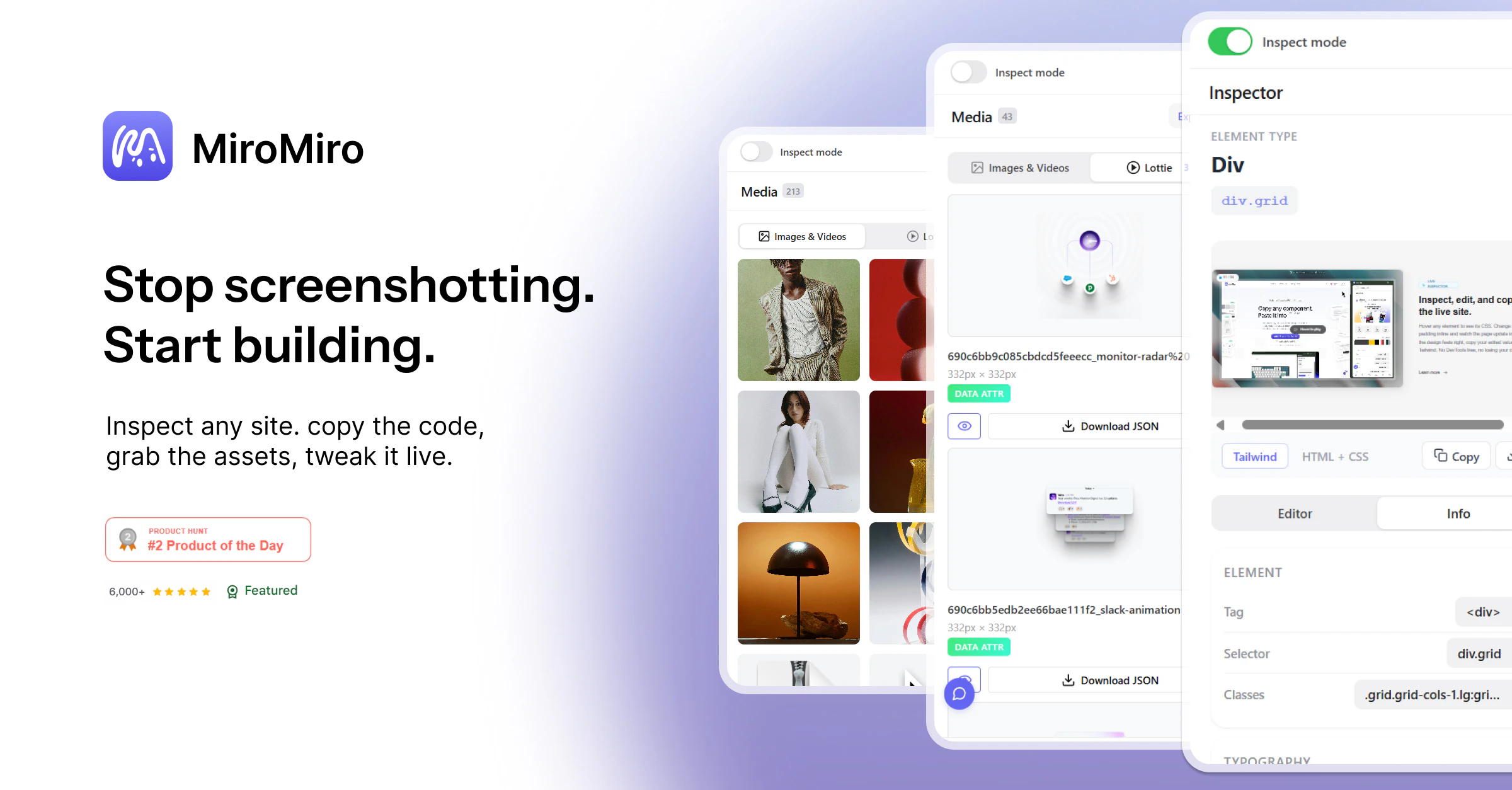
Inspect, edit, and export any website's design as clean code. Hover to see styles, click to edit colors, fonts, spacing, and shadows live like in Figma. Export sections as Tailwind or HTML/CSS. Capture the full design system: colors, fonts, spacing, radii, shadows, even the tech stack. Pull SVGs, Lottie animations, and images. Extract design tokens for Tailwind, CSS vars, or JSON. Check WCAG contrast on any text. Copy any value with one click. The fastest path from inspiration to working code.
AI Analysis
MiroMiro v2 is a Chrome extension that lets users inspect, edit, and export any website's design as clean code. Core features include hovering to reveal styles, live Figma-like editing of colors, fonts, spacing, shadows; exporting sections as Tailwind/HTML/CSS; capturing complete design systems (colors, fonts, radii, shadows, tech stack); extracting SVGs, Lottie animations, images, and design tokens for Tailwind, CSS vars or JSON; WCAG contrast checking; and one-click value copying. It solves the pain of tedious manual recreation of web designs and slow inspiration-to-code processes for developers and designers. USP is its seamless, browser-based live manipulation turning visual inspiration into production code rapidly.
In 2025-2026, market timing is favorable due to booming low-code/no-code movement, widespread adoption of Tailwind CSS, growing demand for AI-enhanced design-to-code tools, and mature browser extension ecosystems. User needs for faster prototyping and inspiration-to-implementation workflows are rising amid economic pressure for productivity gains. Excellent Timing.
Technical difficulty is medium: leverages standard Chrome APIs for DOM/CSS inspection but requires robust handling of diverse websites, live editing without breakage, and asset extraction. Development and operation costs are moderate for a SaaS/extension model. Low supply chain/compliance risks (primarily data privacy). Strong scalability via cloud token storage or premium features. Overall High feasibility with proven similar tools in market. High.
Main target segments: frontend developers, UI/UX designers, product teams, and no-code creators aged 25-40, primarily in tech startups, digital agencies, and web development firms. Geographic focus: global with high concentration in US, Europe, and Asia's tech hubs. TAM for developer productivity/design tools exceeds $10B; SAM for browser-based design-to-code approx $800M; SOM $50M+. Core pain points: time wasted inspecting/replicating web designs manually. High willingness to pay ($9-29/mo) for proven time-saving tools.
Competition level: Medium. Direct competitors: 1. CSS Scan (getcssscan.com), 2. Hoverify (hoverify.app), 3. VisBug (visbug.github.io), 4. Locofy.ai (locofy.ai), 5. Anima (animaapp.com). Advantages vs competitors: deeper Figma-like live editing on any site, comprehensive design token extraction including Lottie/tech stack, Tailwind-first exports, and integrated WCAG checks. Disadvantages: potentially less mature ecosystem/brand than established players, possible compatibility issues on highly dynamic sites, and reliance on browser permissions.
Upgrade Pro to unlock full AI analysis
Similar Products

Opaline
PostHog for team Claude Code and Codex sessions.
▲ 141 votes

Adapt
The company brain that gets work done
▲ 124 votes

Replay QA Security Scan
Automated Penetration Testing for AI-Built Apps
▲ 102 votes

Kosshi
Simple, fast outliner for Mac and iPhone.
▲ 90 votes

Thoughts for Mac
Capture notes from your menubar using text, images or voice
▲ 90 votes

Refoid
Automate App Store refund responses and track every outcome
▲ 68 votes