
MobileCLI
Remote AI Terminal Control
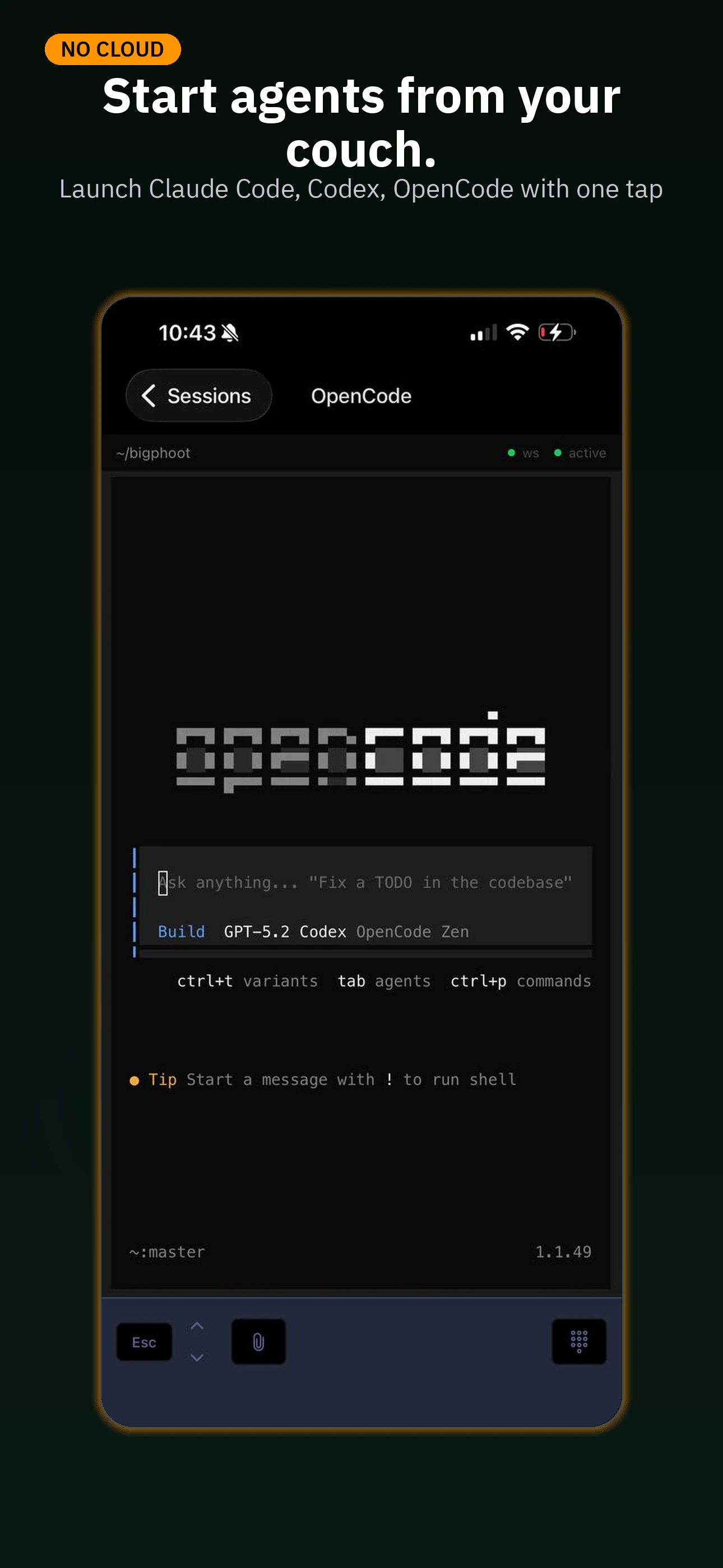
MobileCLI allows you to instantly stream your terminals from your desktop to your mobile and vice versa. Whenever you open up a session on your desktop, it is instantly and effortlessly synced to your mobile via a self-hosted Rust daemon. This allows for seamless back and forth worth from your desk and phone. MobileCLI also has a built in file viewer, multi-device capability, and allows you to upload photos directly from your phone to your terminal chat.
AI Analysis
MobileCLI enables instant streaming of terminal sessions between desktop and mobile via a self-hosted Rust daemon. Core features include seamless bidirectional sync, multi-device support, built-in file viewer, and uploading photos from phone directly to terminal chat. It solves key pain points for developers needing mobility without losing access to terminal environments, particularly AI-powered ones. The value proposition centers on flexible, privacy-oriented remote AI terminal control for enhanced productivity on the go.
In 2025-2026, timing is favorable due to surging AI developer tools, remote/hybrid work normalization, mature mobile hardware for complex apps, and heightened privacy demands favoring self-hosted solutions. User demand for cross-device seamless workflows in AI-assisted coding is rising rapidly. Excellent Timing.
Technical implementation leverages mature Rust for a reliable, performant daemon; terminal streaming tech is established. Low ongoing costs as open-source and self-hosted. Minimal supply chain risks; main challenges are user setup complexity and scalability for large concurrent sessions. High overall with strong community potential via GitHub. High.
Primary segments: Software developers, AI/ML engineers, DevOps professionals and sysadmins (ages 25-45, tech-savvy), globally distributed but concentrated in North America, Europe, and East Asia tech hubs. TAM for developer productivity tools exceeds $15B, SAM for mobile/remote terminal solutions ~$800M, SOM for this AI-sync niche ~$80M. Core pains: desk-bound terminal access and inefficient mobile workflows. Moderate-to-high willingness to pay for premium or enterprise features despite open-source base.
Medium. Direct competitors: 1. Termius (termius.com), 2. Blink Shell (blink.sh), 3. JuiceSSH, 4. Warp (warp.dev - AI terminal focus but primarily desktop), 5. Mosh (mosh.org - mobile terminal). Advantages: unique instant bidirectional sync via Rust daemon, photo-to-chat upload, self-hosted privacy, multi-device AI terminal emphasis. Disadvantages: requires self-host setup (vs plug-and-play competitors), newer with smaller user base and potentially less mature UI/UX.
Upgrade Pro to unlock full AI analysis
Similar Products

Cohere Parse 5
Turn complex docs, tables & images into AI-ready data
▲ 158 votes

Opaline
PostHog for team Claude Code and Codex sessions.
▲ 141 votes

Adapt
The company brain that gets work done
▲ 124 votes

Tapfree for Chrome
Voice dictation that adapts to what’s on your screen
▲ 122 votes

Replay QA Security Scan
Automated Penetration Testing for AI-Built Apps
▲ 102 votes

Refoid
Automate App Store refund responses and track every outcome
▲ 68 votes