
Open Browser Use
Open-source browser automation for local AI agents
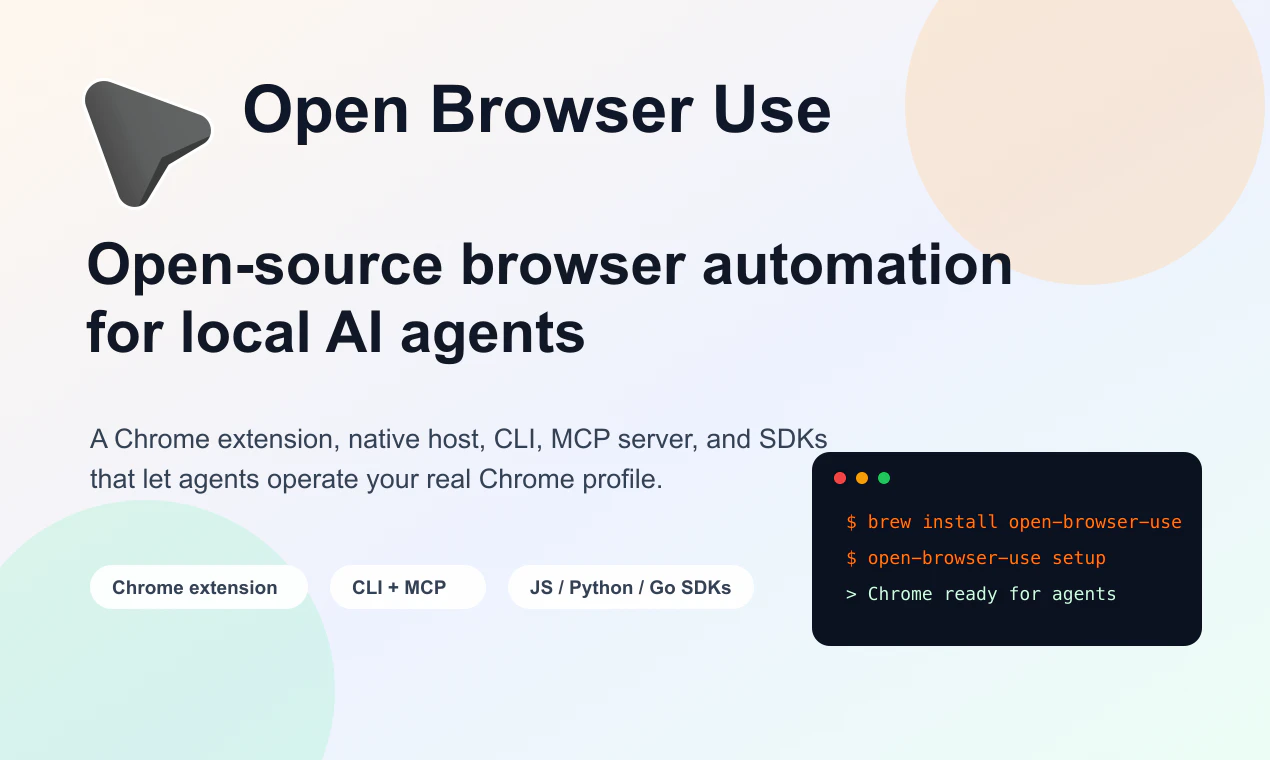
Open Browser Use connects local AI agents to your real Chrome profile through an open-source MV3 extension, native host, CLI, MCP server, and JS/Python/Go SDKs. It can open and claim tabs, run CDP commands, inspect page state, watch downloads, handle file choosers, and keep agent tabs organized without a hosted automation service.
AI Analysis
Open Browser Use is an open-source browser automation toolkit for local AI agents. It securely connects agents to users' real Chrome profiles via an MV3 extension, native host, CLI, MCP server, and SDKs for JavaScript, Python, and Go. Core features include opening/claiming tabs, running CDP commands, inspecting page state, watching downloads, handling file choosers, and organizing agent tabs. It solves key pain points like reliance on privacy-compromising hosted services, lack of access to authentic user sessions (cookies, logins), and poor tab management in agent workflows. The value proposition is enabling private, cost-free, and powerful local AI browser automation without third-party dependencies.
In 2025-2026, the explosion of autonomous AI agents and local AI models creates strong demand for privacy-focused, non-hosted browser tools. Technology maturity in Chrome extensions (MV3), CDP, and multi-language SDKs aligns perfectly with rising user needs for secure local automation amid data privacy regulations and cost sensitivity in AI operations. This is an ideal window before market saturation. Excellent Timing.
Technical difficulty is moderate: leveraging established Chrome extension and CDP standards reduces risk, with the product already implemented as open-source. Development and operation costs are low due to community contributions and local execution model. Minimal supply chain or compliance risks beyond standard browser permissions. Excellent scalability for individual and enterprise agent use. Overall rating: High.
Primary users: AI developers, indie hackers, AI researchers, and automation engineers (ages 25-40, tech-savvy). Industries: AI/ML, software development, digital agencies. Geographic focus: Global, with high concentration in US, Europe, and East Asia. TAM for AI agent infrastructure tools exceeds $10B by 2026; SAM for browser automation ~$2B; SOM for open-source local tools ~$300M. Core pains: unreliable real-browser integration and privacy concerns. High willingness to pay for premium support, hosted options, or enterprise features despite free core.
Competition Level: Medium. Direct competitors: 1. Playwright (playwright.dev), 2. Puppeteer (pptr.dev), 3. Selenium (selenium.dev), 4. Browserbase (browserbase.com), 5. Anthropic Computer Use (anthropic.com). Advantages: fully local/open-source, uses real user Chrome profiles (unlike headless alternatives), multi-SDK support, no hosting fees, specialized for AI agents with tab organization. Disadvantages: requires local setup (vs cloud simplicity of Browserbase), potentially less mature ecosystem, Chrome-only focus compared to cross-browser tools like Playwright.
Upgrade Pro to unlock full AI analysis
Similar Products

Cohere Parse 5
Turn complex docs, tables & images into AI-ready data
▲ 158 votes

Opaline
PostHog for team Claude Code and Codex sessions.
▲ 141 votes

Adapt
The company brain that gets work done
▲ 124 votes

Tapfree for Chrome
Voice dictation that adapts to what’s on your screen
▲ 122 votes

Replay QA Security Scan
Automated Penetration Testing for AI-Built Apps
▲ 102 votes

Refoid
Automate App Store refund responses and track every outcome
▲ 68 votes