
Pawvis
Open-source local webcam hand-tracked mouse/gesture control
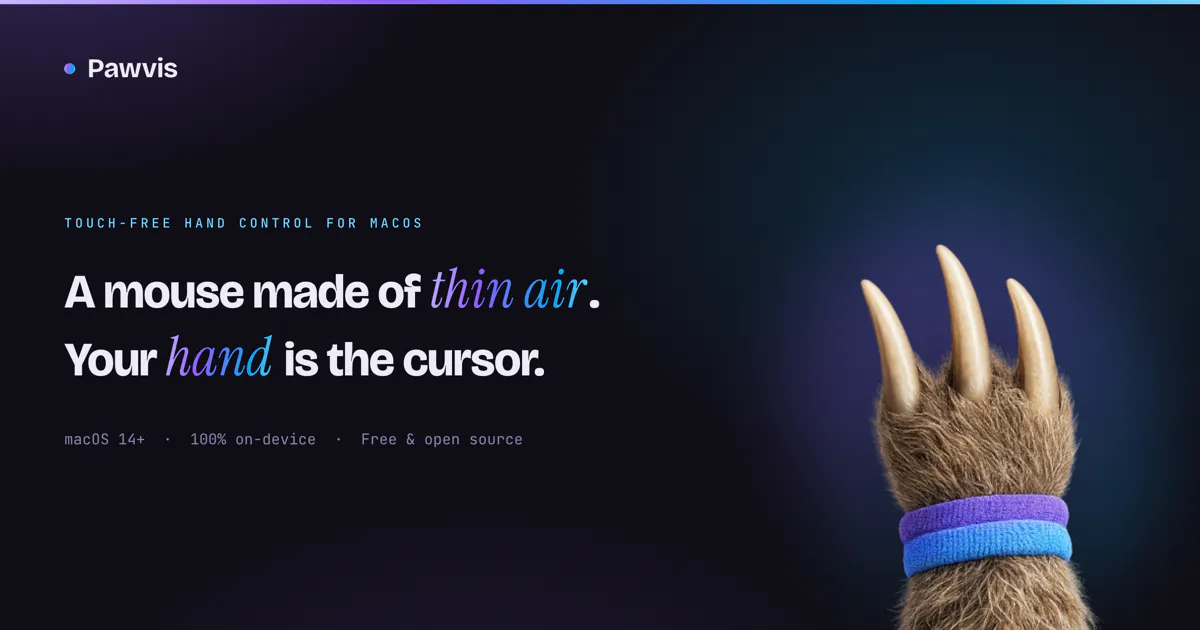
PawVis turns your Mac’s webcam into a hand-tracked mouse, no extra hardware required. Raise your hand and the cursor follows, dip a finger to click, and fold two fingers to scroll. Map gestures to custom actions like window management or any app/command from a series of common gestures or train your own. Everything runs 100% on-device, and PawVis is free and open source. Enable optional voice control for hands-free commands, or pass computer-use tasks to Codex or Claude Code.
AI Analysis
Pawvis is an open-source, fully on-device app that turns a Mac webcam into a hand-tracked mouse and gesture controller without extra hardware. Core features: hand movement controls cursor, finger dip to click, two-finger fold to scroll, custom gesture mapping for actions like window management, optional voice control, and integration with AI tools like Codex or Claude. It solves pain points of hardware dependency, repetitive strain from traditional mice, and privacy issues with cloud services. USP is being free, local, privacy-focused, and highly customizable for intuitive productivity.
In 2025-2026, timing is favorable with maturing on-device ML/computer vision (e.g. CoreML), growing adoption of spatial/gesture interfaces inspired by Vision Pro, increasing demand for accessible touchless tools, and AI boom for integration. Privacy regulations and post-pandemic user preferences support on-device solutions. Excellent Timing.
Technical difficulty is medium as real-time hand tracking uses established frameworks, and the product is already implemented and open-source. Low dev/operation costs (software only, free), no supply chain risks, minimal compliance issues for open-source tool. Strong scalability as digital download. Overall High feasibility with proven execution.
Main segments: Mac power users, developers, productivity enthusiasts, and users with mobility impairments (ages 25-45), primarily in North America, Europe, and tech hubs. TAM for gesture/alternative input software in millions of users; SAM for Mac productivity tools ~1-2M potential users; SOM niche open-source adopters in tens of thousands. Core pains: input device fatigue and accessibility. High adoption willingness as free, moderate for donations/premium.
Medium. Direct competitors: 1. Ultraleap (ultraleap.com), 2. Camera Mouse (cameramouse.org), 3. Talon Voice (talonvoice.com), 4. GitHub open-source hand tracking projects (e.g. mediapipe-based mouse controls). Advantages: fully free/open-source, no hardware required, 100% on-device, unique AI integration and custom training. Disadvantages: Mac-only, potential accuracy variance based on webcam/lighting vs dedicated hardware solutions.
Upgrade Pro to unlock full AI analysis
Similar Products

Adapt
The company brain that gets work done
▲ 124 votes

Replay QA Security Scan
Automated Penetration Testing for AI-Built Apps
▲ 102 votes

Kosshi
Simple, fast outliner for Mac and iPhone.
▲ 90 votes

WikiFix for Confluence
Find and fix issues in your knowledge base
▲ 86 votes

Audryo
Customer email your agent can operate.
▲ 68 votes

Refoid
Automate App Store refund responses and track every outcome
▲ 68 votes